BLOG
News from the platform.
Product updates, engineering stories and where Plenix is heading — written by the team building it.
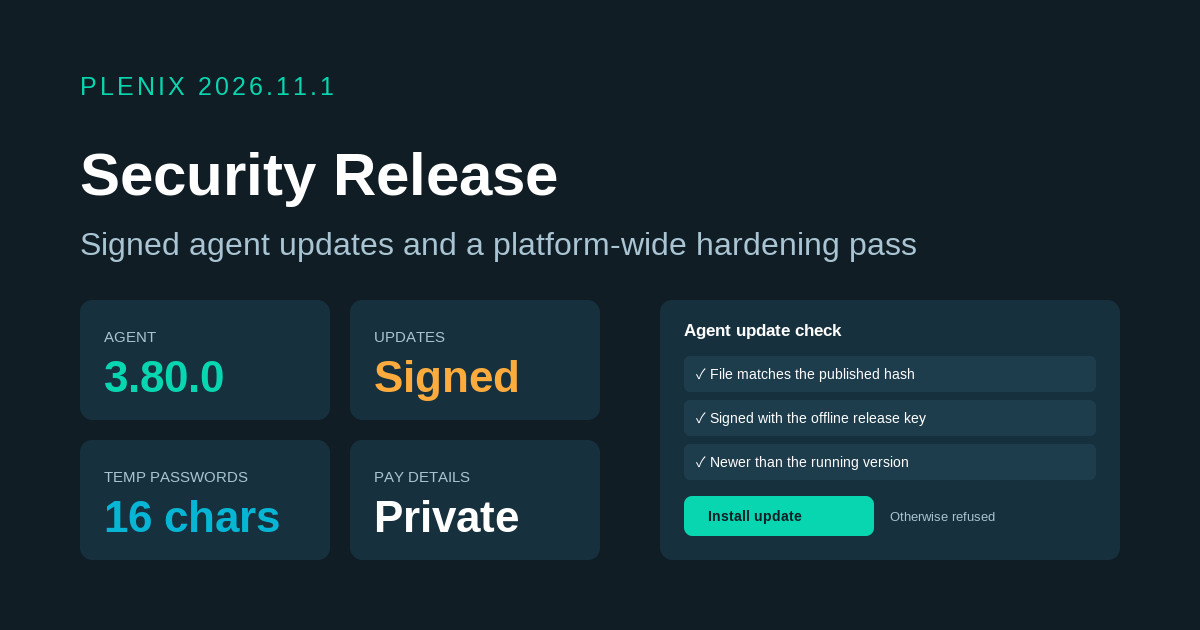
Plenix 2026.11.1 — Security hardening and signed agent updates
A security release: agent updates now have to be signed with a key that never touches our servers, colleagues' pay and personal details are hidden from people who do not need them, temporary passwords are much stronger, and a long list of smaller protections tighten exports, email, support access and public pages.
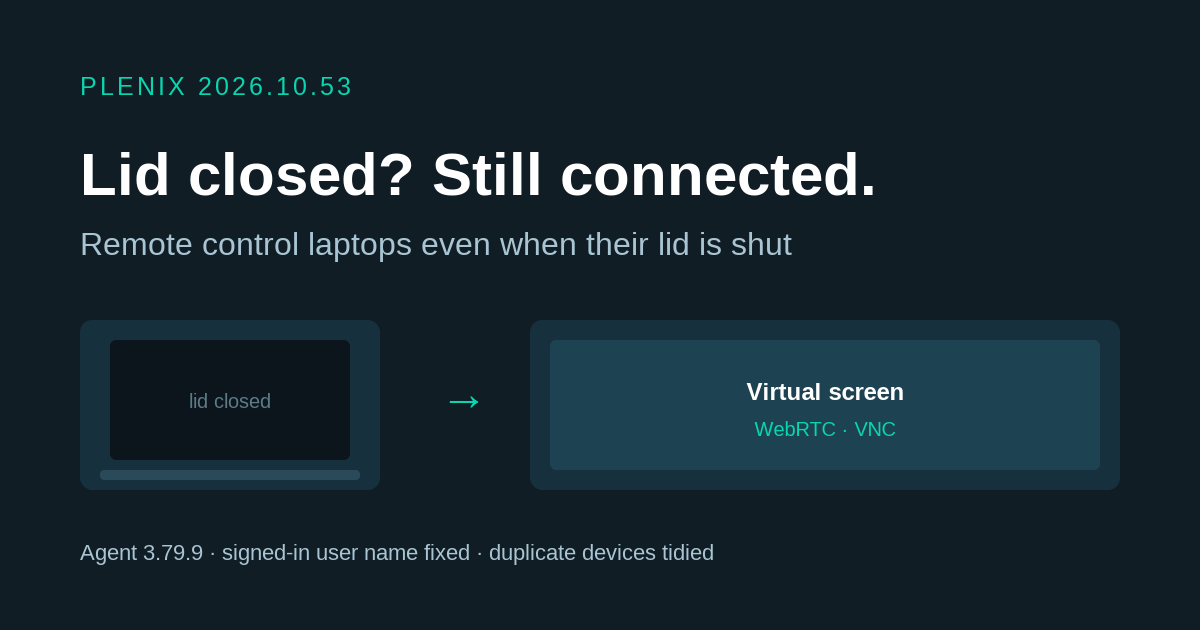
Plenix 2026.10.53 — Remote control works with the laptop lid closed
You can now remote into a laptop whose lid is closed. Plenix switches the session to a virtual screen instead of showing a black picture, and puts everything back when the lid opens. The signed-in user name in the toolbar is also fixed for domain accounts.
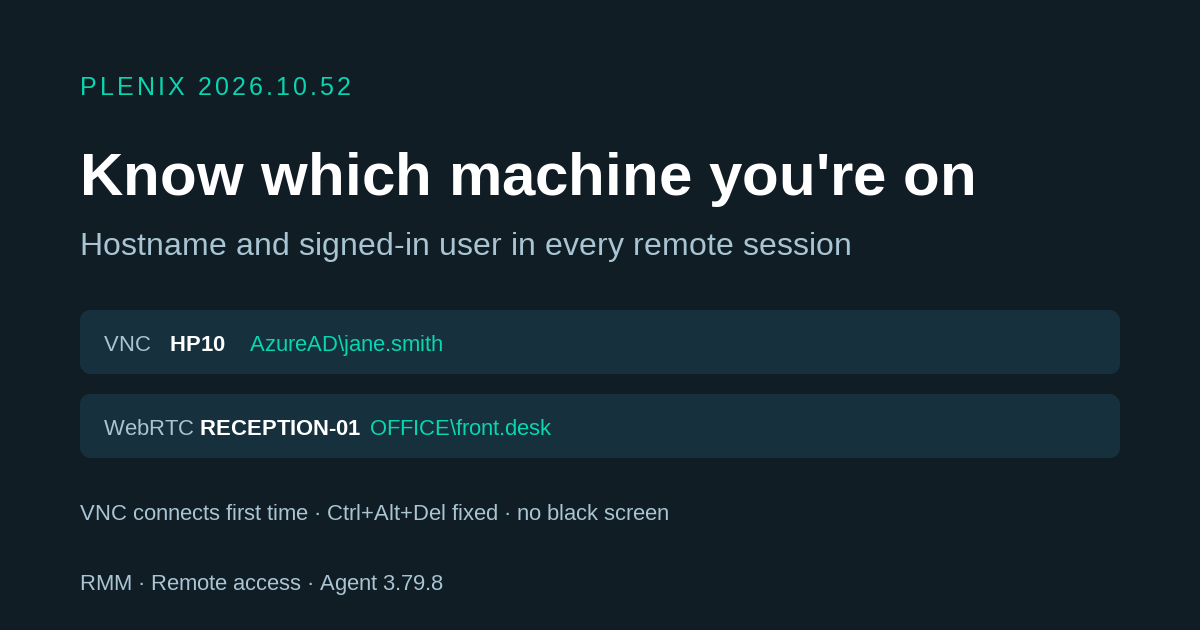
Plenix 2026.10.52 — Remote sessions show which machine and which user you're on
WebRTC and VNC sessions now show the computer's name and who is signed in, in the toolbar and the browser tab, so you can tell several open sessions apart. VNC also connects first time on machines that were slow to prepare, and Ctrl+Alt+Del works again over VNC.
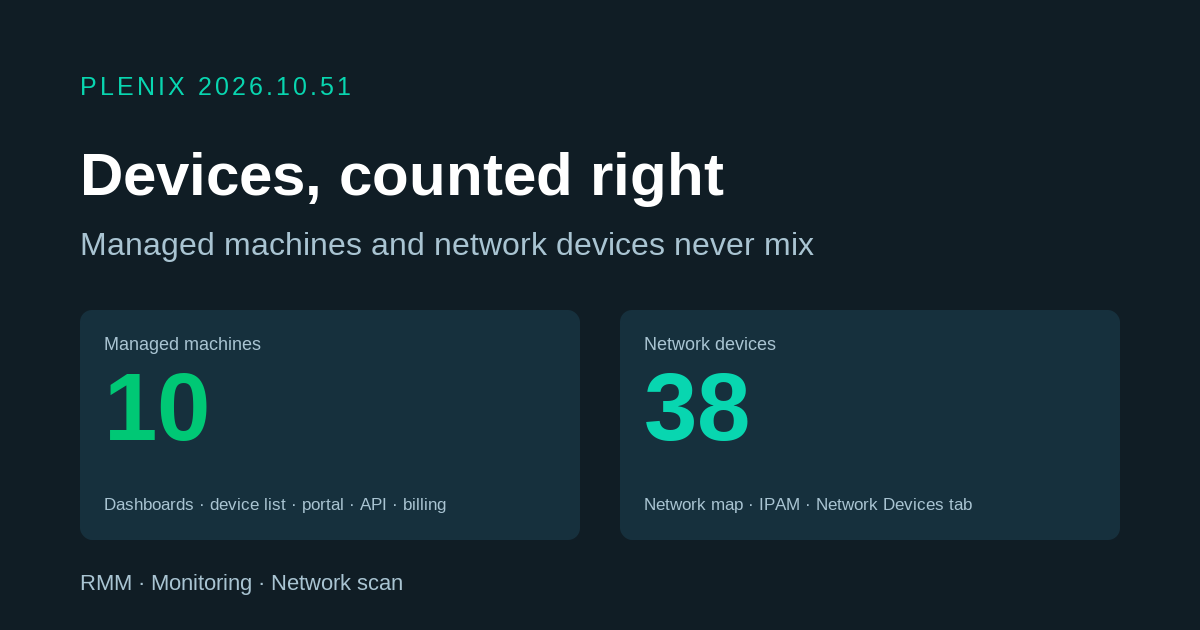
Plenix 2026.10.51 — Network devices and managed machines are now kept strictly apart
Devices found by a network scan are no longer counted alongside the machines running the Plenix agent. Dashboards, device totals, the client portal, the API, search and the security add-on's device count now show only your managed machines unless a page is meant to show network devices.
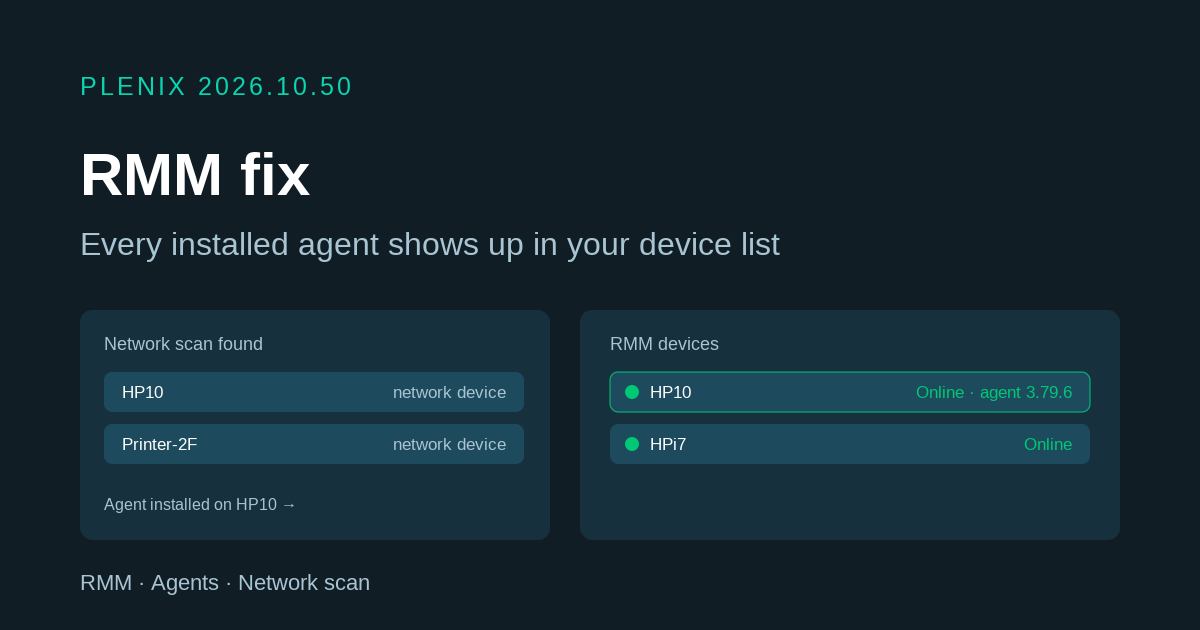
Plenix 2026.10.50 — Agents always show up in RMM, even when a network scan saw the machine first
A newly installed agent could connect successfully but stay hidden from your RMM device list if another agent's network scan had already found that machine. Agents now always take over the scanned entry properly and appear straight away.
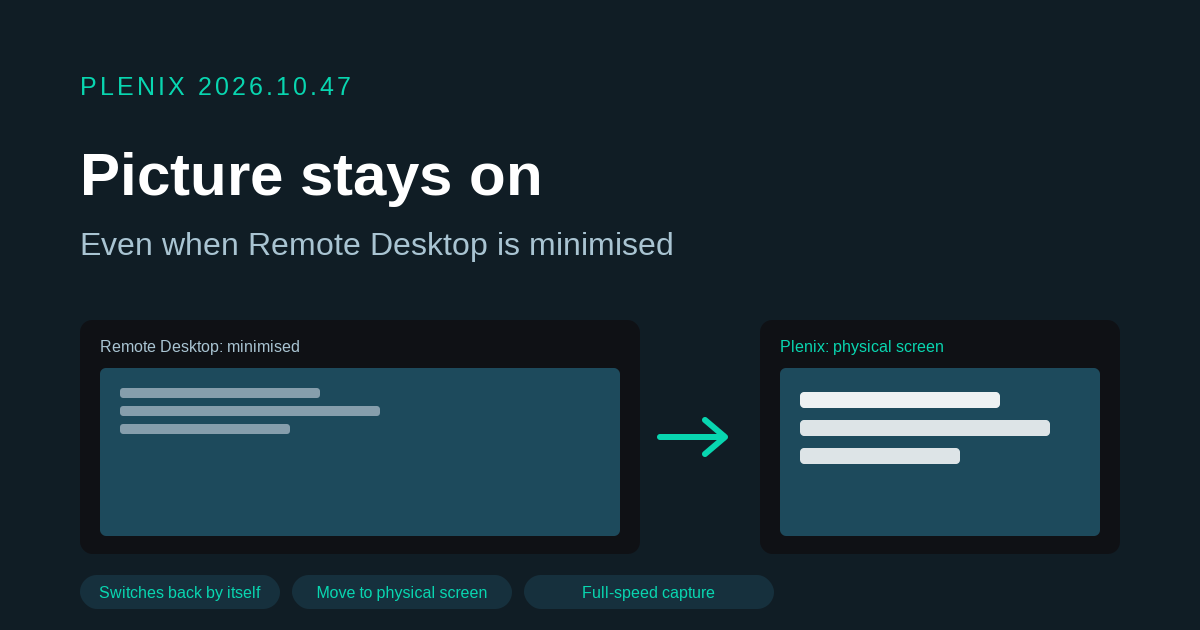
Plenix 2026.10.47 — Remote control keeps the picture when Remote Desktop is minimised
If a computer is also open in Remote Desktop and that window is minimised, Plenix remote control now shows the computer's own screen instead of losing the picture, and switches back when it is restored. A new option moves the desktop onto the physical screen.
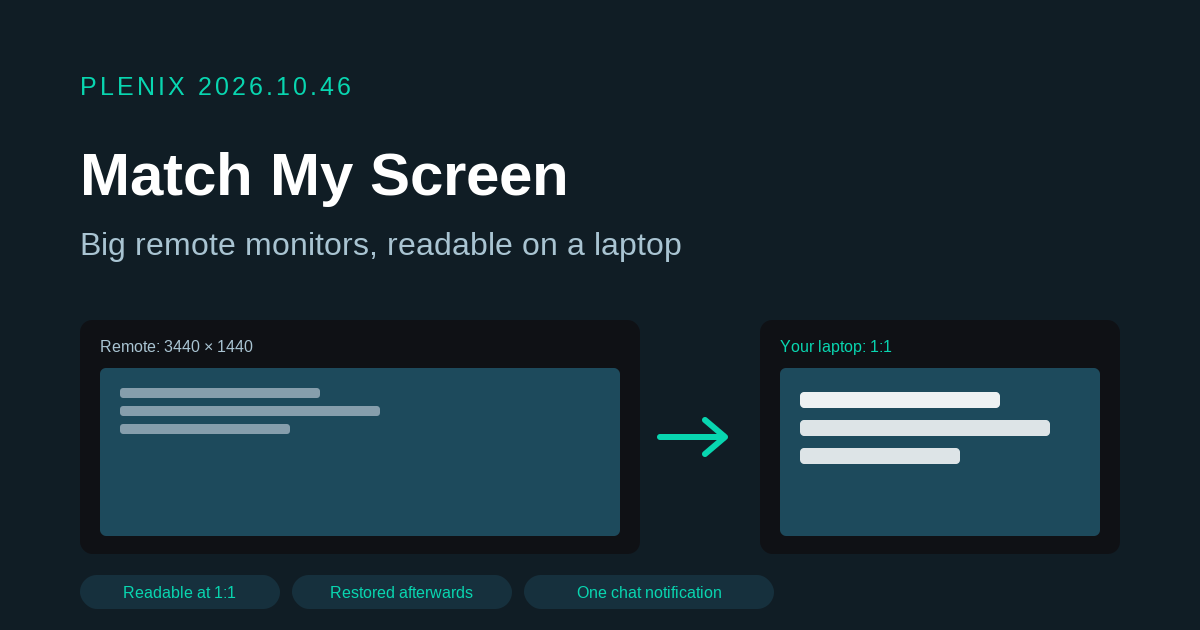
Plenix 2026.10.46 — Remote control: Match My Screen, and fewer chat notifications
Remote control has a new Match My Screen option that makes a big remote monitor readable on a laptop at 1:1. Users in a live chat now get one Windows notification per session instead of one for every message.
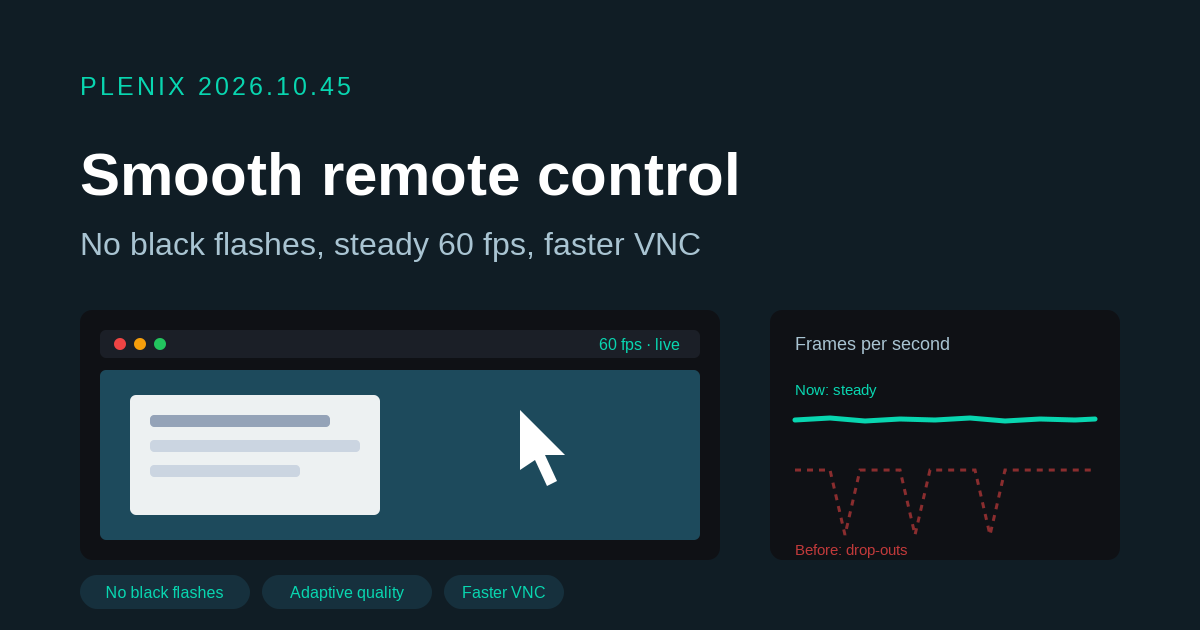
Plenix 2026.10.45 — Remote control: no more black flashes, smoother picture at 60 frames a second
Remote control sessions no longer go black for a moment every few seconds. The picture now adjusts its quality smoothly to your connection, so it stays at full frame rate without stalls, and VNC sessions draw large screen changes faster.
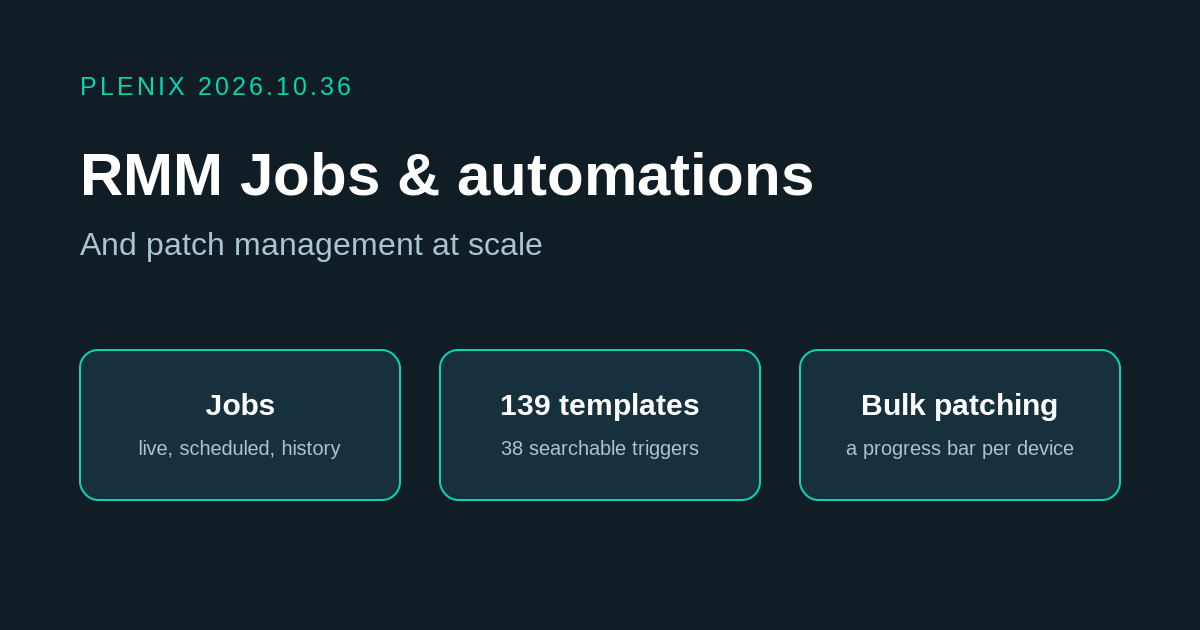
Plenix 2026.10.36 — RMM Jobs, 139 ready-made automations and patch management at scale
A new Jobs page shows everything RMM is doing, has done and will do, and builds multi-step jobs that run once or on a schedule. Automations get 38 searchable triggers and 139 templates, and patch management updates any number of devices at once with a progress bar for each.

Plenix 2026.10.34 — 159 ready-made playbooks and dashboards that start full
AI Autonomy now comes with 159 ready-made device playbooks for Windows, Linux and macOS that you can copy and change, new workspaces open with full dashboards on every module, and every chart has its own date range.
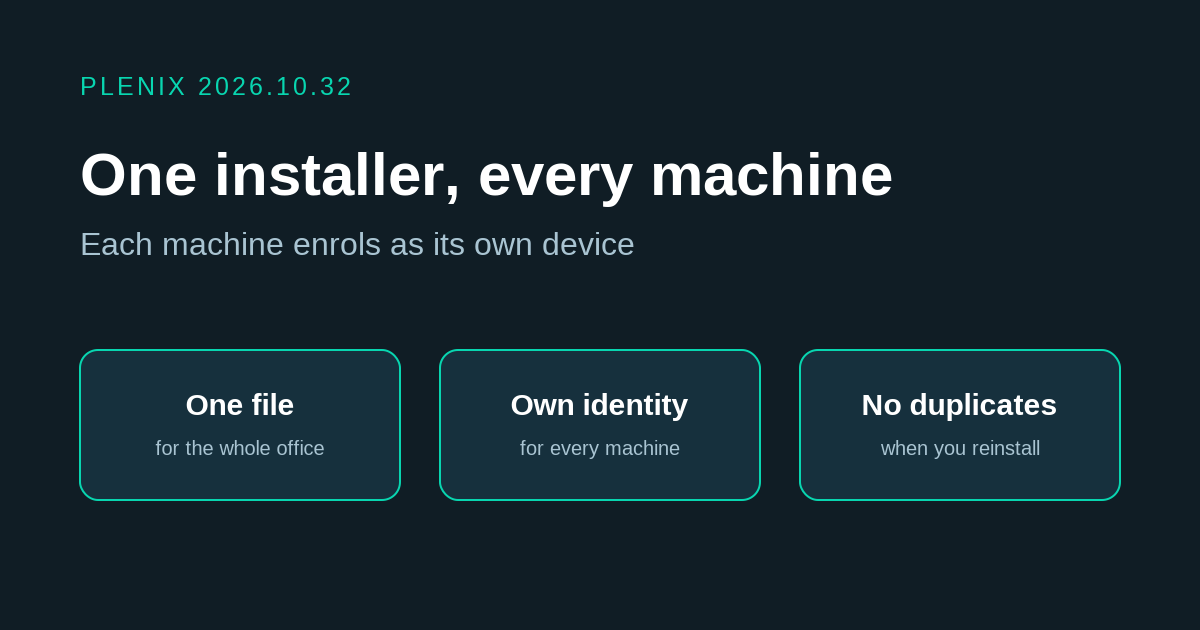
Plenix 2026.10.32 — One agent installer for every machine
You can now run the same agent installer file on as many machines as you like. Each machine gets its own identity and its own device record the first time the agent starts.
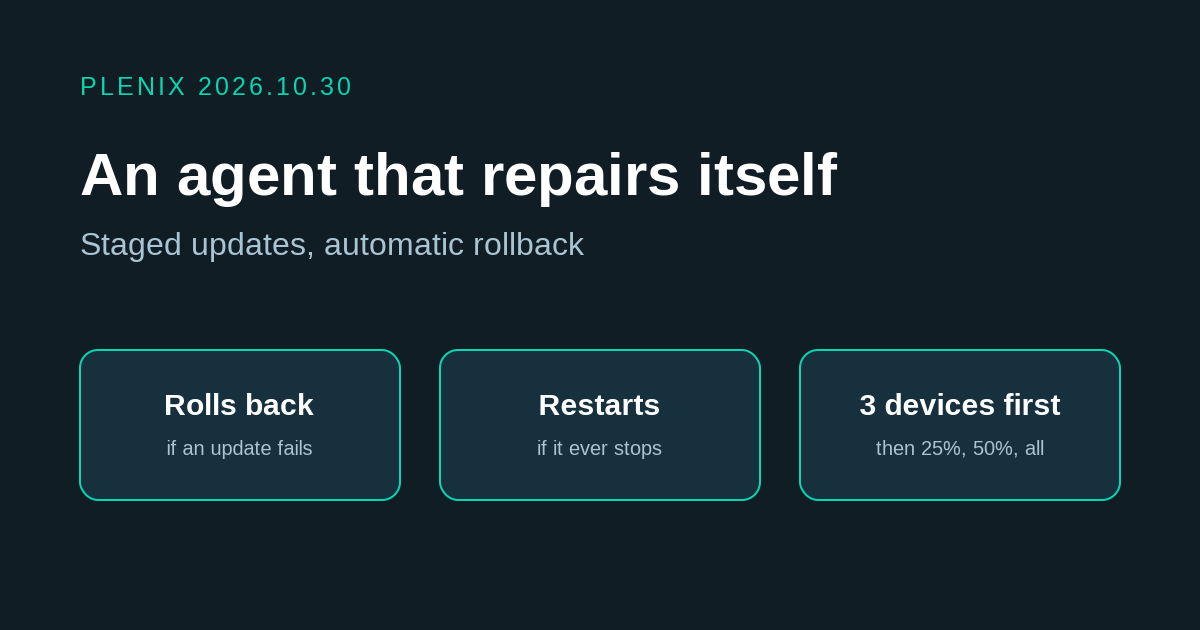
Plenix 2026.10.30 — An agent that repairs itself, and updates that roll out in stages
Agent 3.79.0 stopped on Windows devices after updating. Agent 3.79.1 fixes that, and changes how updates work so a bad release cannot take a fleet offline again: the agent rolls itself back, Windows restarts it if it stops, and new versions reach a few devices before everyone else.
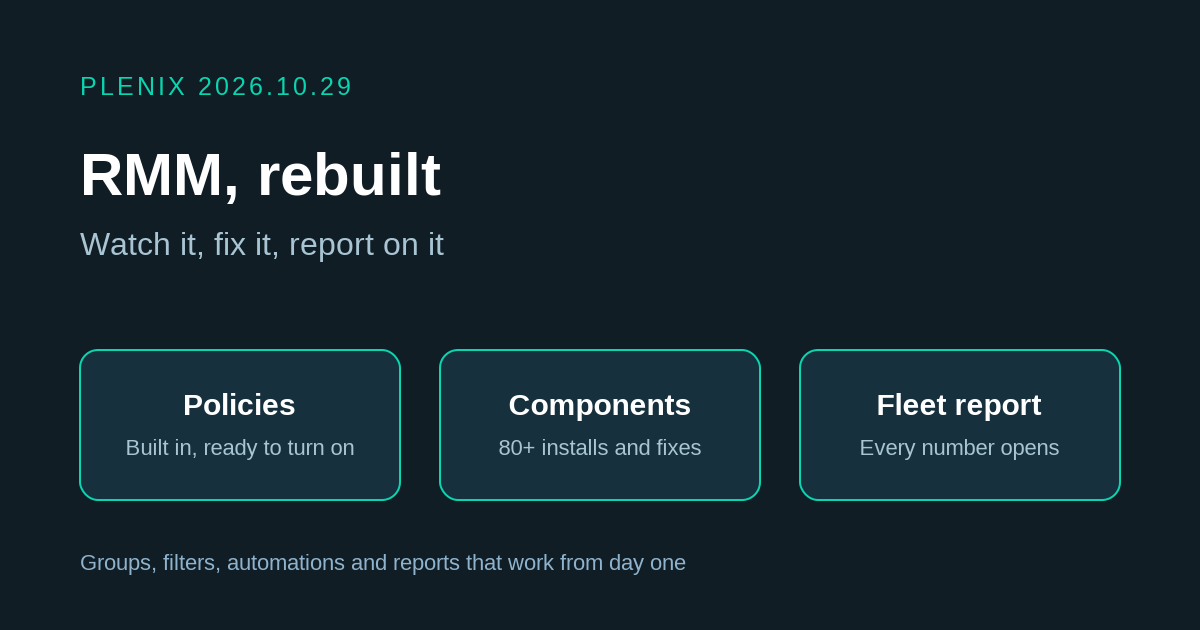
Plenix 2026.10.29 — RMM, rebuilt: policies that watch, components that fix and reports you can read
Remote monitoring and management has been rebuilt from the device list up. Built-in monitoring policies, groups, filters and more than 80 ready-made components work from day one. Automations act on live triggers, the Reports page is one sectioned fleet report, and every number opens the devices behind it.

Plenix 2026.10.25 — Every screen wired up, from purchase orders to payroll
A platform-wide check of every module: purchase orders get a full lifecycle, scheduled scripts now run, preventive maintenance raises its own work orders, HR screens save properly, long dropdowns become searchable, and remote sessions get smoother.
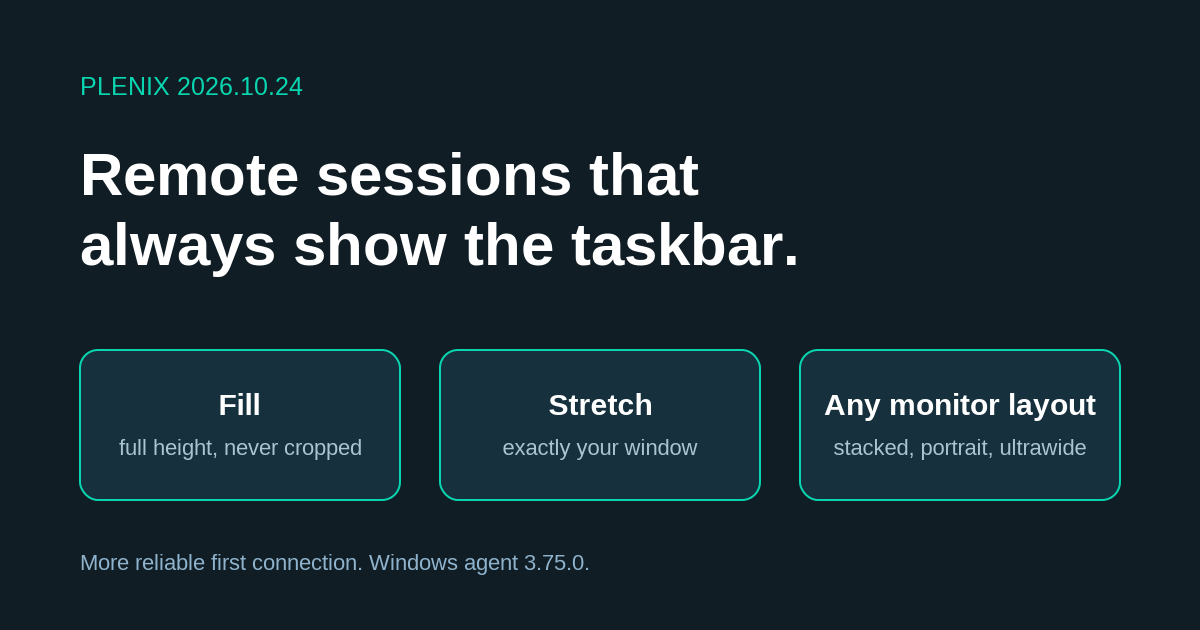
Plenix 2026.10.24 — Remote sessions that always show the taskbar
Fill now keeps the top of the screen and the taskbar in view at any window size, a new Stretch mode fills the window exactly, All Monitors opens on the main screen, and remote sessions recover on their own when the first connection stalls.
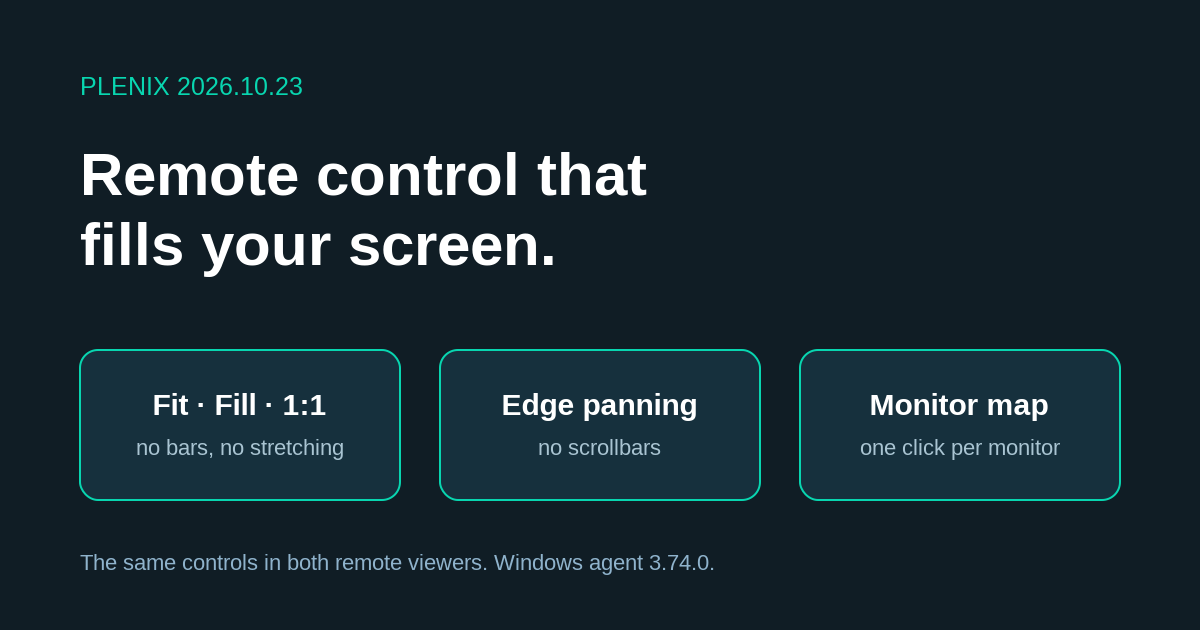
Plenix 2026.10.23 — Remote control that fills your screen
A new Fill view with no bars and no stretching, edge panning instead of scrollbars, a one-click monitor map, and a steady remote pointer. The same controls now work in both remote viewers.
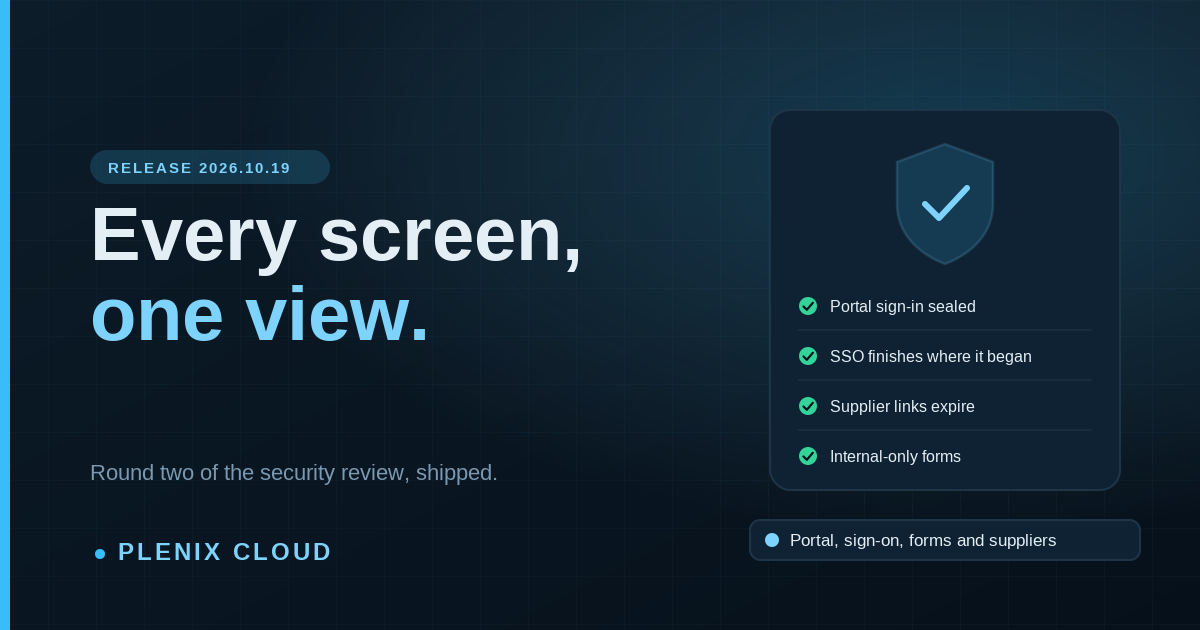
Plenix 2026.10.19 — Every screen, one view
Remote control now handles devices with more than one monitor properly. A second monitor shows a steady picture, and All Monitors shows every screen side by side in one view.
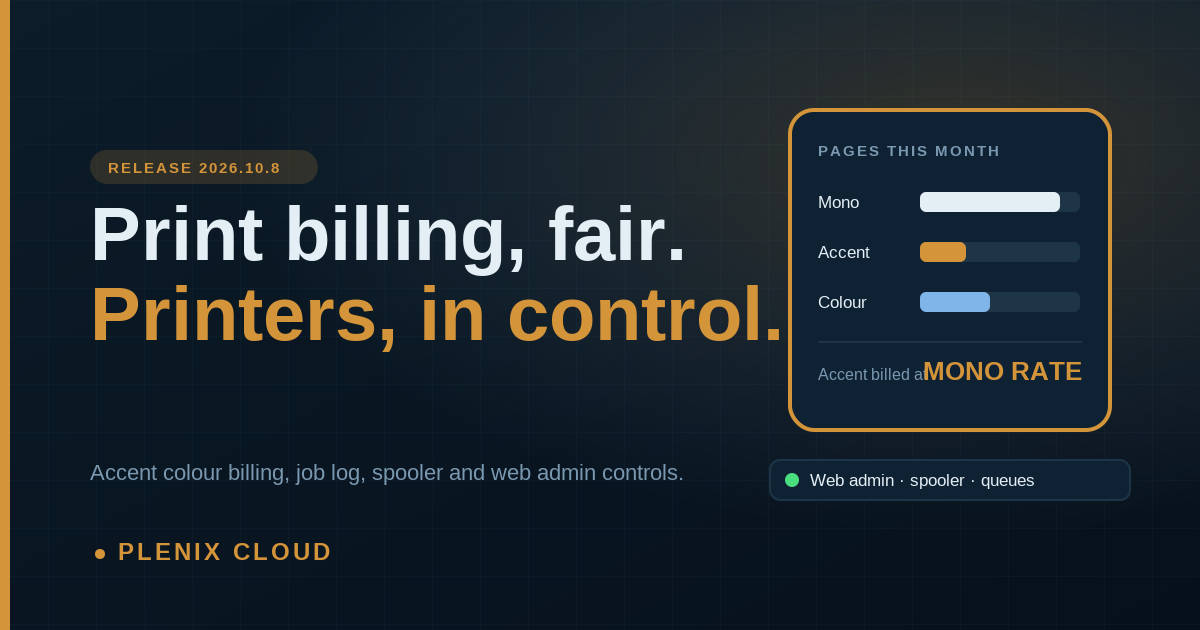
Plenix 2026.10.8 — Fair print billing for accent colour, a print job log and engineer controls for every printer
HP accent-colour pages are now tracked separately, and you choose whether they are billed as colour, mono or at their own rate. Every printer gets a print job log, a clear customer, counting that starts exactly when the printer is claimed, and one-click engineer controls for the printer's web admin, spooler and queues.
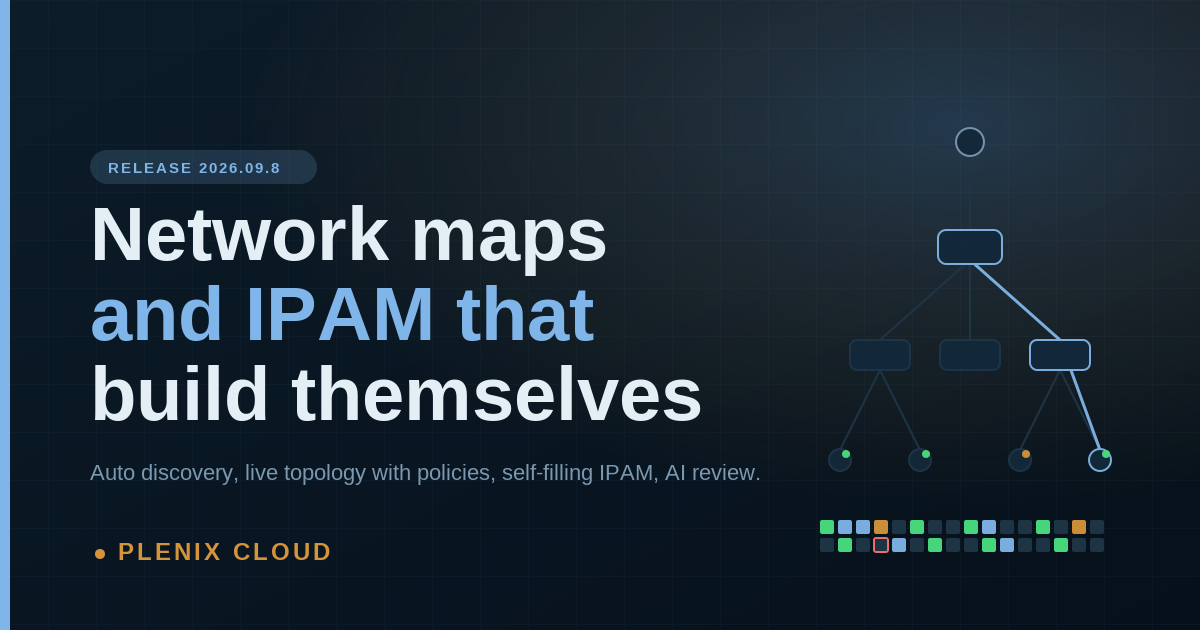
Plenix 2026.09.8 — Network maps and IPAM that build themselves
Every customer network drawn automatically from agents, scanners, printers and switches, with each device's patching, software, security and automations on the map, an IPAM that fills itself in and flags conflicts, a subnet planner, and an AI network review.
A Summer of Rebuilding Remote Control, Monitor by Monitor
Multi-monitor switching, true full screen, a DXGI capture fix, and the ghost-monitor races we finally closed — everything that changed in remote sessions this cycle.
Introducing the Security Module: EDR, XDR & Firewall, Built In
A native EDR/XDR/firewall layer on the same agent and dashboard you already use — enrollment-gated, billed per device, no third-party console to reconcile.