Plenix 2026.10.53 — Remote control works with the laptop lid closed
You can now remote into a laptop whose lid is closed. Plenix switches the session to a virtual screen instead of showing a black picture, and puts everything back when the lid opens. The signed-in user name in the toolbar is also fixed for domain accounts.
T
The Plenix Team·17 October 2026·1 min read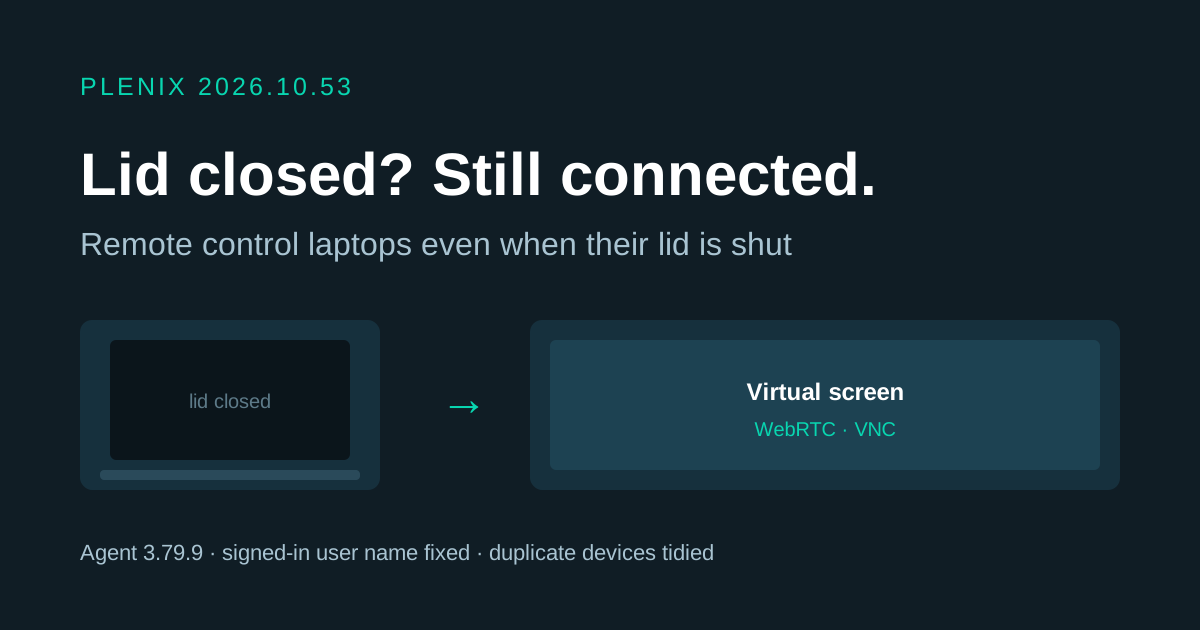
Release 2026.10.53 improves remote control of laptops. It needs Plenix agent 3.79.9, which reaches your devices automatically through the usual staged rollout. Plans and prices have not changed.
New features
- Remote into a laptop with its lid closed. Before this release, a WebRTC or VNC session to a laptop that was awake but had its lid shut showed a black screen until someone opened the lid. With the lid closed, Windows turns the built-in screen off, so there was nothing to show. The agent now notices when the lid is closed and moves the desktop onto Plenix's virtual screen, so you see and control the machine as normal. When the lid is opened again, the built-in screen comes back and the virtual screen is switched off. If the lid is opened or closed during a session, the agent adjusts the screens straight away. Laptops connected to an external monitor, and desktop PCs, work as before.
Fixes
- Signed-in user shows correctly. For domain and Microsoft Entra accounts, the remote session toolbar and the browser tab showed the computer name followed by
${id.user}instead of the account name. They now show the account, for exampleAzureAD\jane.smith.