BLOG
News from the platform.
Product updates, engineering stories and where Plenix is heading — written by the team building it.
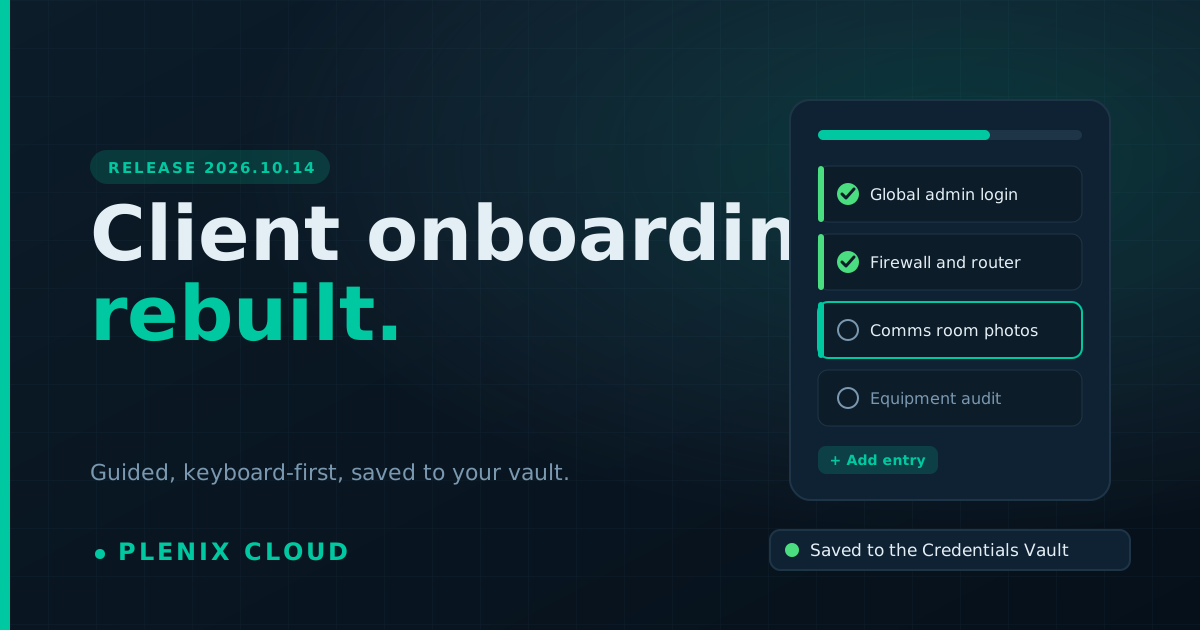
Plenix 2026.10.14 — Client onboarding, rebuilt
Client Onboarding is now a guided workspace. Add as many credentials or devices as an item needs, type straight through with the keyboard, attach photos that always load, and sign off with a report. Passwords go straight into your Credentials Vault.
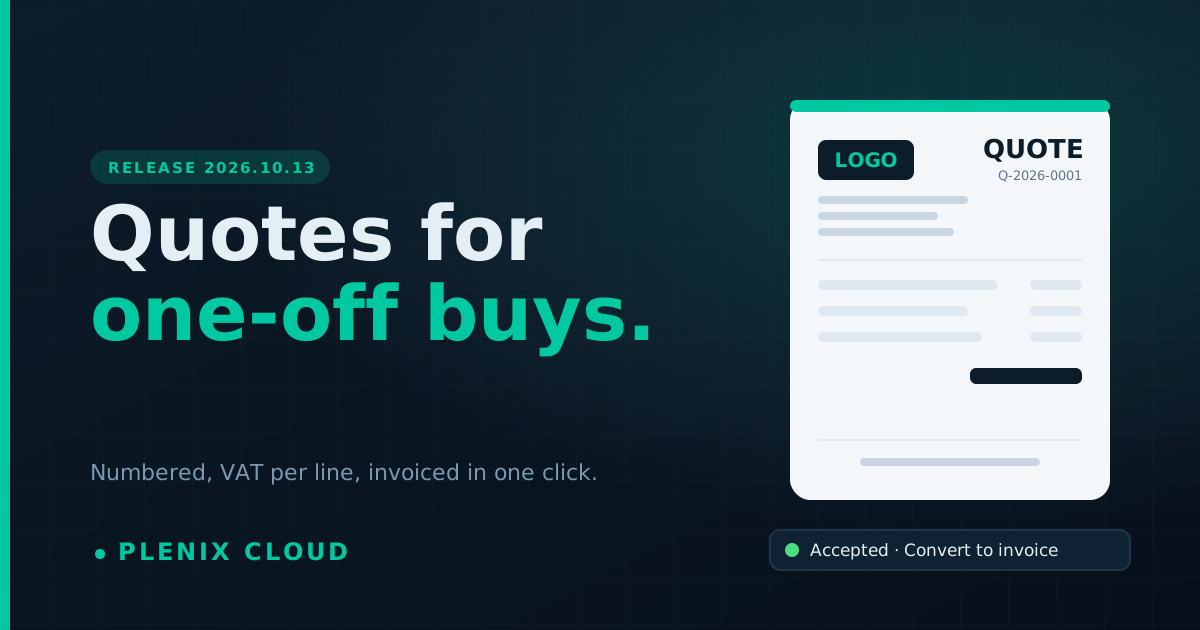
Plenix 2026.10.13 — Quotes for one-off purchases
CRM → Quotes is now a working page for pricing a single purchase, like a router, a PC or an install. It has numbered quotes, VAT on every line, approval in the customer portal, and one-click conversion to an invoice.
Plenix 2026.10.12 — Document branding is a Professional plan feature
Your own logo, letterhead, accent colour and footer on invoices, proposals and emails are part of the Professional, Business and Enterprise plans. Starter documents show your account name.
Plenix 2026.10.11 — Proposals and quotes on your own letterhead
Proposals and quotes now carry your logo, letterhead, accent colour and footer: in the proposal email, in your customer portal and on a new printable copy you can save as a PDF.
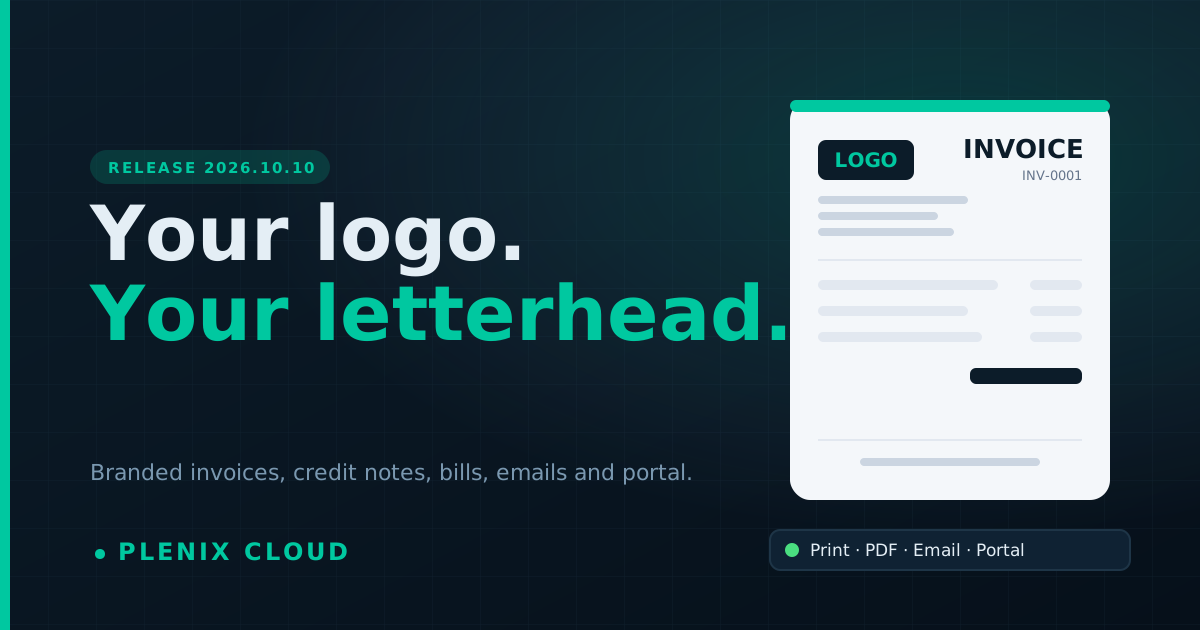
Plenix 2026.10.10 — Your logo, your letterhead: branded invoices, credit notes and bills
Put your own logo, letterhead, accent colour and footer on every invoice, credit note and bill: on screen, printed, saved as PDF, in the invoice email and in your customer portal. Credit notes and bills can now be printed, and Plenix has a new logo.
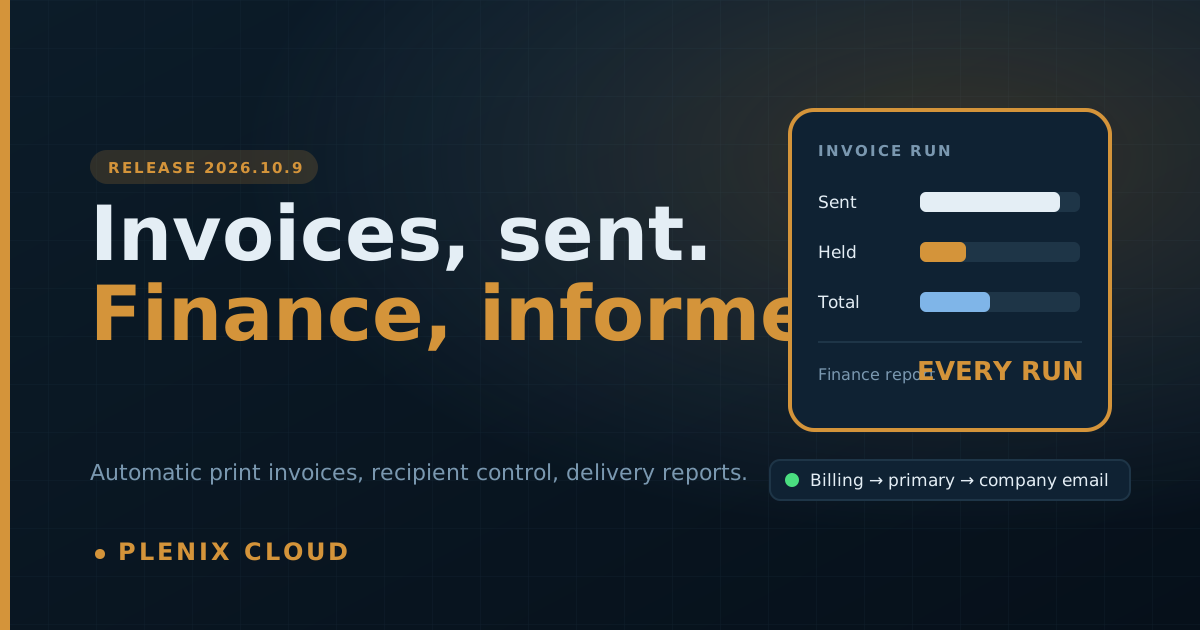
Plenix 2026.10.9 — Managed print invoices send themselves, and finance is always told what happened
Managed print invoices are now emailed to the customer as soon as they are raised, to the recipients you choose. Your finance team gets a report after every run: which invoices were sent and to whom, and which were not sent, why, and what to fix.
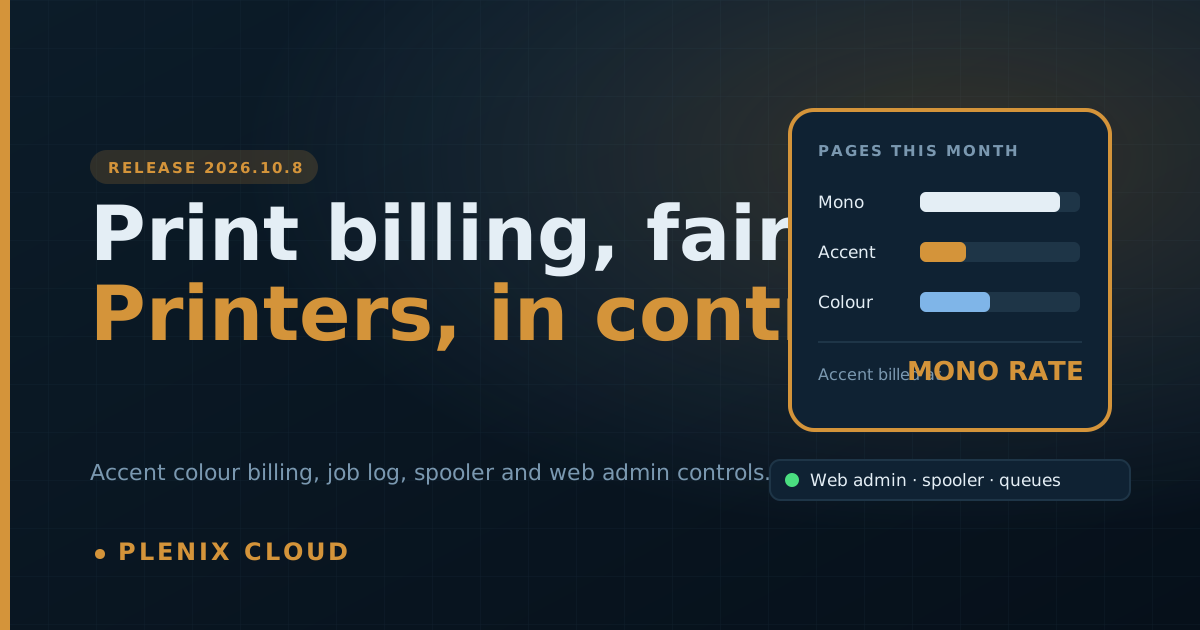
Plenix 2026.10.8 — Fair print billing for accent colour, a print job log and engineer controls for every printer
HP accent-colour pages are now tracked separately, and you choose whether they are billed as colour, mono or at their own rate. Every printer gets a print job log, a clear customer, counting that starts exactly when the printer is claimed, and one-click engineer controls for the printer's web admin, spooler and queues.
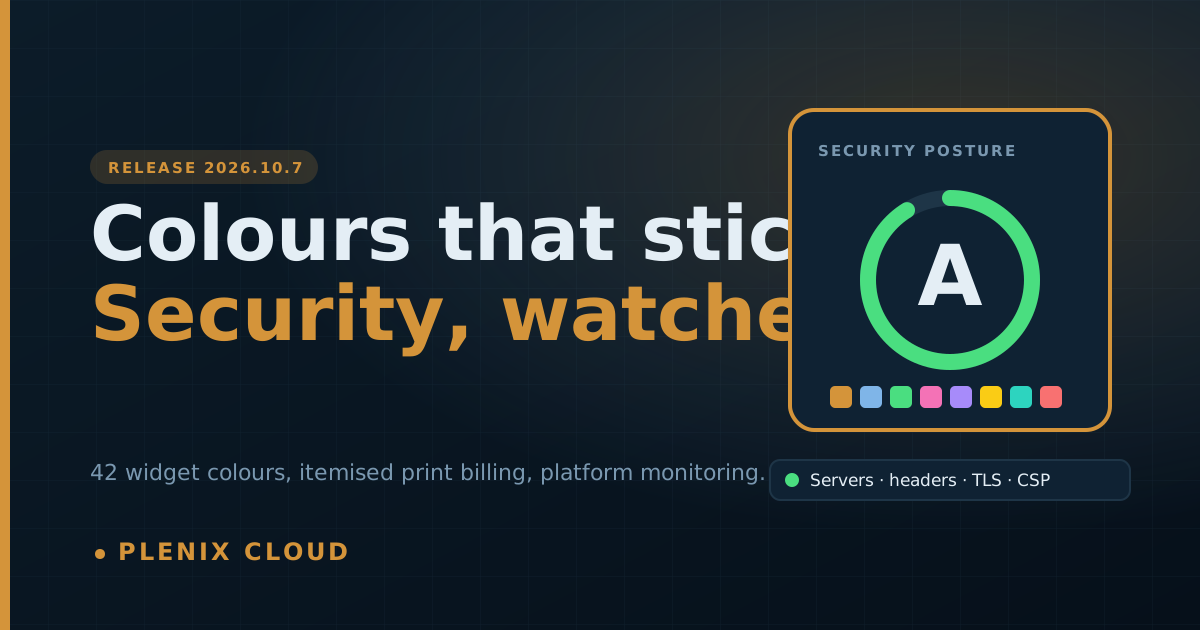
Plenix 2026.10.7 — Widget colours that stick, finished print billing and stronger platform security monitoring
The colour you pick for a dashboard widget now applies to every chart style, from a palette of 42 colours. Managed print billing gets itemised invoices and a finished usage tab. Leads Hub now enforces its approval limit. And we have expanded round-the-clock security monitoring of the Plenix platform itself.
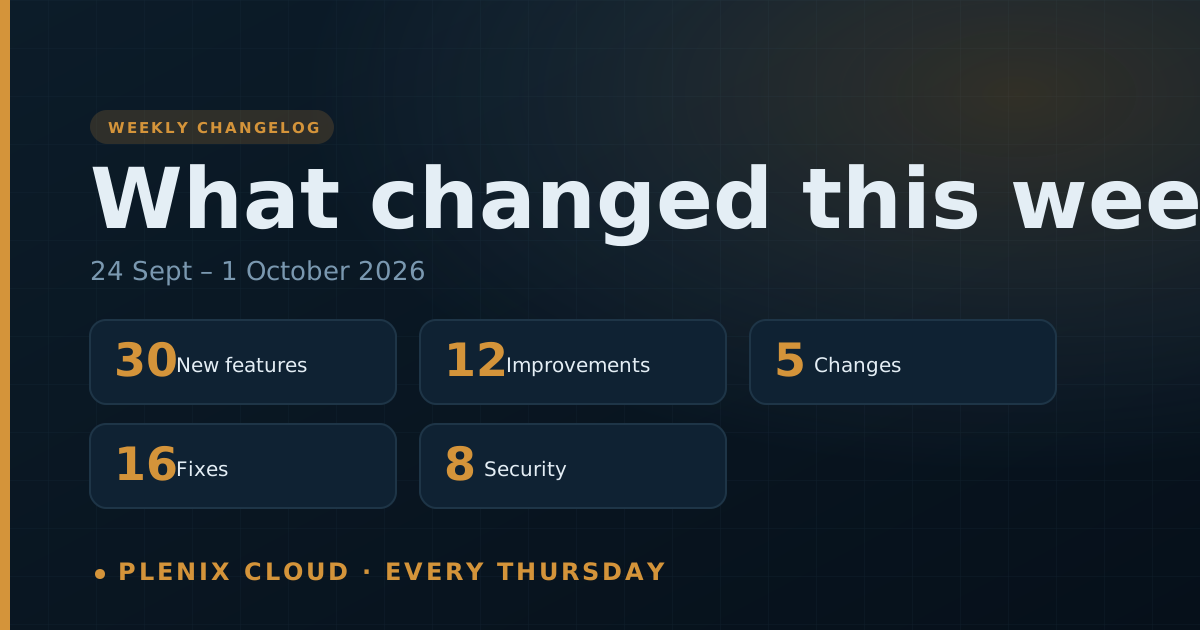
Changelog — 1 October 2026
Everything that changed in Plenix this week: Leads Hub, single sign-on, Team Comms calls and meetings, a new workflow engine, Network Maps and IPAM, a field-level audit trail, the credentials vault rebuild, fair plan-change billing, and 24 fixes and security updates.
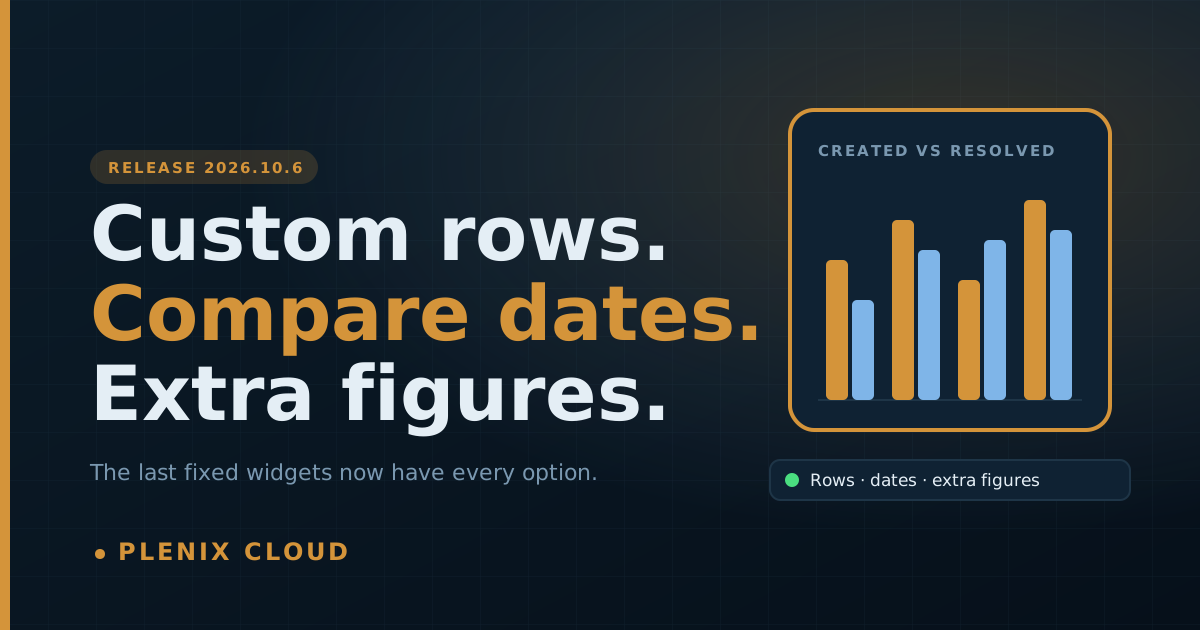
Plenix 2026.10.6 — Custom rows, date comparison and extra figures for every widget
The last few dashboard widgets with fixed options now run on the full widget builder. Build a widget from your own hand-picked rows, compare Created against Resolved in one chart, and show extra figures such as win rate or completion rate beside every row.
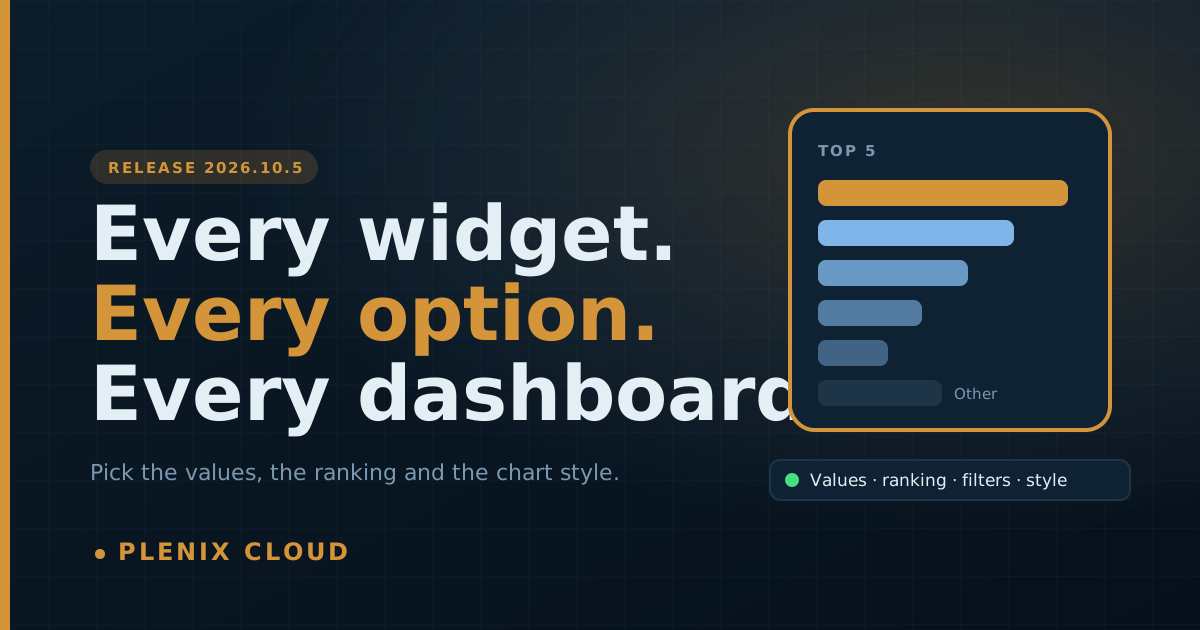
Plenix 2026.10.5 — Every dashboard widget is now fully editable
The simple chart widgets on every dashboard now open in the full widget builder. Choose the time frame, pick exactly which values appear, rank by Top or Bottom, add filters and change the chart style at any time. Counts that did not agree between widgets now do.
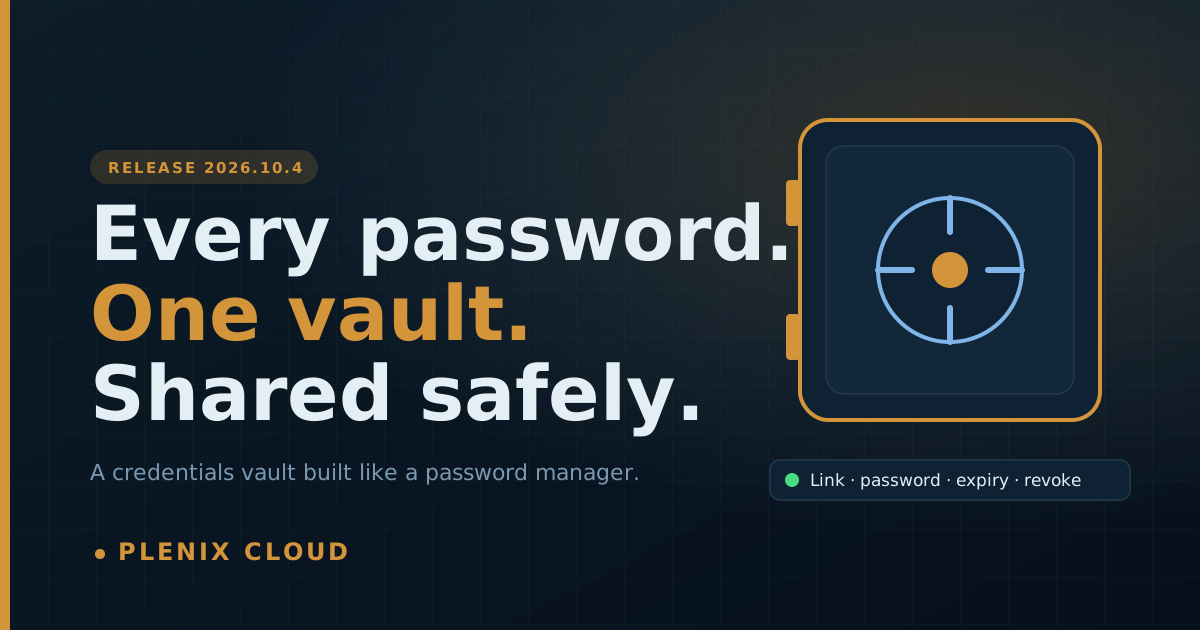
Plenix 2026.10.4 — A credentials vault built like a password manager
The Credentials Vault is now a full workspace: smart views, instant search, password health, history and bulk actions. Share links can carry their own password, go to several people by email, and be revoked at any time.
Plenix 2026.10.3 — SLA clocks that pause, resume and reopen the way your desk works
Tickets waiting on a customer or a supplier now stop their SLA clock automatically, and the time on hold is given back as working time when work resumes. Reopened tickets reopen their resolution target, and the countdown freezes while a ticket is on hold.
Plenix 2026.10.2 — Account managers, automatic ticket requesters and clearer SLAs
Give every client a named account manager and see each person's book of clients. Tickets from email, the portal, the device agent and the chatbot now add their requester and CRM contact automatically. SLA timers on business-hours policies are easier to read, and security alert routing is easier to set up.
Plenix 2026.10.1 — Leads Hub: find, research and win new customers inside Plenix
Leads Hub arrives on Enterprise: discover companies that fit your ideal customer, research them, reach out with multi-channel sequences and designed emails, and see which campaigns turn into revenue. Basic lead tools on every plan get web-form capture, CSV import and explainable scoring.
Plenix 2026.09.10 — Security maintenance: latest framework and email patches, and safer releases
Every Plenix site now runs the latest patched version of its web framework, our email libraries are on their newest secure releases, and dependency audits across the platform report zero known vulnerabilities. Releases now also check the platform is healthy before they complete.
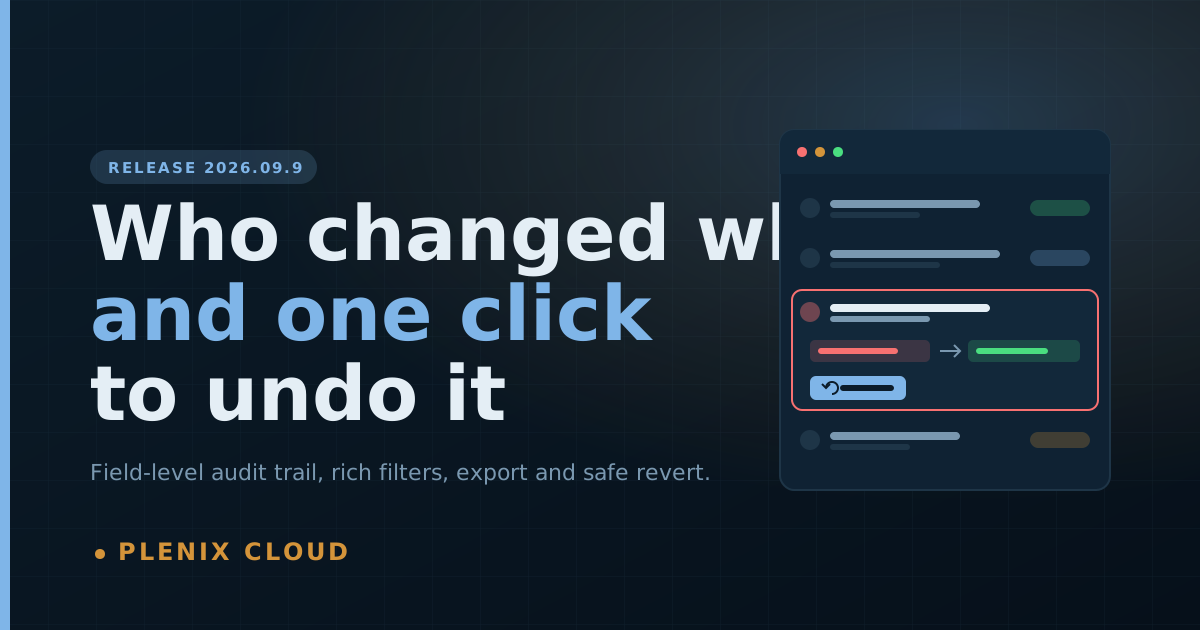
Plenix 2026.09.9 — An audit trail that shows exactly who changed what, and can undo it
Every add, edit, delete, setting, policy, sign-in and export is now recorded field by field in plain English. You can filter by person, module and time frame, export to CSV or JSON, and undo a change or a whole batch without overwriting later work.
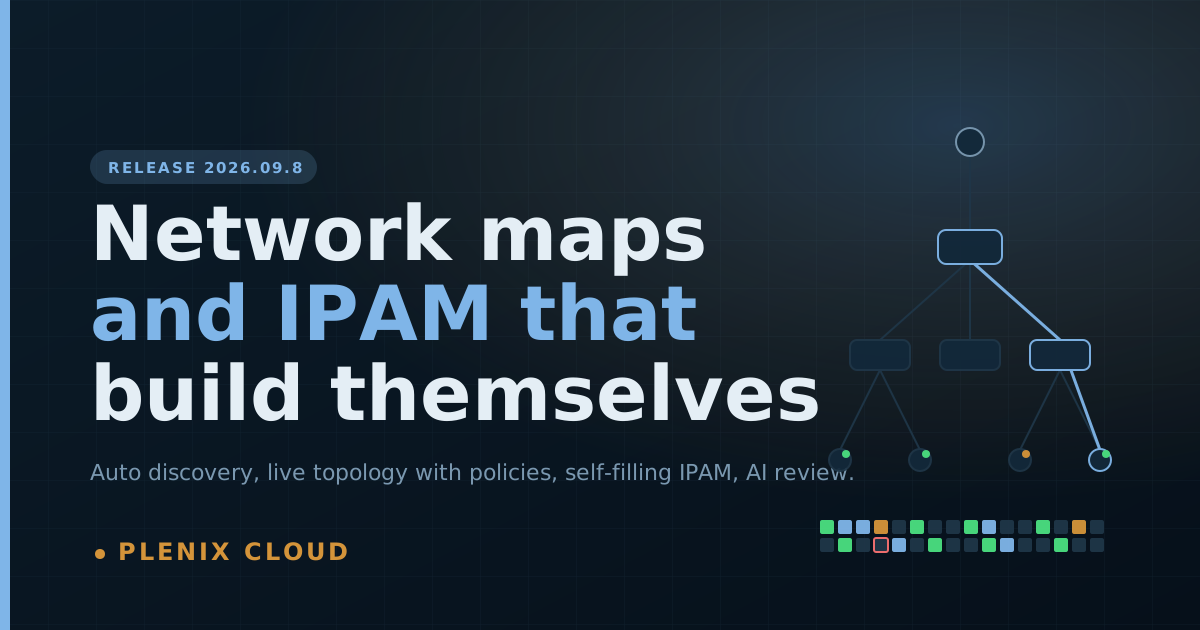
Plenix 2026.09.8 — Network maps and IPAM that build themselves
Every customer network drawn automatically from agents, scanners, printers and switches, with each device's patching, software, security and automations on the map, an IPAM that fills itself in and flags conflicts, a subnet planner, and an AI network review.
Plenix 2026.09.7 — Documents you can share, find and account for
Share a folder by email with CC and BCC, give many people and groups access at once, sort and filter by who created, changed or last opened a file, and review every change in one audit log.
Plenix 2026.09.6 — Payment errors that tell you how to fix them
GoCardless and Stripe errors now say what is wrong, which setting to change and where to read more. You can test your GoCardless connection in one click, and Company Payment Settings is now its own permission.
Plenix 2026.09.5 — Workflow Rules: enterprise workflows without code
Workflow Rules has been rebuilt as a workflow engine for the whole platform. You can add multi-step workflows and policies with approvals, waits, If / else branches and notifications to exactly the right people. Start from 196 ready-made templates and 9 one-click packs, or build your own. Default automation rules are now locked, and you can customise a copy instead.
Plenix 2026.09.4 — Your access follows you everywhere, not just the menu
Per-screen access now applies to dashboard widgets, search, reports and AI search, and every page hides the New, Edit and Delete buttons you can't use. Pay figures in widgets are visible to HR and administrators only.
Plenix 2026.09.3 — Access control down to each screen and each action
Roles and per-user access now go below the module level. Choose which screens someone can open (Bills but not Invoices, Tax Rates but not Reports) and what they can do on each (view, create, edit, delete, admin). People management is limited to HR and administrators, and invites always start at Viewer.
Plenix 2026.09.2 — Team Comms with video meetings, real SSO and a new patching engine
Team Messages is rebuilt into Team Comms, with voice and video calls, scheduled meetings and guest links, and it now sits in Enterprise. Also: single sign-on (OIDC and SAML), background patching with a winget catalog, HR batch claims, and permission fixes. Covers 26–29 September 2026.
Plenix 2026.09.1 — Clickable dashboards, a live knowledge graph and a security overhaul
Every dashboard number now opens the records behind it. Documents get version history and trash, LMS gets real quizzes and certificates, accounting goes multi-entity, and we shipped over 30 security fixes. Covers 21–25 September 2026.
Tickets by Email, Done Right
Point your own support domain at Plenix and get every reply landing back in the right ticket, automatically — plus the threading bug we found and fixed along the way.
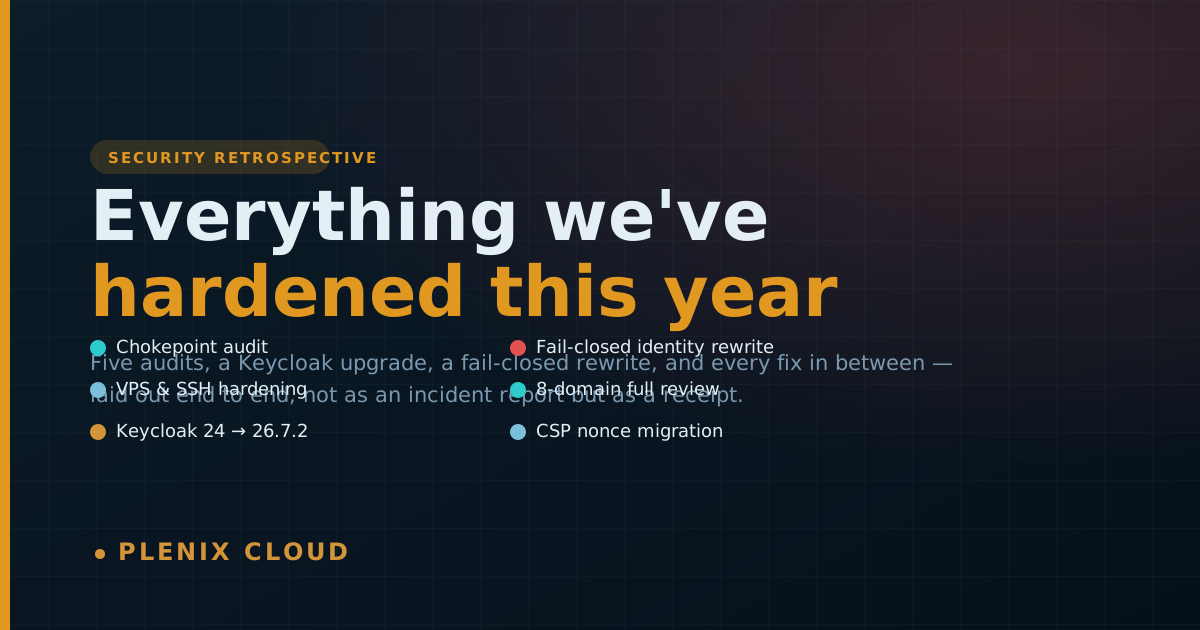
Everything We've Hardened This Year
Six rounds of security work, laid out end to end: a chokepoint audit, VPS lockdown, a full 8-domain review, and today's fix for a fail-open tenant-identity gap.

Team Channels, and a Pricing Page That Finally Makes Sense
Slack-style channels with @mentions for the whole team, plus a ground-up pricing reset — four plans that say exactly what they include.
Toner Allocation & Chargeback, Without the Spreadsheet
Shared stock now holds for human approval at the reorder point, and a new Fulfillments flow bills customers automatically when a replacement is their fault, not yours.
A Summer of Rebuilding Remote Control, Monitor by Monitor
Multi-monitor switching, true full screen, a DXGI capture fix, and the ghost-monitor races we finally closed — everything that changed in remote sessions this cycle.
Introducing the Security Module: EDR, XDR & Firewall, Built In
A native EDR/XDR/firewall layer on the same agent and dashboard you already use — enrollment-gated, billed per device, no third-party console to reconcile.