Plenix 2026.10.14 — Client onboarding, rebuilt
Client Onboarding is now a guided workspace. Add as many credentials or devices as an item needs, type straight through with the keyboard, attach photos that always load, and sign off with a report. Passwords go straight into your Credentials Vault.
T
The Plenix Team·4 October 2026·3 min read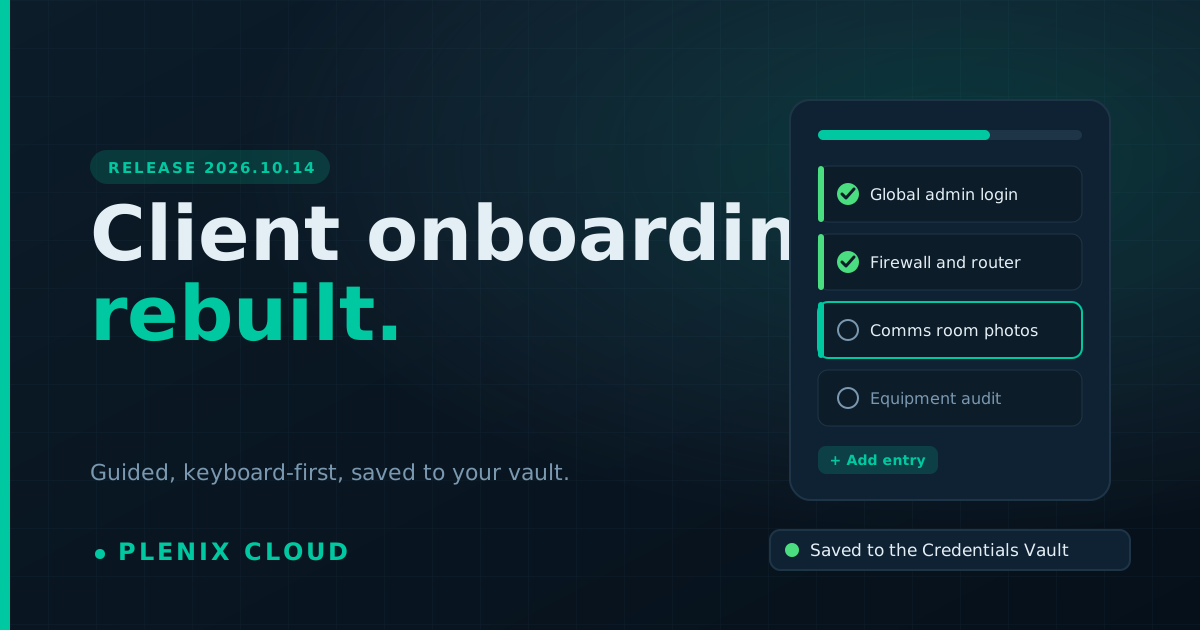
Release 2026.10.14 rebuilds ERP → Onboarding, the checklist your engineers work through when you take on a new client. It is quicker to fill in, easier to follow, and everything you record ends up where the rest of Plenix can use it.
New features
- As many entries as an item needs. A credential item such as "Microsoft 365 / Google Workspace global admin" can hold two, five or twenty logins. Click Add another entry or press Shift + Enter. Equipment items work the same way for devices.
- Passwords go straight into your vault. Every login typed into an onboarding is saved, encrypted, in the client's Credentials Vault, with a link to open it there. There is nothing to copy across afterwards and no second tool to keep in step.
- Devices go straight onto the client record. Equipment you list, with serial number, quantity and location, appears under the client's assets.
- Keep typing, no mouse needed. Finish a field with Enter and the next one is highlighted and ready. Press Y, N or A to mark an item Done, Issue or N/A and move on. A shortcut list is one click away on the page.
- Photos and files on any item. Drag files in, paste a screenshot, or take a photo on your phone. Thumbnails open full size, and a copy is filed under the client's Documents.
- One section at a time. A stepper along the top shows each section's progress. Filter to what is still to do, done, an issue or not applicable, search the whole checklist, or jump back in with Continue where you left off.
- Make the checklist your own. Switch on Customise to add, rename or remove items and sections, change what an item collects, and write the guidance your engineers see.
- Reusable templates. Save any onboarding as a template and pick it when you start the next one.
- Sign-off and report. A final step shows what is done, what is outstanding and any issues, records who signed off and who reviewed, and produces a handover report.
- Onboarding overview. The list page shows active, overdue, with-issues and completed onboardings as cards you can click to filter, with progress for every client.
Improvements
- Notes boxes now grow as you type, so long notes stay visible.
- Each answer shows who marked it and when.
- Onboardings have a target go-live date, and overdue ones are flagged.
- The standard checklist no longer names third-party products. Existing checklists were updated to match.
Fixes
- Photos uploaded to an onboarding now load reliably. Photos added before this release were carried over.
Security
- Passwords are no longer kept on the checklist itself. They live only in the vault, and showing a saved password from an onboarding asks for two-factor verification, just as the vault does.
- Photos and files on an onboarding are only served to signed-in users with access to it.
- The handover report can be exported by administrators only.