Plenix 2026.10.11 — Proposals and quotes on your own letterhead
Proposals and quotes now carry your logo, letterhead, accent colour and footer: in the proposal email, in your customer portal and on a new printable copy you can save as a PDF.
T
The Plenix Team·3 October 2026·2 min read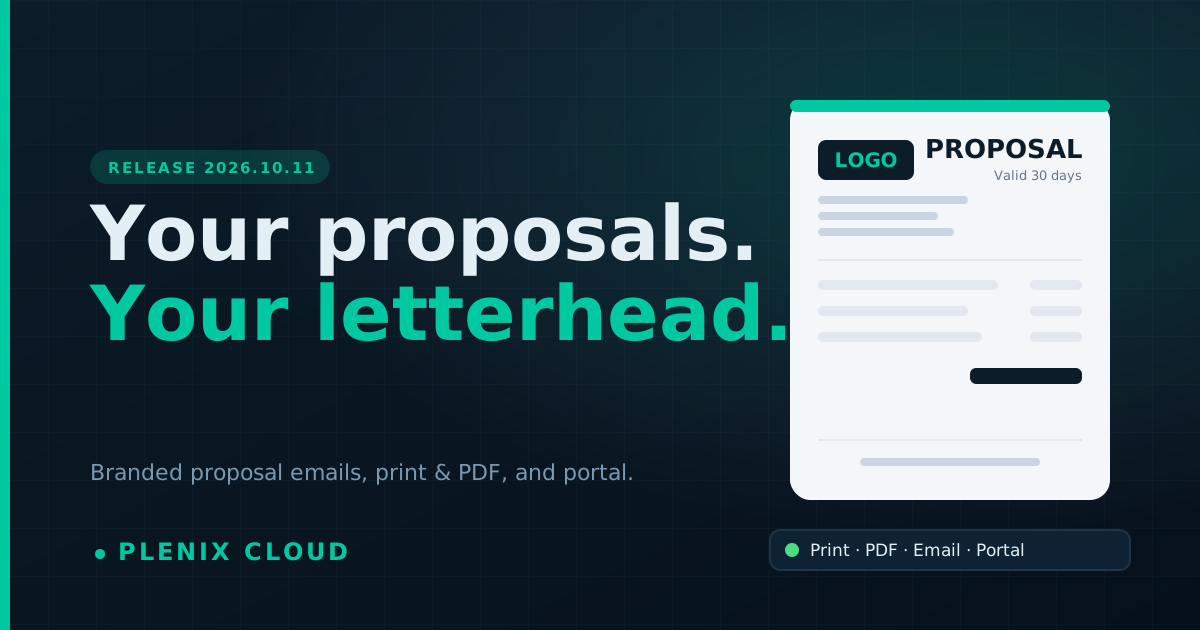
Release 2026.10.11 brings the branding from 2026.10.10 to your proposals and quotes, so everything you send a customer looks like it comes from you.
New features
- Branded proposal emails. When you send a proposal, the email comes from your trading name and shows your logo, letterhead, accent colour and footer. The View & Respond button uses your accent colour.
- Print or save a proposal as a PDF. Every row in CRM → Proposals has a Print link. It opens the proposal on your letterhead with who it is for, the date, how long it is valid, the summary, every line and the total.
- Your letterhead in the customer portal. When customers open a proposal in the portal to accept or decline it, they see your letterhead at the top and your footer under the lines.
Improvements
- Proposals use the branding you set under Accounting → Settings → Invoice & Document Branding. Change it once and invoices, credit notes, bills and proposals all follow, including ones you have already sent.
Fixes
- Proposals sent from Plenix's own workspace were marked as sent but the email did not go out. They are now emailed like any other proposal.