Plenix 2026.10.13 — Quotes for one-off purchases
CRM → Quotes is now a working page for pricing a single purchase, like a router, a PC or an install. It has numbered quotes, VAT on every line, approval in the customer portal, and one-click conversion to an invoice.
T
The Plenix Team·3 October 2026·2 min read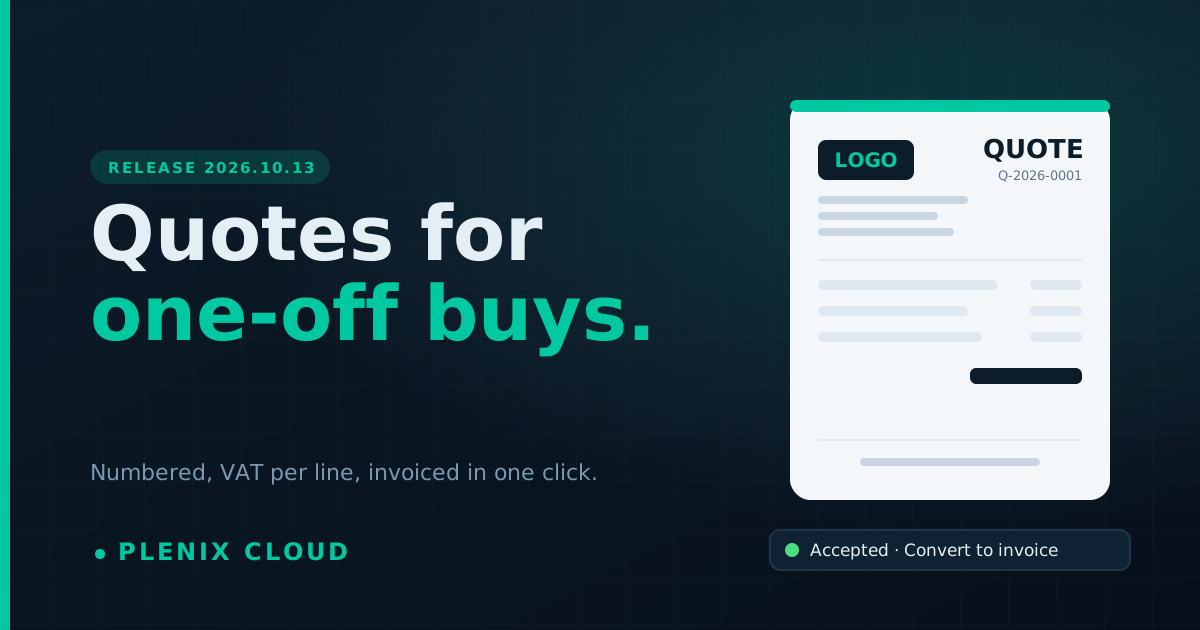
Release 2026.10.13 adds a proper home for quick quotes. Proposals are still the full sales document. Quotes are for when a customer just wants a price for one thing.
New features
- CRM → Quotes. Create a quote for any customer in under a minute. Search your products and services, or type a one-off item, then set the quantity, price and VAT. Subtotal, VAT and total update as you go. Save it as a draft or send it straight away.
- Numbered quotes. Every quote gets its own number (for example Q-2026-0001). It appears in the email, in the customer portal and on the printed copy.
- VAT on every line. Pick a rate from your Accounting tax table, or on Starter choose 20%, 5% or no VAT. Each line keeps the rate it was quoted at, so later changes to your tax rates never alter a quote the customer has already seen.
- Customer approval in the portal. Customers open the quote on your letterhead, see the VAT breakdown, and approve with an e-signature or decline.
- Convert to invoice. Turn an accepted quote into an invoice in one click, with the same lines, prices and VAT. It is emailed to the customer's billing contact. A quote can only be invoiced once, so double-clicks and a second tab can't bill a customer twice.
- Quote actions. Resend, print or save as a PDF, duplicate for a repeat order, mark accepted or declined when a customer replies by phone, or upgrade a quote into a full proposal.
- At-a-glance tracking. Cards show drafts, quotes awaiting a reply and their value, accepted quotes, quotes still to invoice, expired quotes and your win rate. Click any card to filter the list.
Improvements
- Stock items added to a quote are reserved automatically when the customer accepts it, just like proposals.
- Proposal and quote emails, printed copies and the portal now show VAT separately and the total including VAT.
- The customer portal's Proposals page is now Proposals & Quotes.
- CRM → Proposals now lists proposals only. Quotes have their own page, linked from the sidebar under CRM.
Changes
- Quotes are available on every plan. Converting a quote to an invoice needs Accounting, which is included from the Professional plan up.