Plenix 2026.10.5 — Every dashboard widget is now fully editable
The simple chart widgets on every dashboard now open in the full widget builder. Choose the time frame, pick exactly which values appear, rank by Top or Bottom, add filters and change the chart style at any time. Counts that did not agree between widgets now do.
T
The Plenix Team·1 October 2026·3 min read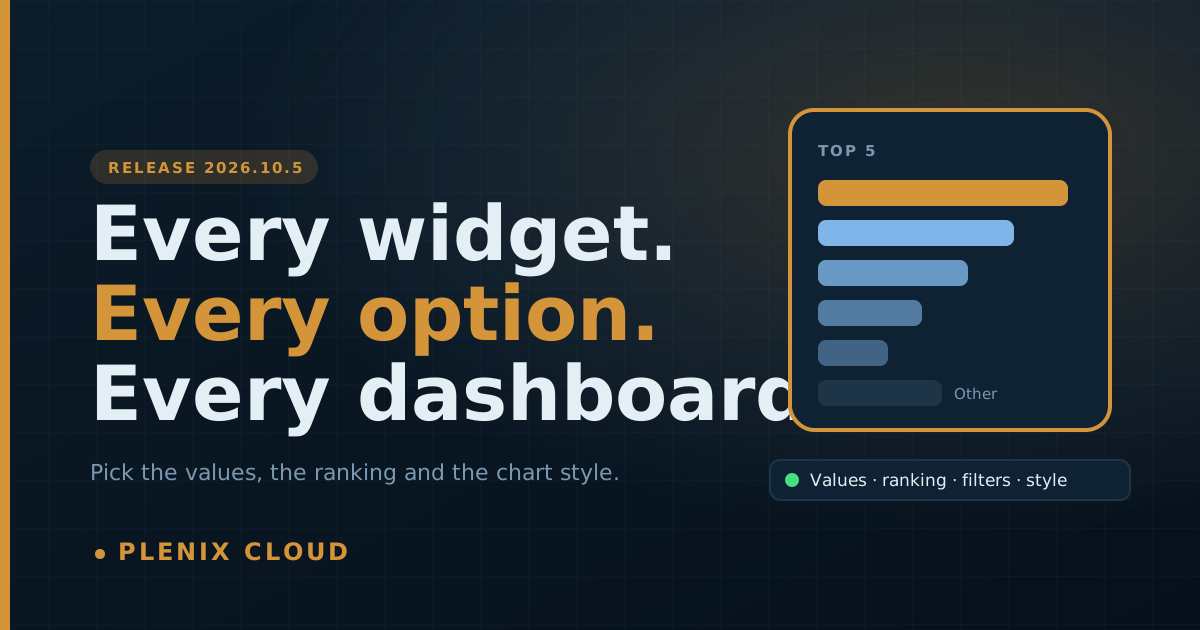
Release 2026.10.5 is about dashboard widgets. The basic chart widgets used to offer a title and a chart style and little else, while the Accounting dashboard had a much richer builder. Now every dashboard uses the same builder, and the basic widgets are simply a quick starting point.
New features
- Choose which values a widget shows. A picker named after the grouping, such as Status to show, lets you tick only the values you want. A Ticket Status widget can show just Open and In progress and nothing else. This works for any grouping: status, priority, queue, company, stage, platform, department and more.
- Top and Bottom ranking. One click for Top 3, Top 5, Top 10, Top 20, Bottom 3, Bottom 5, Bottom 10 or Show all, ranked by the widget's own measure.
- An "Other" row. When a widget shows only the top few, you can group everything else into one "Other" row so the chart still adds up to the full total. Click "Other" to see the records behind it.
- More chart styles. Step line, half donut, radial bars, radar, treemap, funnel, Pareto (80/20), stat cards and leaderboard join the existing bars, lines, areas, pie, donut, progress bars, heatmap and table.
- Ticketing widgets can follow the dashboard's time frame. Each widget can use the time frame selector at the top of the Ticketing dashboard or keep its own. Widgets that follow the selector are marked "Dashboard range".
Improvements
- Basic widgets open in the full builder. Pick Ticket Status, By Queue, Deal Stages, Devices by Platform or any other basic chart and you get every option straight away: measure, grouping, split, time frame, date field, filters, ranking, comparison with the previous period, target, colour and chart style.
- Change the chart style after a widget is created. Open any widget's settings and switch style, or anything else, at any time.
- The same builder on every dashboard. Main, Ticketing, CRM, HCM, Field Service, Projects and Monitoring now match the Accounting dashboard.
- Your saved dashboards carry over. Existing widgets keep their title, position and size and gain the new options. Nothing needs rebuilding.
- More fields can be filtered. Any text field a widget can be grouped by can now also be used as a filter.
Fixes
- Time frame on breakdown widgets. A Ticket Status widget set to Today showed all-time numbers. Status, priority, queue and the other breakdown widgets now count only the time frame you choose.
- By Queue and By Company now agree. On the Ticketing dashboard, By Company counted only open tickets for the ten largest companies, while By Queue counted every ticket, so the totals did not match. Both now count the same tickets, and the number you see matches the list you get when you click through.
- Ticket count tiles honour their own settings. Open, In progress, Waiting, Resolved today and Critical tiles can now be filtered and given a time frame like any other widget.