Plenix 2026.10.9 — Managed print invoices send themselves, and finance is always told what happened
Managed print invoices are now emailed to the customer as soon as they are raised, to the recipients you choose. Your finance team gets a report after every run: which invoices were sent and to whom, and which were not sent, why, and what to fix.
T
The Plenix Team·2 October 2026·3 min read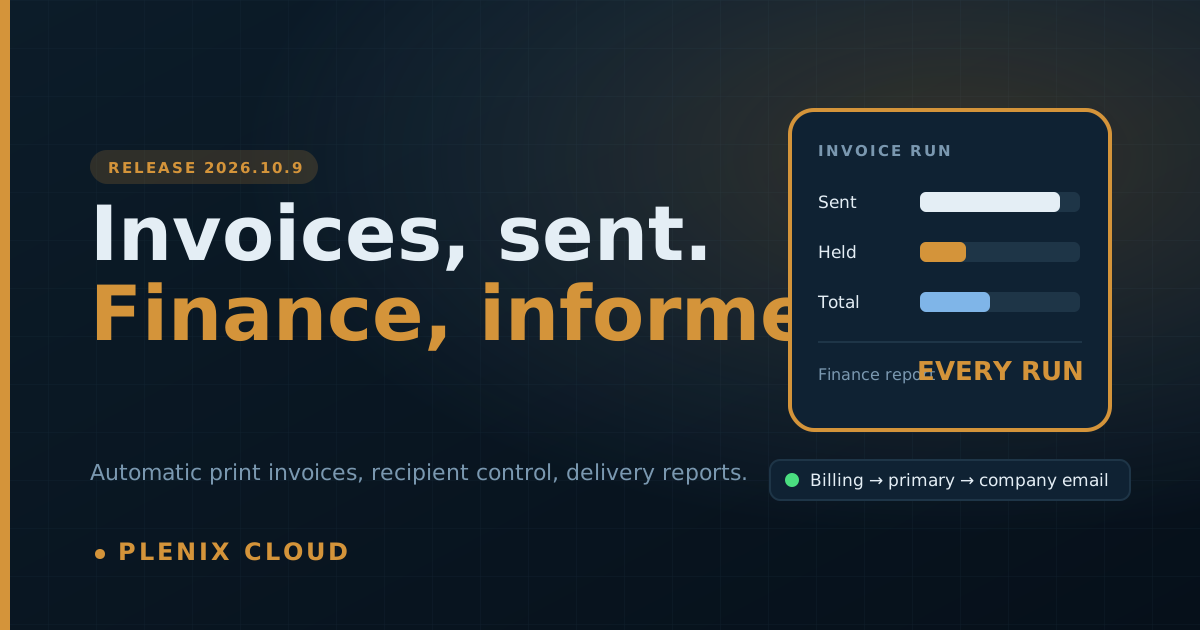
Release 2026.10.9 closes the gap between raising a managed print invoice and the customer receiving it, and makes sure nobody in finance has to wonder whether an invoice went out.
New features
- Managed print invoices send automatically. When the print billing run raises an invoice, it is emailed to the customer straight away. Switch this on or off for the whole workspace under Accounting → Settings, and set any single customer differently (always send, never send, or follow the workspace) under the company's Billing → Payment Settings.
- Choose who receives a customer's invoices. Each company can have its own list of invoice recipients, and a list of people who are always copied in. If you leave the list empty, the invoice goes to the billing contact; if there is none, to the primary contact; and if there is none, to the company email address. The company's Payment Settings show exactly where invoices currently go.
- Finance always knows. After every run, the people on your invoice notification list get one email and in-app notifications listing each invoice: sent, and to which addresses, or not sent, with the reason and what to do about it (for example, the customer has no email address on file, or automatic sending is switched off for them).
- Choose who gets invoice notifications. Under Settings → Notifications, a new Invoices list controls who receives these reports. By default it is your administrators plus anyone with the Finance or Accounts role. Add or remove people, and add outside addresses such as a shared accounts mailbox or your accountant.
- Printer billing is its own permission. Printer rates, bills and billing runs are now a separate screen in the role editor, so you can let engineers manage printers without seeing or changing what customers are charged.
Improvements
- Delivery status on every invoice. The invoice page shows who it was sent to and when, or a clear note that it has not been sent and why.
- Send to several addresses. The Send Invoice window accepts more than one address, and starts with the company's invoice recipients.
- One printer page everywhere. Opening a printer from Managed Print now shows the same full printer page as everywhere else, with its Usage tab.
Changes
- Managed print invoices now include tax. If your workspace has a default sales tax rate, it is added to managed print invoices, the same as an invoice you raise by hand. Workspaces with no default rate are billed without tax, as before.
- Managed print invoices now carry a payment reference, and a plain note stating the period they cover.
- Running print billing by hand now also sends the invoices, unless automatic sending is switched off.
Fixes
- Line descriptions on managed print invoices were blank on the invoice page and in the customer's email. They now show each charge.