Plenix 2026.09.9 — An audit trail that shows exactly who changed what, and can undo it
Every add, edit, delete, setting, policy, sign-in and export is now recorded field by field in plain English. You can filter by person, module and time frame, export to CSV or JSON, and undo a change or a whole batch without overwriting later work.
T
The Plenix Team·30 September 2026·3 min read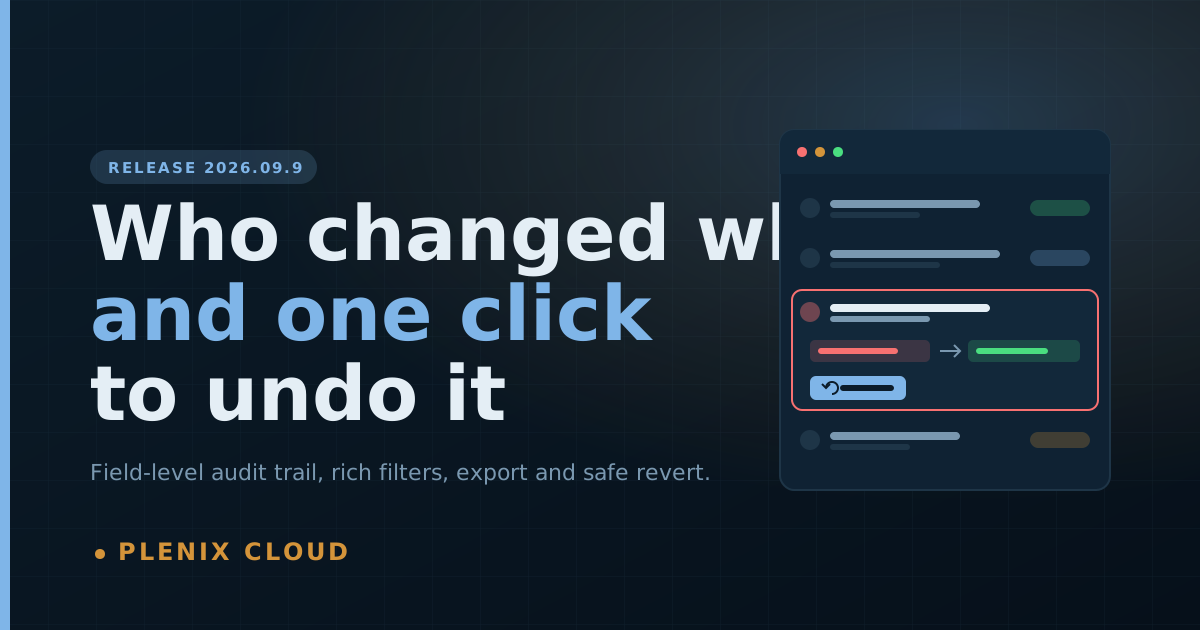
Release 2026.09.9 rebuilds the Audit Trail in Settings. It now answers the questions you have when something has gone wrong: who changed this, what did it say before, what else did they touch, and can we put it back?
New features
Every change, field by field
- Every record added, edited or deleted in every module is recorded: projects and tasks, companies, contacts, tickets, invoices, employees, devices, policies, automations, roles, settings and more.
- Each entry lists exactly which fields changed, with the value before and after. Linked records appear by name, for example Assigned to: Sam Taylor → Alex Morgan, not as an ID.
- Deleted records are kept as a full copy, so you can see what was removed and bring it back.
- New agents, devices and security enrolments are recorded even when a machine creates them rather than a person.
- Entries read as sentences, such as Deleted Task "Order switches" from Project "Office move", instead of raw request paths.
Sign-ins, refusals and exports
- Successful and failed sign-ins, MFA checks, password changes and resets, and client portal sign-ins now appear in the trail.
- When someone tries something their access does not allow, it is recorded as Refused, so attempts are visible as well as changes.
- Data exports and downloads are recorded.
Find anything quickly
- Time frame presets (last hour, 24 hours, today, yesterday, 7, 30 or 90 days, all time) and a custom date and time range.
- Filter by person, module, record type, action, category (data, configuration, security and policies, users and access, sign-in, exports), outcome, severity, source, IP address, record ID and request ID, plus a free-text search.
- 15 columns to choose from, including role, IP address, device and browser, request ID and duration.
- Click a person, an IP address or a record to filter to it.
- Full history of a record shows every change ever made to it, oldest first.
- Done in the same action groups everything one click changed.
Export
- Export CSV or JSON of whatever you have filtered, up to 50,000 entries at a time. The field changes are written in plain text so the file reads well in Excel.
Undo
- Administrators can revert a single change, or tick several entries and revert them together, newest first.
- An edit puts the old values back, a deletion re-creates the record with its original ID, and a creation removes the record.
- Later work is never overwritten. If someone has changed a field again since, revert leaves it alone and tells you which fields it skipped.
- Every revert is itself recorded and linked to the change it undid.
Fixes
- People whose role gives them view-only access to Automations can now open the rules. When access is denied, the message now says it is a permission, not a plan limit.
- Accounting → Settings is now limited to Finance users and administrators.
- Help articles no longer show "page not found" when many pages are loading at once.
- Fixed a start-up issue introduced with the new Network hub.
Security
- The audit trail is append-only. Nobody, including administrators, can edit or delete entries.
- Passwords, tokens, API keys and other secrets are never stored in the trail. Only the fact that one changed is recorded. Encrypted fields such as bank details stay protected.
- Administrators and HR administrators can view the trail. Only administrators can revert.