BLOG
News from the platform.
Product updates, engineering stories and where Plenix is heading — written by the team building it.
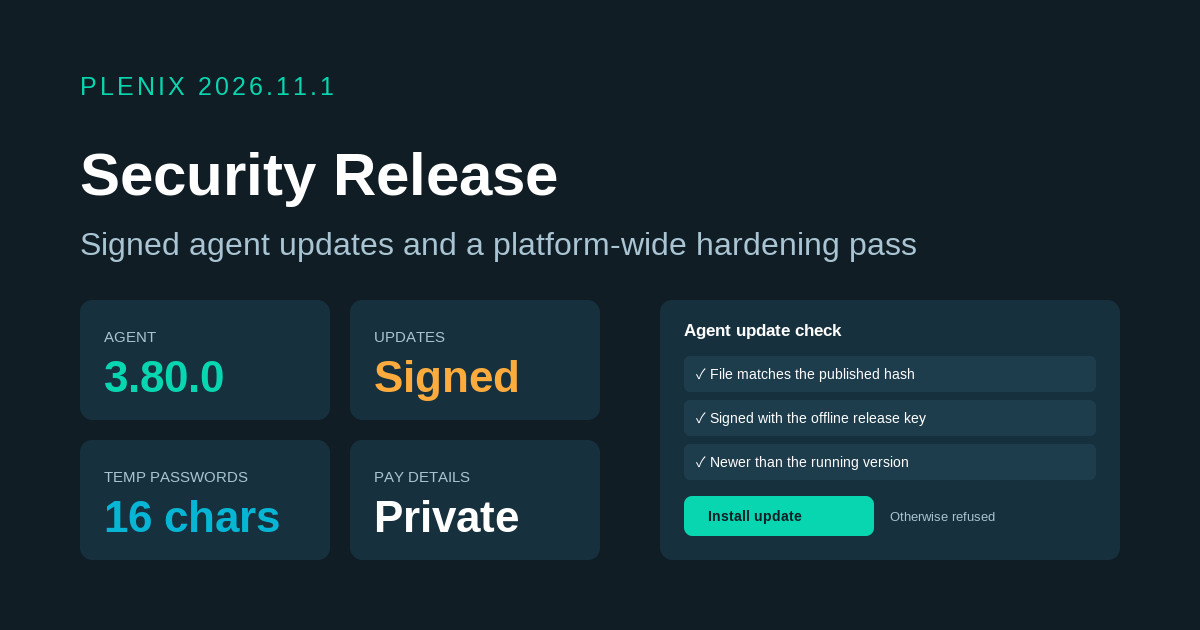
Plenix 2026.11.1 — Security hardening and signed agent updates
A security release: agent updates now have to be signed with a key that never touches our servers, colleagues' pay and personal details are hidden from people who do not need them, temporary passwords are much stronger, and a long list of smaller protections tighten exports, email, support access and public pages.
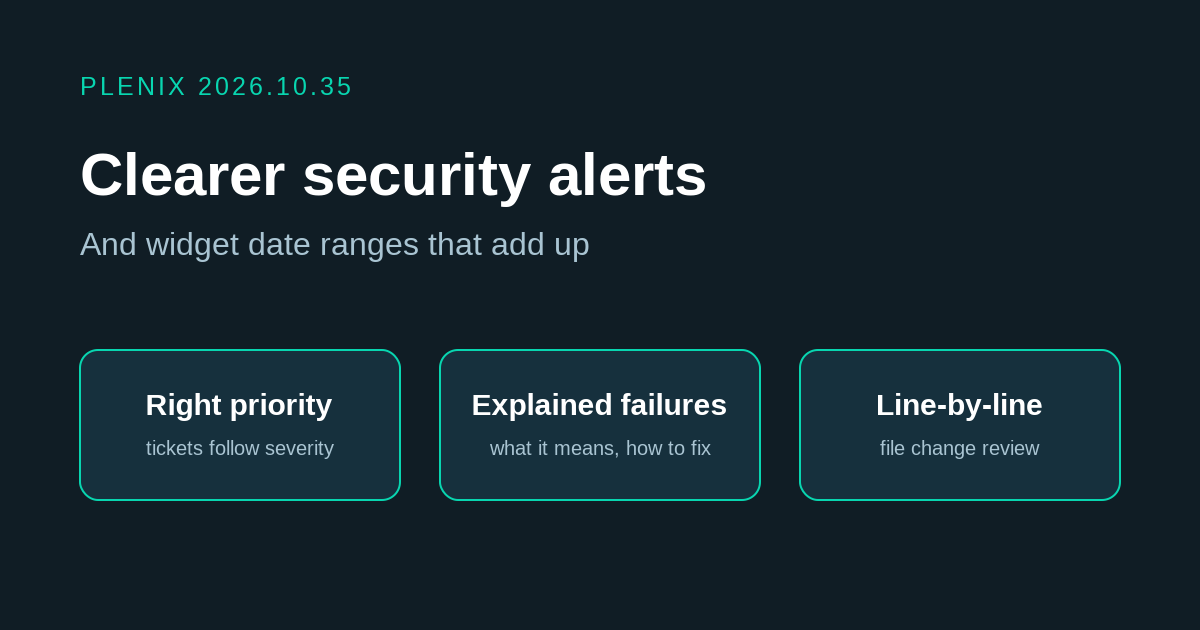
Plenix 2026.10.35 — Clearer security alerts and widget date ranges that add up
Security alert tickets now carry the right priority, failed background jobs explain themselves, file changes can be reviewed line by line before they are approved, and dashboard widgets follow their date range everywhere.
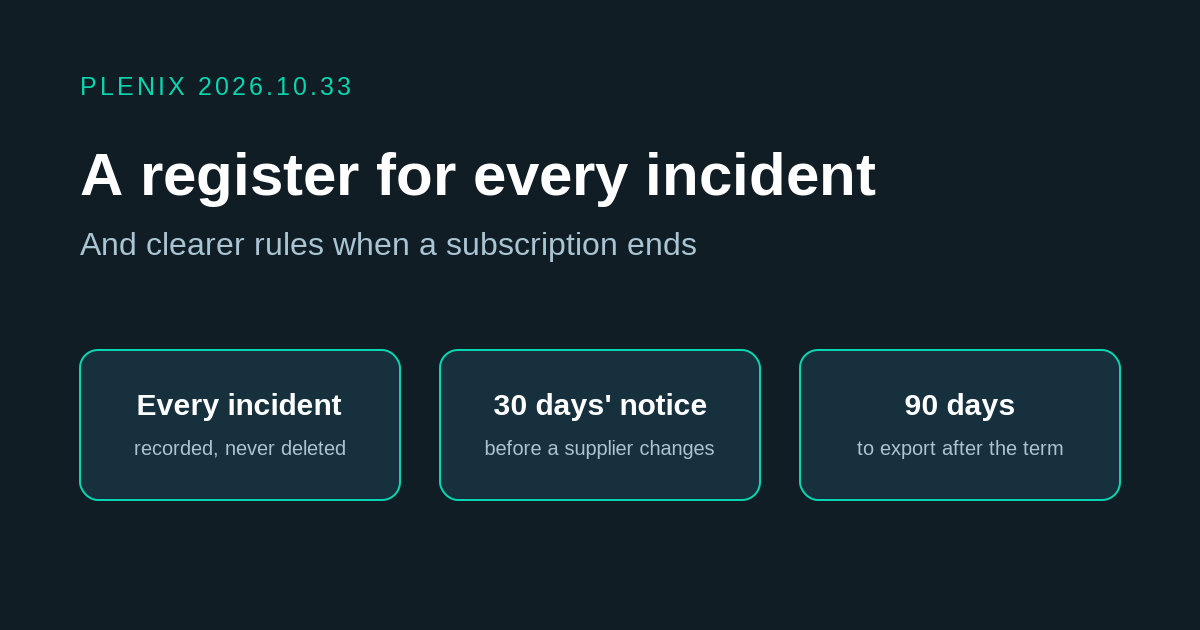
Plenix 2026.10.33 — An incident register and clearer end-of-subscription rules
Plenix now keeps a formal register of every incident and data breach, emails you before it changes a supplier that handles your data, and ends a cancelled subscription at exactly the end of the term you paid for.
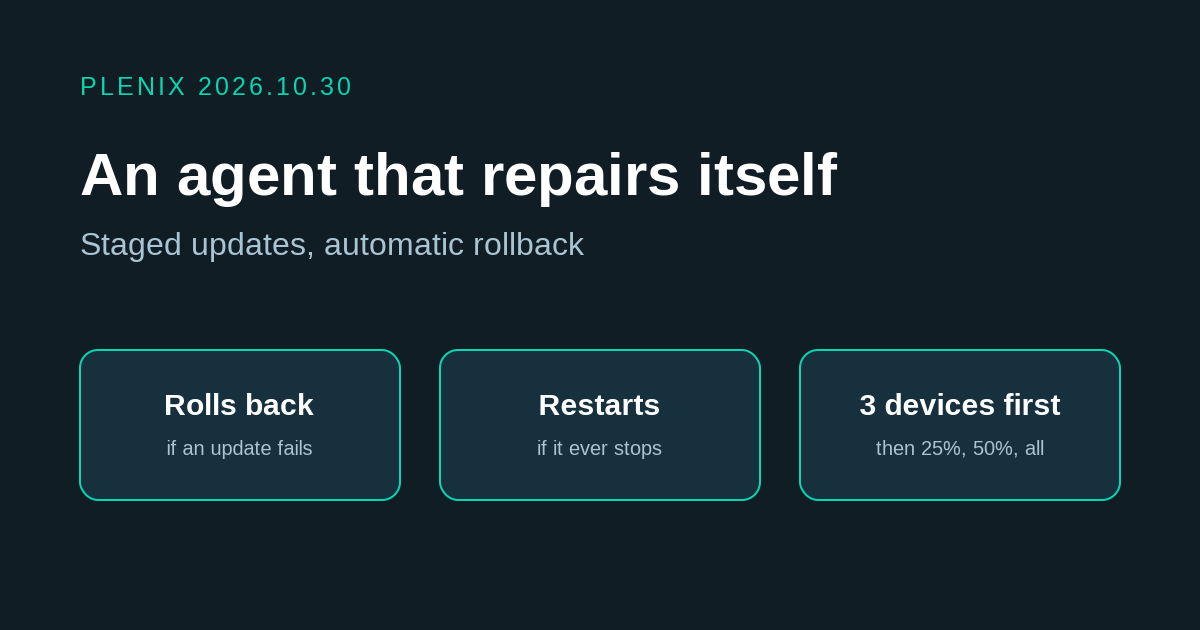
Plenix 2026.10.30 — An agent that repairs itself, and updates that roll out in stages
Agent 3.79.0 stopped on Windows devices after updating. Agent 3.79.1 fixes that, and changes how updates work so a bad release cannot take a fleet offline again: the agent rolls itself back, Windows restarts it if it stops, and new versions reach a few devices before everyone else.
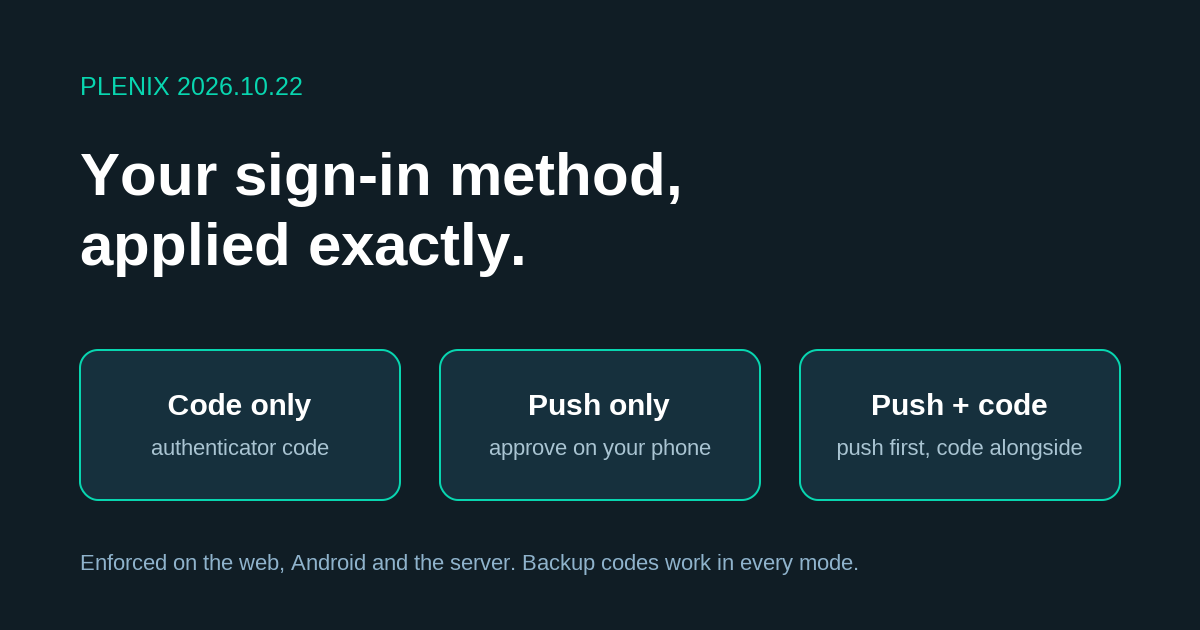
Plenix 2026.10.22 — Your sign-in method, applied exactly
Code only, Push only and Push + code now mean exactly that on the web and in the mobile apps. Push-only accounts no longer accept authenticator codes, and the Android app gets the new Plenix logo.
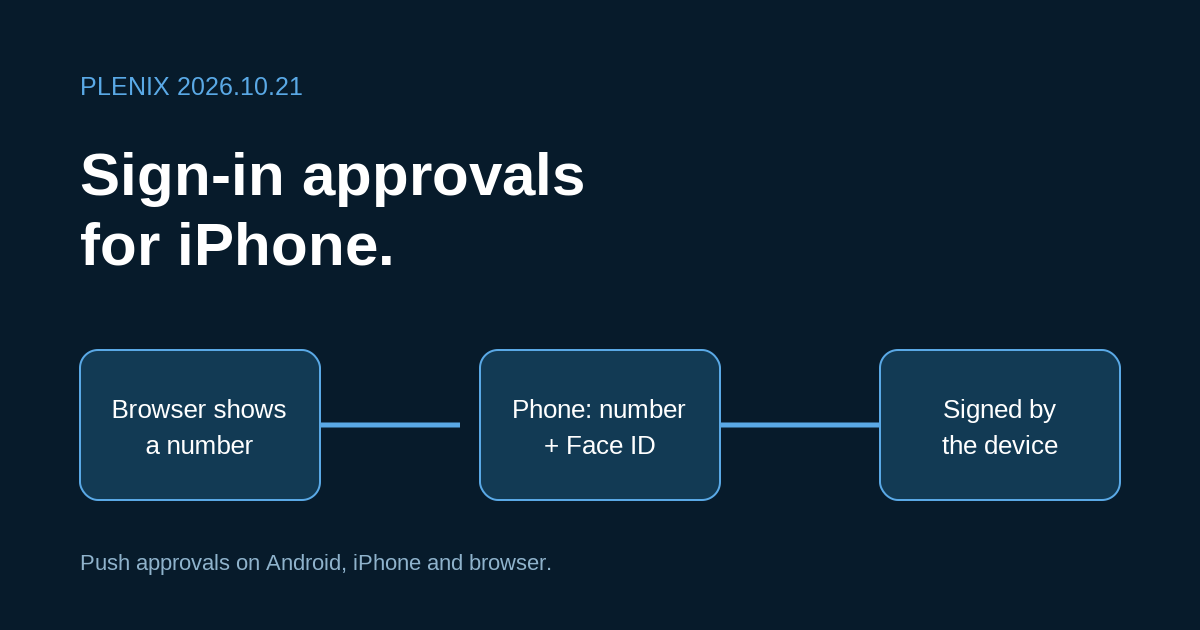
Plenix 2026.10.21 — Sign-in approvals for iPhone
Plenix push sign-in approvals now support iPhone, with every approval signed by a key that never leaves the phone. Approving a sign-in now always needs the number shown in your browser, on every phone.
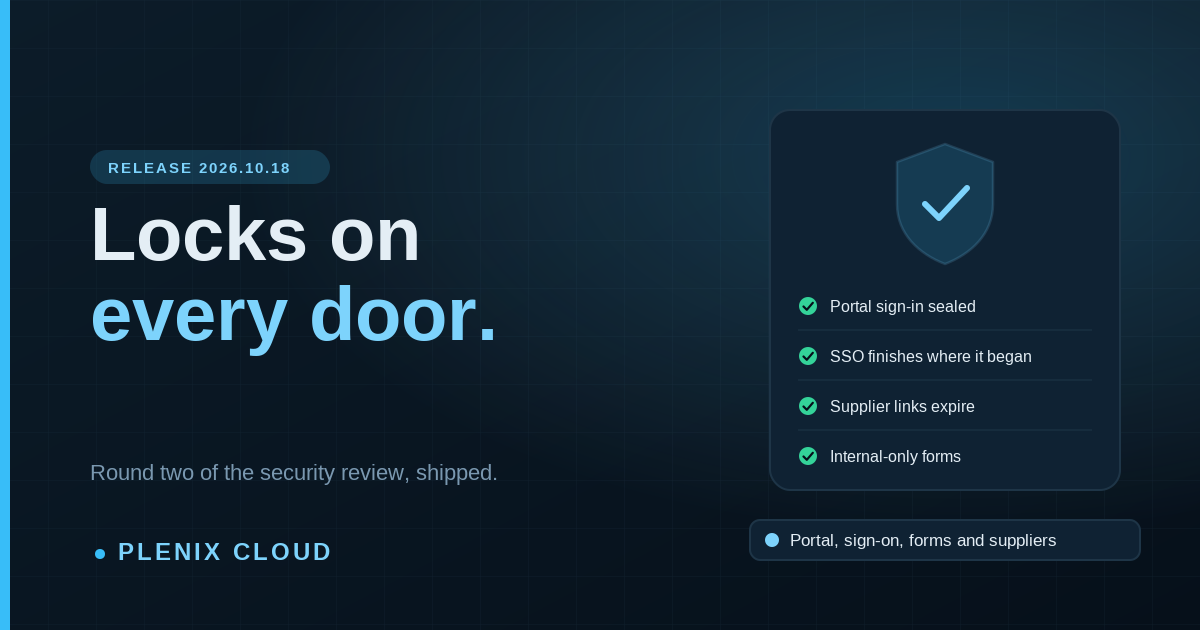
Plenix 2026.10.18 — Locks on every door
The second round of work from this month's security review. Customer portal sign-ins are held where page scripts cannot reach them, single sign-on finishes only in the browser that started it, supplier portal links run for 90 days, and a form can now be kept for internal use only.
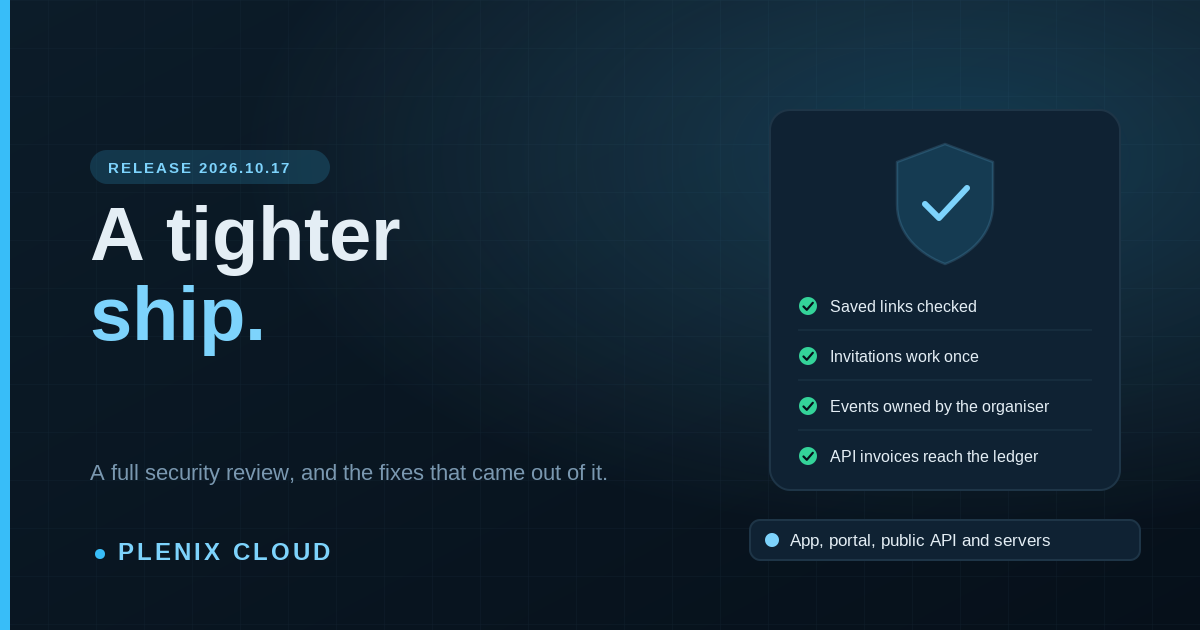
Plenix 2026.10.17 — A tighter ship
A full security review of the platform, from sign-in to the public API, and the fixes that came out of it. Saved links are checked before they open, calendar events belong to their organiser, and invoices raised from a company page or through the API reach your ledger like any other.
Plenix 2026.10.7 — Widget colours that stick, finished print billing and stronger platform security monitoring
The colour you pick for a dashboard widget now applies to every chart style, from a palette of 42 colours. Managed print billing gets itemised invoices and a finished usage tab. Leads Hub now enforces its approval limit. And we have expanded round-the-clock security monitoring of the Plenix platform itself.
Plenix 2026.10.4 — A credentials vault built like a password manager
The Credentials Vault is now a full workspace: smart views, instant search, password health, history and bulk actions. Share links can carry their own password, go to several people by email, and be revoked at any time.
Plenix 2026.10.2 — Account managers, automatic ticket requesters and clearer SLAs
Give every client a named account manager and see each person's book of clients. Tickets from email, the portal, the device agent and the chatbot now add their requester and CRM contact automatically. SLA timers on business-hours policies are easier to read, and security alert routing is easier to set up.
Plenix 2026.09.10 — Security maintenance: latest framework and email patches, and safer releases
Every Plenix site now runs the latest patched version of its web framework, our email libraries are on their newest secure releases, and dependency audits across the platform report zero known vulnerabilities. Releases now also check the platform is healthy before they complete.
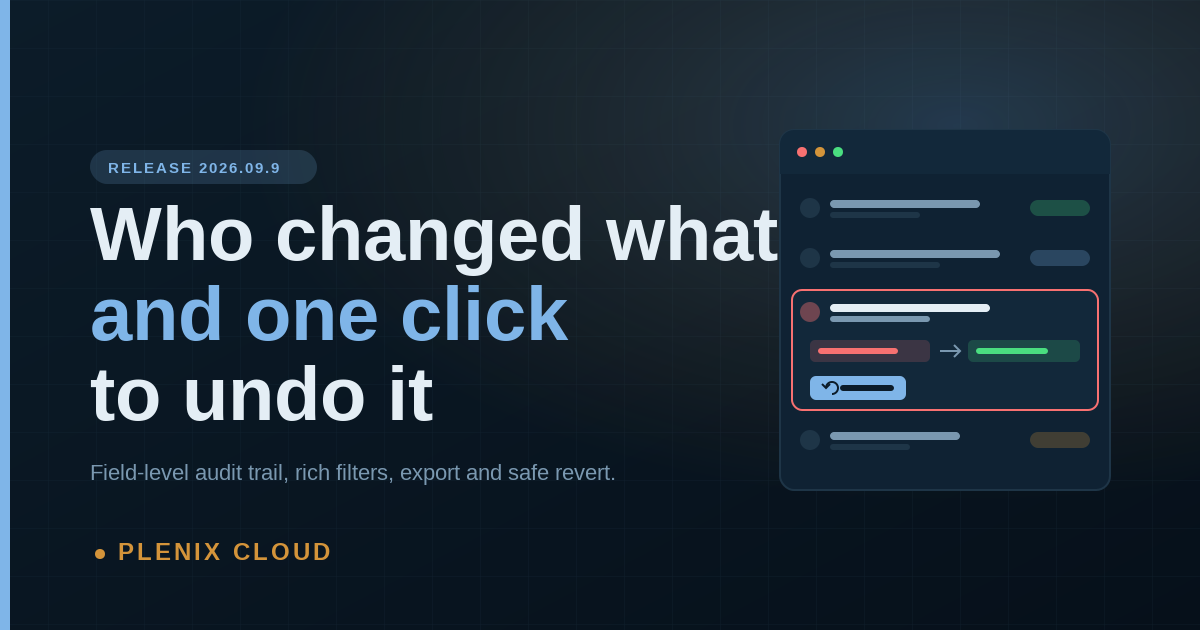
Plenix 2026.09.9 — An audit trail that shows exactly who changed what, and can undo it
Every add, edit, delete, setting, policy, sign-in and export is now recorded field by field in plain English. You can filter by person, module and time frame, export to CSV or JSON, and undo a change or a whole batch without overwriting later work.
Plenix 2026.09.7 — Documents you can share, find and account for
Share a folder by email with CC and BCC, give many people and groups access at once, sort and filter by who created, changed or last opened a file, and review every change in one audit log.
Plenix 2026.09.6 — Payment errors that tell you how to fix them
GoCardless and Stripe errors now say what is wrong, which setting to change and where to read more. You can test your GoCardless connection in one click, and Company Payment Settings is now its own permission.
Plenix 2026.09.4 — Your access follows you everywhere, not just the menu
Per-screen access now applies to dashboard widgets, search, reports and AI search, and every page hides the New, Edit and Delete buttons you can't use. Pay figures in widgets are visible to HR and administrators only.
Plenix 2026.09.3 — Access control down to each screen and each action
Roles and per-user access now go below the module level. Choose which screens someone can open (Bills but not Invoices, Tax Rates but not Reports) and what they can do on each (view, create, edit, delete, admin). People management is limited to HR and administrators, and invites always start at Viewer.

Plenix 2026.09.2 — Team Comms with video meetings, real SSO and a new patching engine
Team Messages is rebuilt into Team Comms, with voice and video calls, scheduled meetings and guest links, and it now sits in Enterprise. Also: single sign-on (OIDC and SAML), background patching with a winget catalog, HR batch claims, and permission fixes. Covers 26–29 September 2026.
Plenix 2026.09.1 — Clickable dashboards, a live knowledge graph and a security overhaul
Every dashboard number now opens the records behind it. Documents get version history and trash, LMS gets real quizzes and certificates, accounting goes multi-entity, and we shipped over 30 security fixes. Covers 21–25 September 2026.
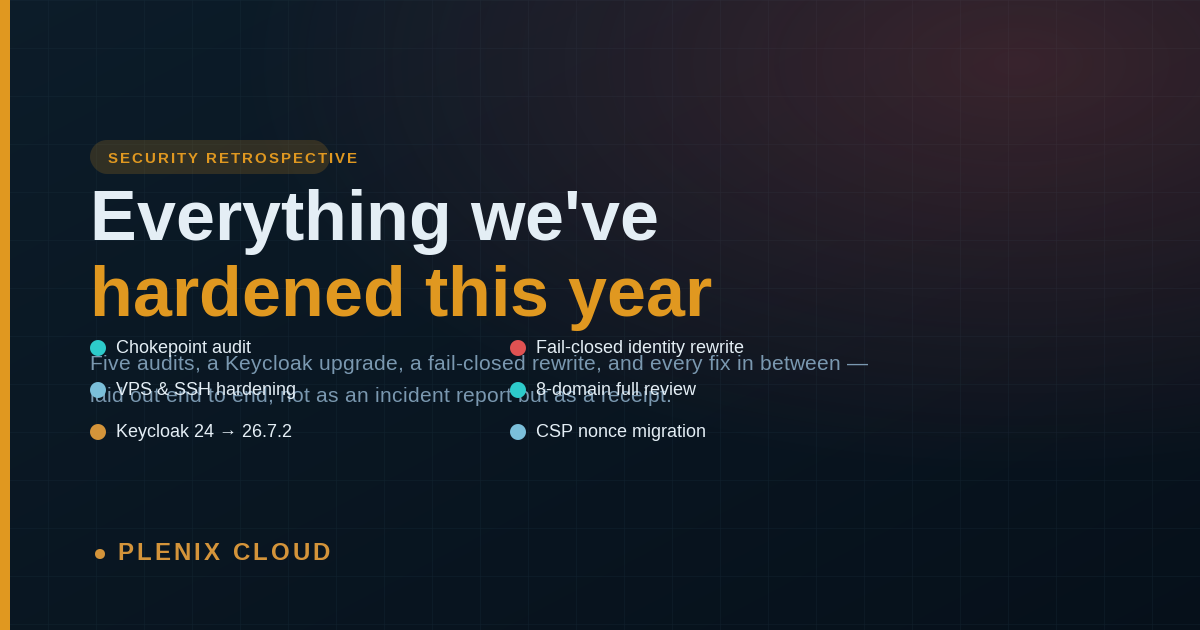
Everything We've Hardened This Year
Six rounds of security work, laid out end to end: a chokepoint audit, VPS lockdown, a full 8-domain review, and today's fix for a fail-open tenant-identity gap.
Introducing the Security Module: EDR, XDR & Firewall, Built In
A native EDR/XDR/firewall layer on the same agent and dashboard you already use — enrollment-gated, billed per device, no third-party console to reconcile.