Plenix 2026.10.18 — Locks on every door
The second round of work from this month's security review. Customer portal sign-ins are held where page scripts cannot reach them, single sign-on finishes only in the browser that started it, supplier portal links run for 90 days, and a form can now be kept for internal use only.
T
The Plenix Team·5 October 2026·2 min read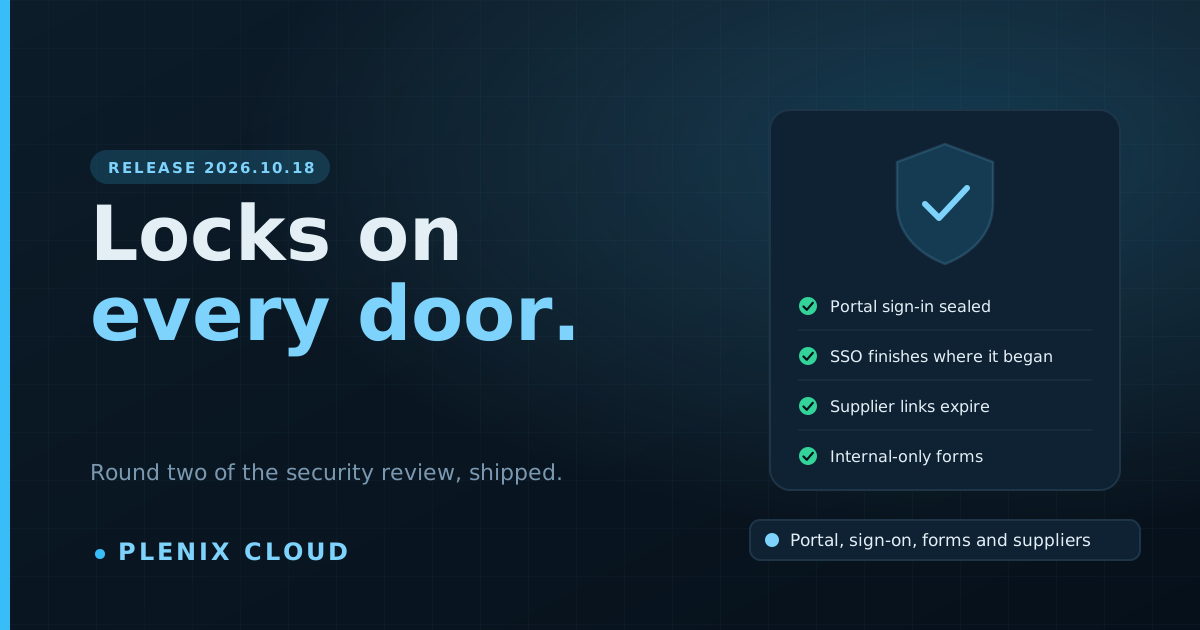
Release 2026.10.18 is the second round of work from this month's security review. Most of it happens behind the scenes: the links and sign-ins you already use carry on working, and are kept more carefully. There is one new switch, on forms, and one change to supplier portal links that is worth knowing about.
New features
- Internal-only forms. Each form now has a public switch. Turn it off and the form stays in Plenix for your team, but its public link, website embeds and landing pages stop accepting it. Every form you already have stays public until you change it. Open Forms and use the globe button on a form.
Changes
- Supplier portal links run for 90 days. A link you send to a supplier now works for 90 days. Generating a new link replaces the old one, as before. Links you have already sent get 90 days from today.
- Customer portal sign-in. Customers stay signed in to the portal for up to seven days on the same browser. Anyone signed in before this release stays signed in.
Improvements
- Public API updates. Updating a company or a webhook through the public API changes the documented fields only.
Security
- Portal sign-ins are out of reach of page scripts. The customer portal session is now kept by the browser in a form that scripts running on a page cannot read.
- Single sign-on finishes where it started. A sign-in through your identity provider can only be completed in the same browser that began it.
- Stricter identity checks on single sign-on. If your identity provider says an email address has not been verified, the sign-in is refused, however that answer is written.
- Link codes are no longer kept in readable form. Portal invitations, password reset links, data export share links and supplier portal links are stored in a form that cannot be turned back into a working link. Links already sent keep working.
- Our own tools are tighter. The admin screens of our status page answer only from our office, new sign-ups on our error monitoring are closed, the internal cache now needs a password, and an old backup file was encrypted.