Plenix 2026.10.21 — Sign-in approvals for iPhone
Plenix push sign-in approvals now support iPhone, with every approval signed by a key that never leaves the phone. Approving a sign-in now always needs the number shown in your browser, on every phone.
T
The Plenix Team·6 October 2026·2 min read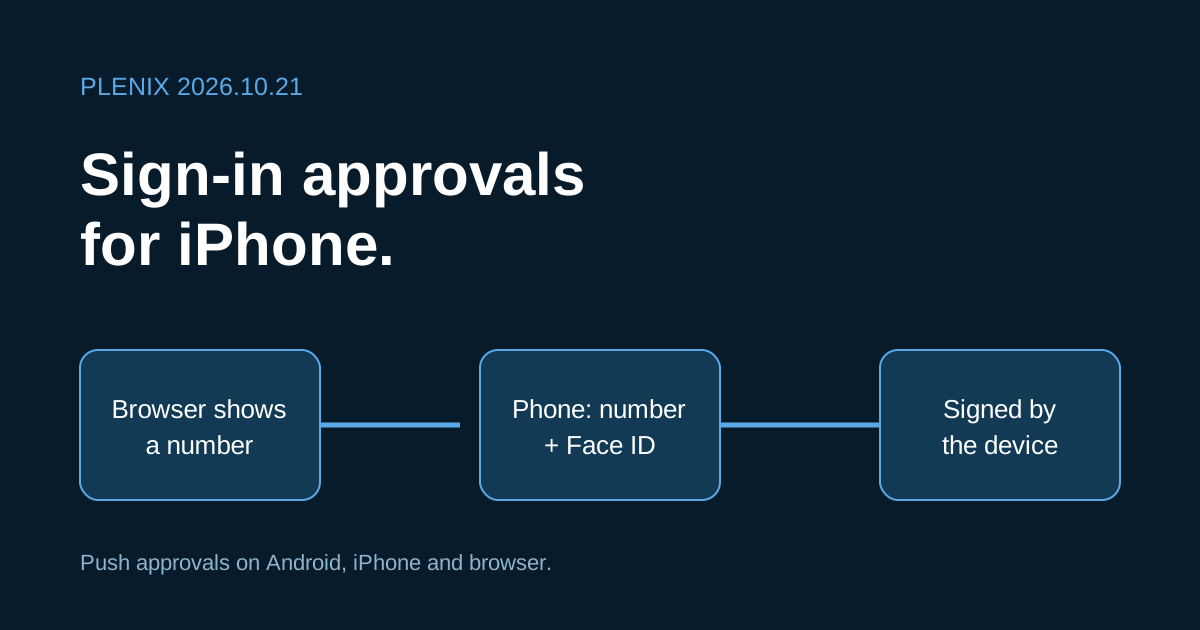
Release 2026.10.21 brings push sign-in approvals to iPhone and tightens how every phone approves a sign-in.
New features
- Push sign-in approvals for iPhone. Plenix can now send sign-in requests to the Plenix Cloud iPhone app (iOS 16 or later), alongside the Android app and browser push. Sign in to the app with your workspace, and it enrols itself for push approvals. The phone then shows up under Settings → Security with your other devices, where you can send a test request or remove it. The iPhone app is rolling out through Apple's review. Your workspace's Settings → Security page will list it as soon as it is available.
- Approvals tied to the phone itself. Each enrolled iPhone creates its own approval key in the phone's secure hardware. The key cannot be copied off the device, and the phone uses it only after Face ID, Touch ID or the device passcode. Plenix accepts an iPhone approval or denial only if it is signed with that key.
Improvements
- Clearer phone setup. The two-factor settings page now walks through adding an Android phone or an iPhone, explains what each app needs, and says exactly what you'll be asked for when you approve a sign-in.
- Removing a phone really removes it. When you remove an iPhone from Settings → Security or sign out of the app, it stops receiving requests and its approval key is destroyed. It only enrols again if you sign in to the app again.
Security
- The browser number is always required. Approving a sign-in on any phone now always means typing the number shown in the browser. Fingerprint and face checks are an extra step after the number, never a replacement for it, so a request you didn't start can't be approved with a reflex tap. As before, entering the wrong number denies the request and asks for a new password at the next sign-in. If you use the Android app with fingerprint approval turned on, update to version 0.3.12 when it reaches you.