Plenix 2026.10.22 — Your sign-in method, applied exactly
Code only, Push only and Push + code now mean exactly that on the web and in the mobile apps. Push-only accounts no longer accept authenticator codes, and the Android app gets the new Plenix logo.
T
The Plenix Team·6 October 2026·2 min read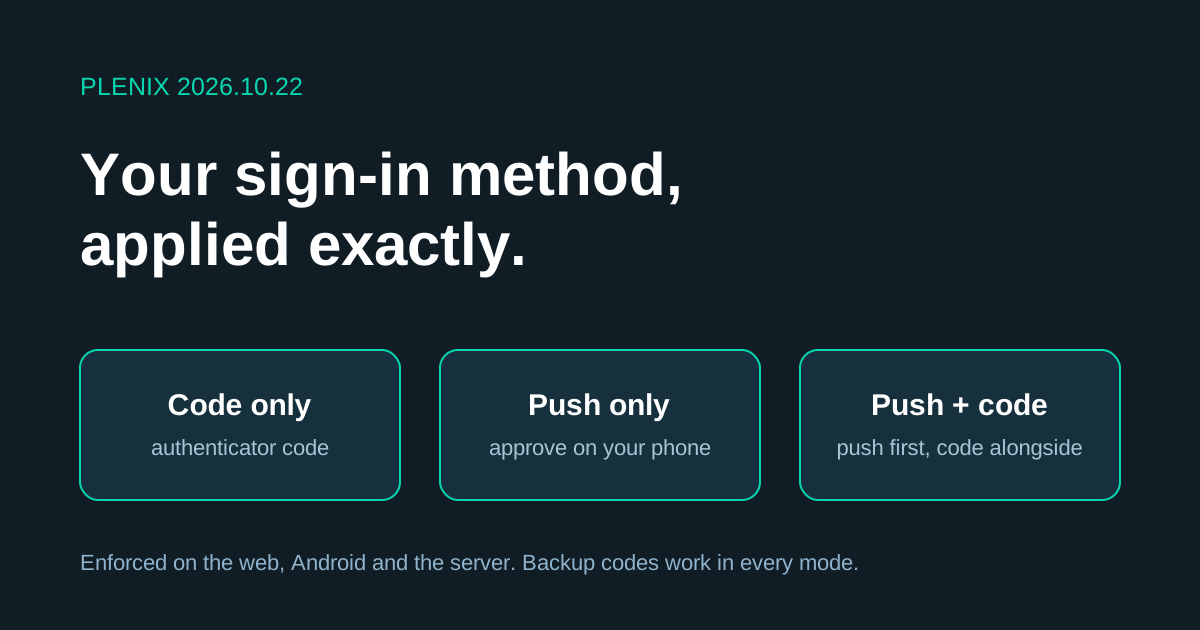
Release 2026.10.22 makes the two-factor method you choose the only way to finish signing in, everywhere you sign in.
Improvements
- Push first, code alongside. On Push + code, the sign-in page sends the request to your phone straight away and shows the authenticator code box next to it, so you can use whichever is quicker. The Android app does the same.
- Send another request. If a push request times out or you miss it, tap Send another request on the sign-in page or in the Android app. You don't have to start the sign-in again.
- Clearer method names. The method picker in Settings → Security, and the admin user editor, now say Code only, Push only and Push + code, with a line under each explaining what it allows.
- New Android app icon. Plenix Mobile 0.3.12 uses the new Plenix logo for its home-screen icon, its notifications and its sign-in screen.
Changes
- Push only means push only. Accounts set to Push only now sign in by approving the request on their phone. Authenticator codes are no longer accepted for those accounts, on the web or in the app. Until a phone is enrolled for push, the code keeps working so nobody is locked out while setting up.
- Code only never sends push. Accounts set to Code only sign in with the authenticator code and never receive push requests.
- Backup codes work in every mode. If you lose your phone on Push only, choose Lost your phone? Use a backup code on the sign-in screen.
Security
- Enforced on the server. The sign-in method is checked by Plenix itself, not just hidden on the screen, so a code can't be used to bypass a Push-only setting from any app or page.