Plenix 2026.10.30 — An agent that repairs itself, and updates that roll out in stages
Agent 3.79.0 stopped on Windows devices after updating. Agent 3.79.1 fixes that, and changes how updates work so a bad release cannot take a fleet offline again: the agent rolls itself back, Windows restarts it if it stops, and new versions reach a few devices before everyone else.
Release 2026.10.30 is about one thing: the Plenix agent must stay running. On 8 October, agent 3.79.0 stopped on Windows devices straight after updating, and those devices dropped off monitoring. This release fixes the fault and changes the update process so one bad release cannot do that again.
What happened
Agent 3.79.0 added laptop and desktop detection. On Windows, reading that detail from the operating system failed in a way that stopped the agent as it started. Because it stopped before it could check for a newer version, an affected device could not repair itself. We withdrew 3.79.0 the same morning. macOS and Linux devices were not affected.
If a Windows device went offline on 8 October and has not come back, reinstall the agent on it once: download the Windows agent installer for that client, the same one you used to add the device, and run it as an administrator. The installer replaces the stopped agent with 3.79.1 and keeps the device's history.
Fixes
- Agent 3.79.1 starts correctly on Windows. The hardware detail that stopped 3.79.0 is read safely, and a failure reading any hardware detail now leaves that one field blank and carries on.
Improvements
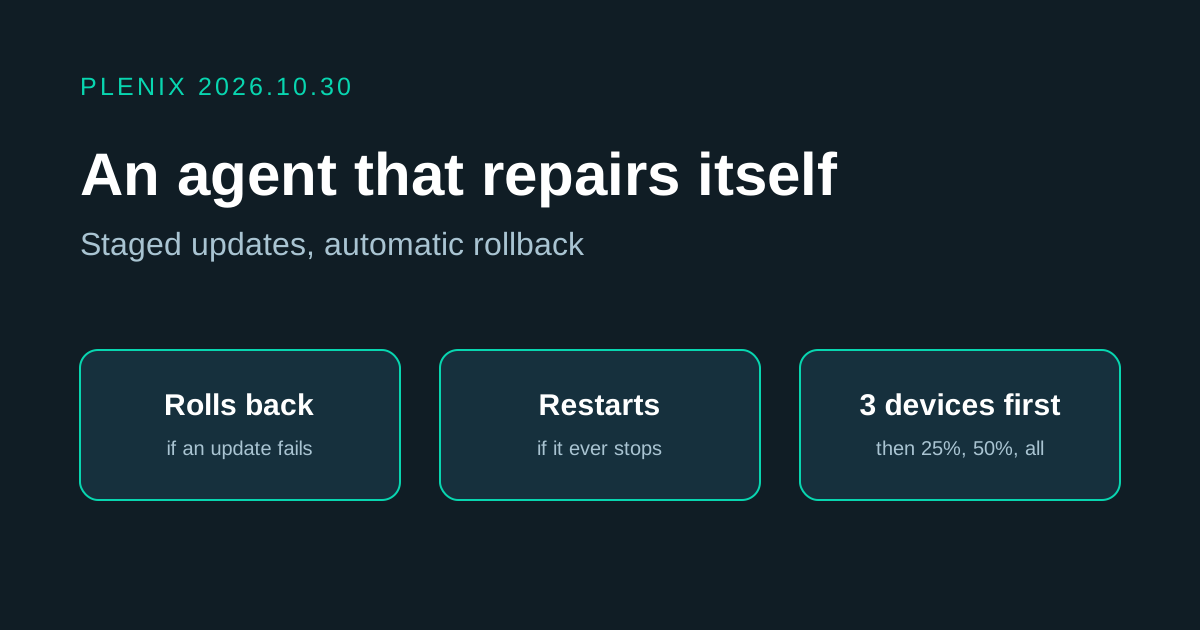
- The agent rolls itself back. Before it updates, the agent keeps the version it is running. If the new version does not come up healthy, the agent puts the old one back, carries on working, and does not try that release again.
- Windows restarts the agent if it stops. The agent service now restarts itself after a failure, and a separate scheduled check starts it again if it is found stopped. A stopped agent comes back within about ten minutes without anyone visiting the device.
- Updates roll out in stages. A new agent version goes to three devices first. Only when one has come back running it, and half an hour has passed, does it reach a quarter of devices, then half, then everyone, an hour apart.
- A bad release stops itself. If devices that were offered an update roll back, report a crash, or do not come back, the rollout halts by itself and every device that has not updated stays on the version it is running. Agents now report why an update failed, so the cause is known straight away.
- Force Update Agent still works. Choosing it on a device in RMM skips the wait for that device. It does not override a halted rollout.
Security
- Addresses that are not a workspace show nothing. A web address under plenix.cloud that does not belong to a workspace used to show a sign-in page. It now returns "Not found", so a made-up address cannot be mistaken for a real workspace.