BLOG
News from the platform.
Product updates, engineering stories and where Plenix is heading — written by the team building it.
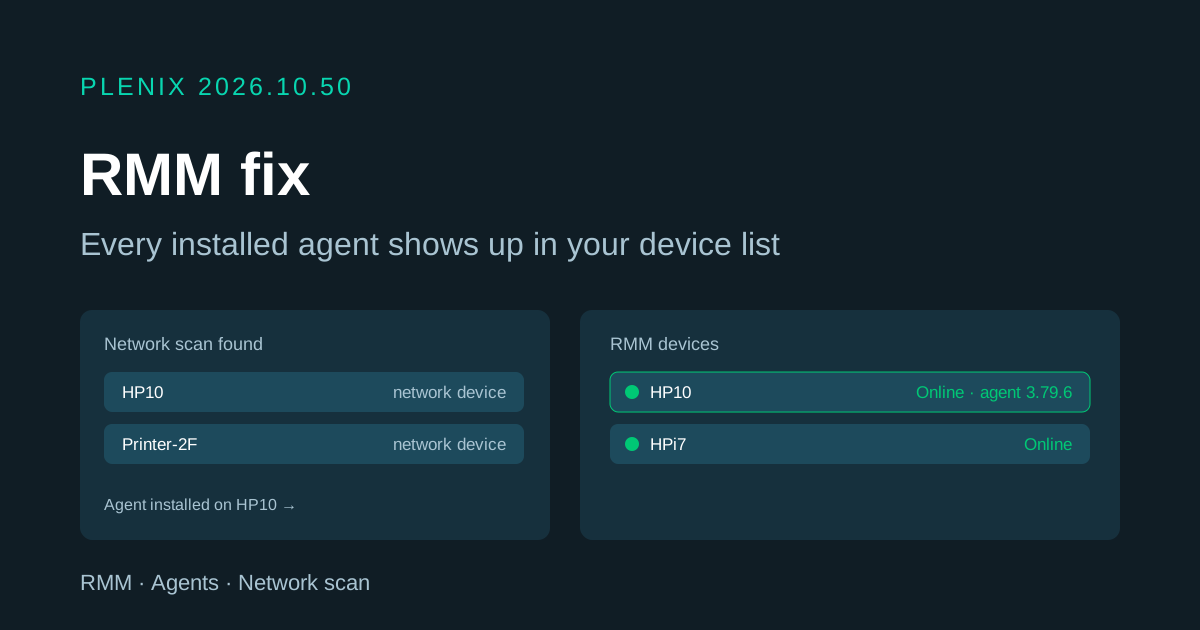
Plenix 2026.10.50 — Agents always show up in RMM, even when a network scan saw the machine first
A newly installed agent could connect successfully but stay hidden from your RMM device list if another agent's network scan had already found that machine. Agents now always take over the scanned entry properly and appear straight away.
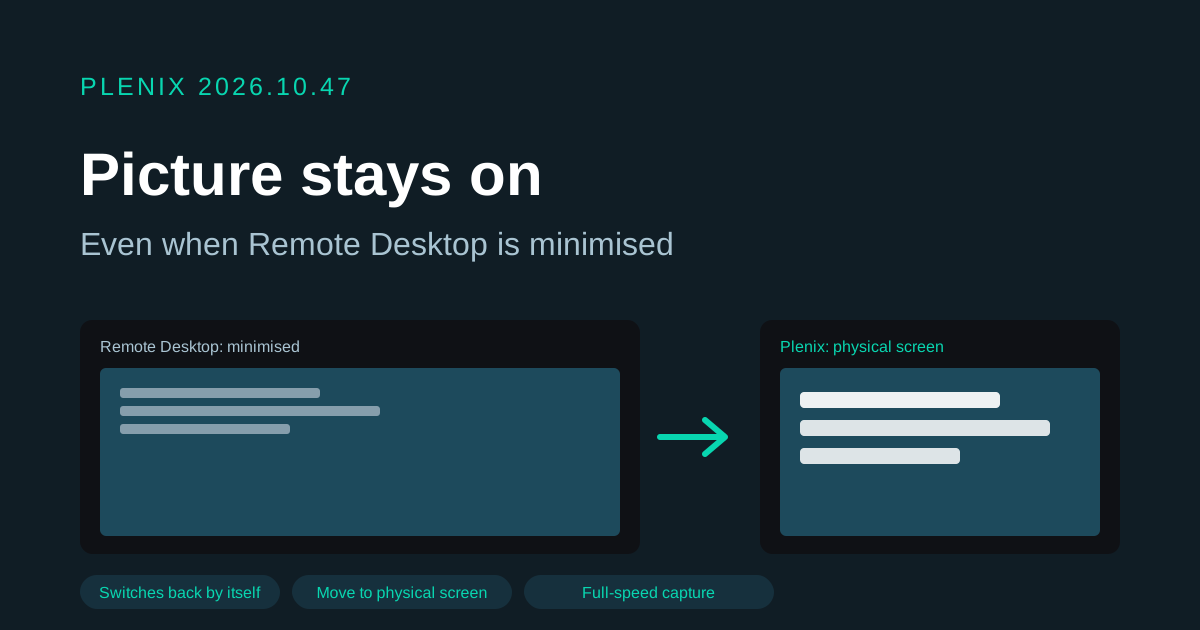
Plenix 2026.10.47 — Remote control keeps the picture when Remote Desktop is minimised
If a computer is also open in Remote Desktop and that window is minimised, Plenix remote control now shows the computer's own screen instead of losing the picture, and switches back when it is restored. A new option moves the desktop onto the physical screen.
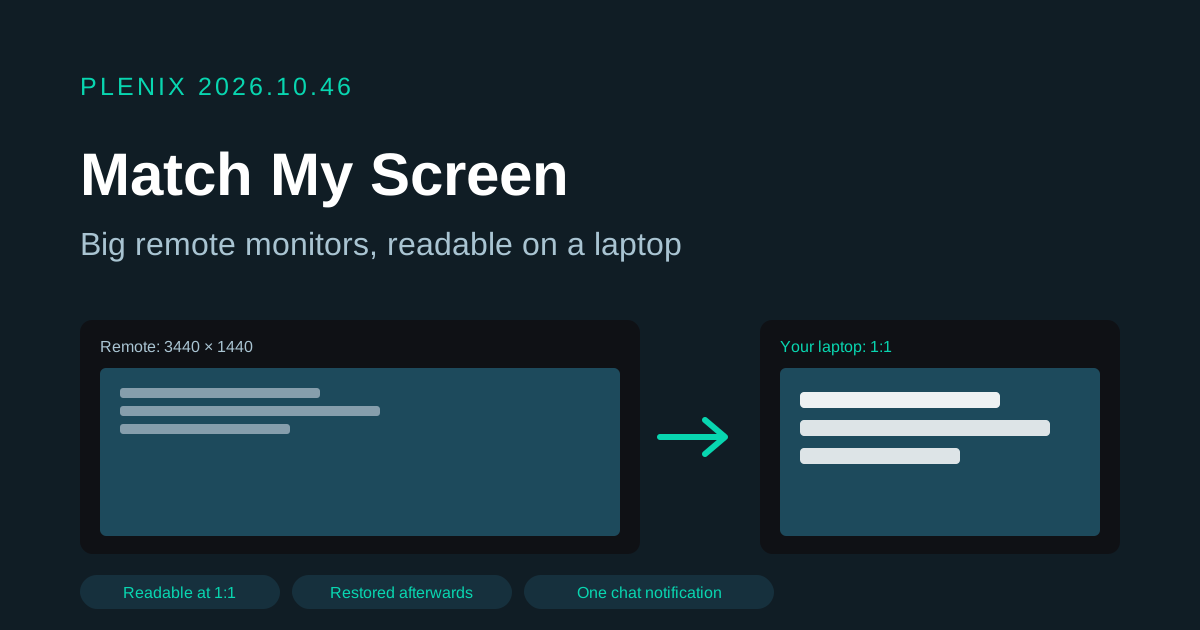
Plenix 2026.10.46 — Remote control: Match My Screen, and fewer chat notifications
Remote control has a new Match My Screen option that makes a big remote monitor readable on a laptop at 1:1. Users in a live chat now get one Windows notification per session instead of one for every message.
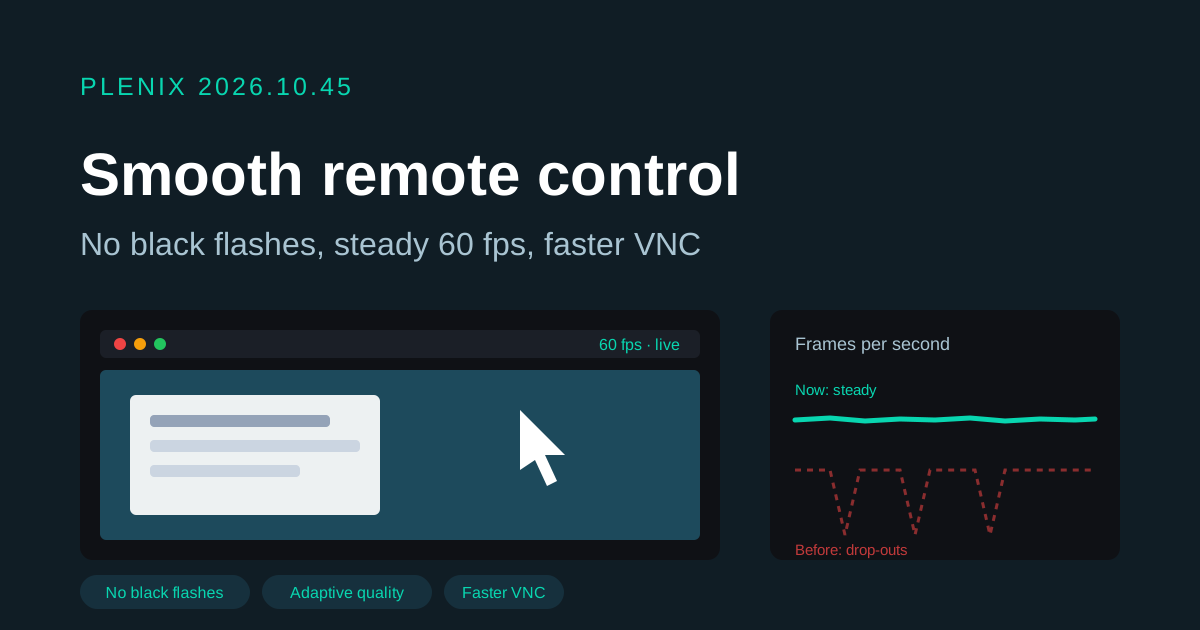
Plenix 2026.10.45 — Remote control: no more black flashes, smoother picture at 60 frames a second
Remote control sessions no longer go black for a moment every few seconds. The picture now adjusts its quality smoothly to your connection, so it stays at full frame rate without stalls, and VNC sessions draw large screen changes faster.
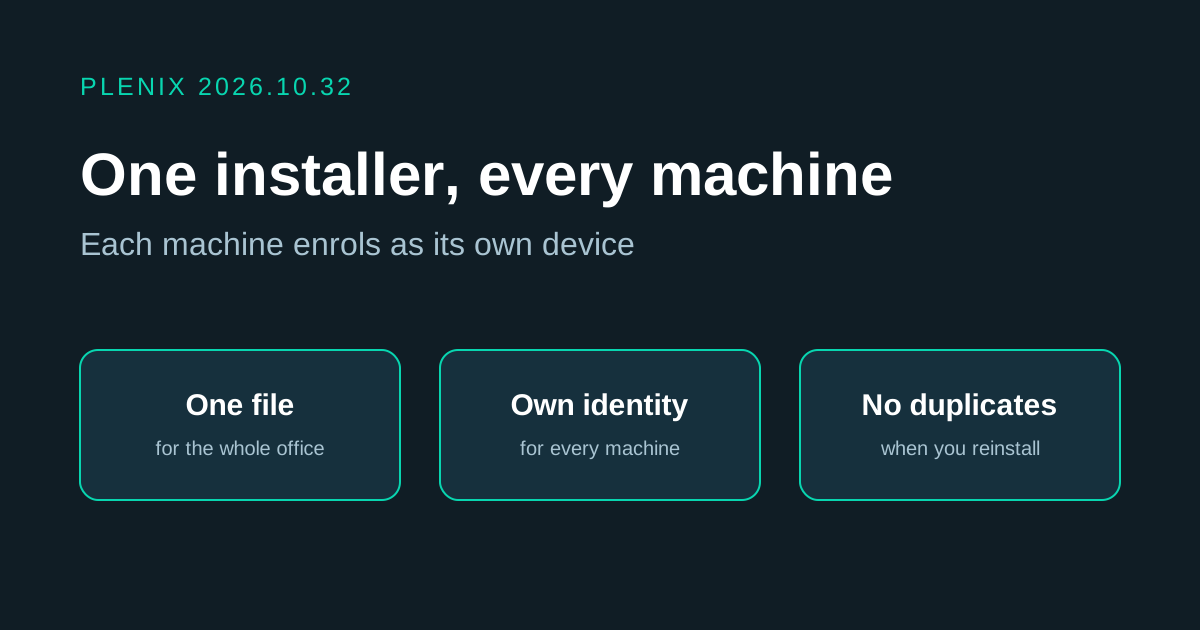
Plenix 2026.10.32 — One agent installer for every machine
You can now run the same agent installer file on as many machines as you like. Each machine gets its own identity and its own device record the first time the agent starts.
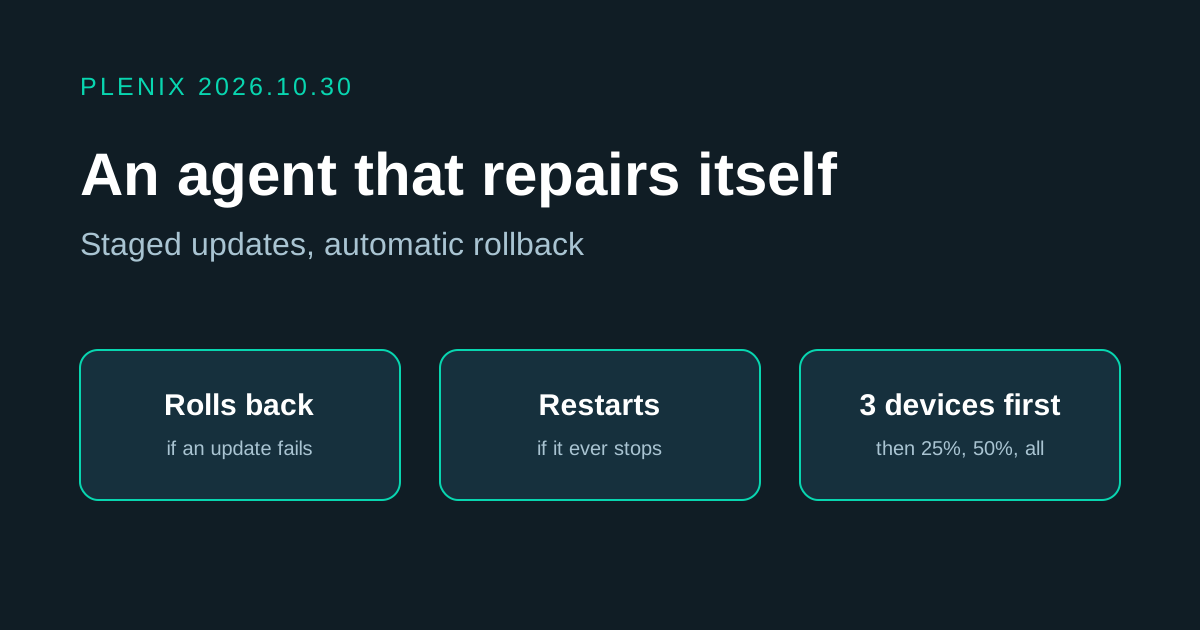
Plenix 2026.10.30 — An agent that repairs itself, and updates that roll out in stages
Agent 3.79.0 stopped on Windows devices after updating. Agent 3.79.1 fixes that, and changes how updates work so a bad release cannot take a fleet offline again: the agent rolls itself back, Windows restarts it if it stops, and new versions reach a few devices before everyone else.