Plenix 2026.10.32 — One agent installer for every machine
You can now run the same agent installer file on as many machines as you like. Each machine gets its own identity and its own device record the first time the agent starts.
T
The Plenix Team·10 October 2026·2 min read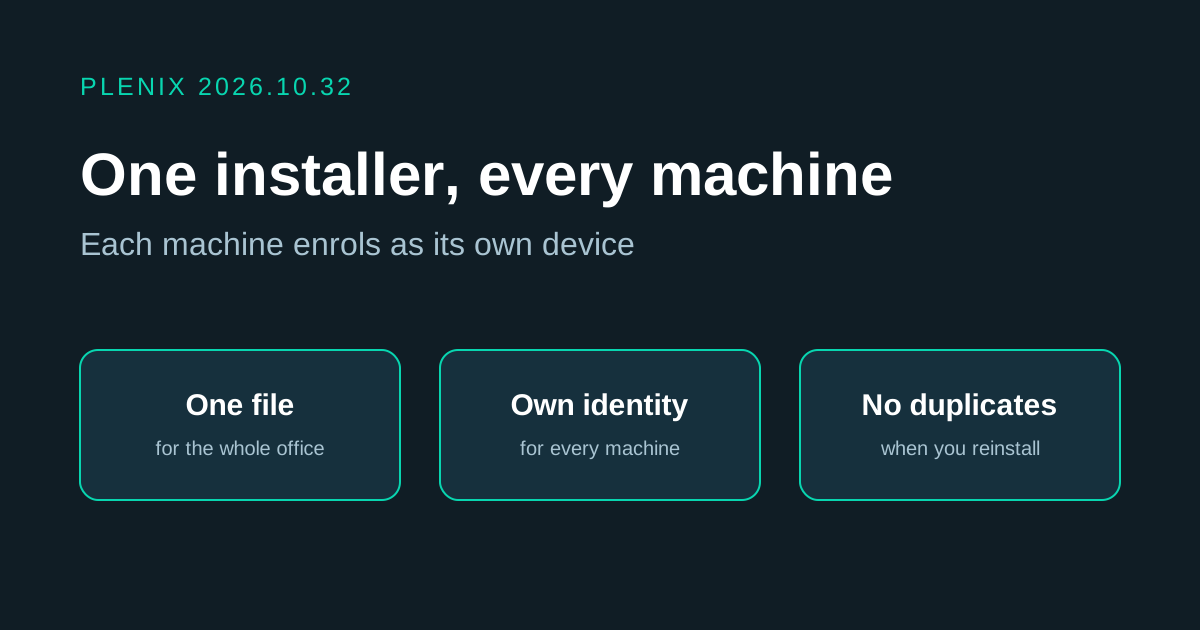
Release 2026.10.32 changes how the Plenix agent joins your workspace. Until now one installer file was meant for one machine. Now one file is enough for a whole office. The agent is version 3.79.2.
New features
- One installer, many machines. Generate an installer once and run the same file on every machine. The first time the agent starts, each machine enrols by itself and appears as its own device.
- Works the same on Windows, Linux and macOS. The downloaded file and the one-line install command both enrol each machine separately.
Improvements
- Reinstalling does not make a duplicate. A machine is recognised when the same installer is run on it again, so it keeps its device record and its history.
- Revoking an installer covers everything installed from it. When you revoke an installer, the machines that enrolled from it are cut off too.
- Nothing to do for machines you already manage. They keep their device record when the agent updates.
Fixes
- Two machines no longer take turns being online. When the same installer had been run on two machines, they shared one device record: restarting one showed the other as offline, and details such as the serial number were mixed up. After the agent updates, each machine has its own record.
- Devices on agent 3.79 show as online again. Some devices that updated to agent 3.79 said "connected" on the machine but were shown as offline in Plenix. They now register correctly.