Plenix 2026.10.47 — Remote control keeps the picture when Remote Desktop is minimised
If a computer is also open in Remote Desktop and that window is minimised, Plenix remote control now shows the computer's own screen instead of losing the picture, and switches back when it is restored. A new option moves the desktop onto the physical screen.
T
The Plenix Team·15 October 2026·2 min read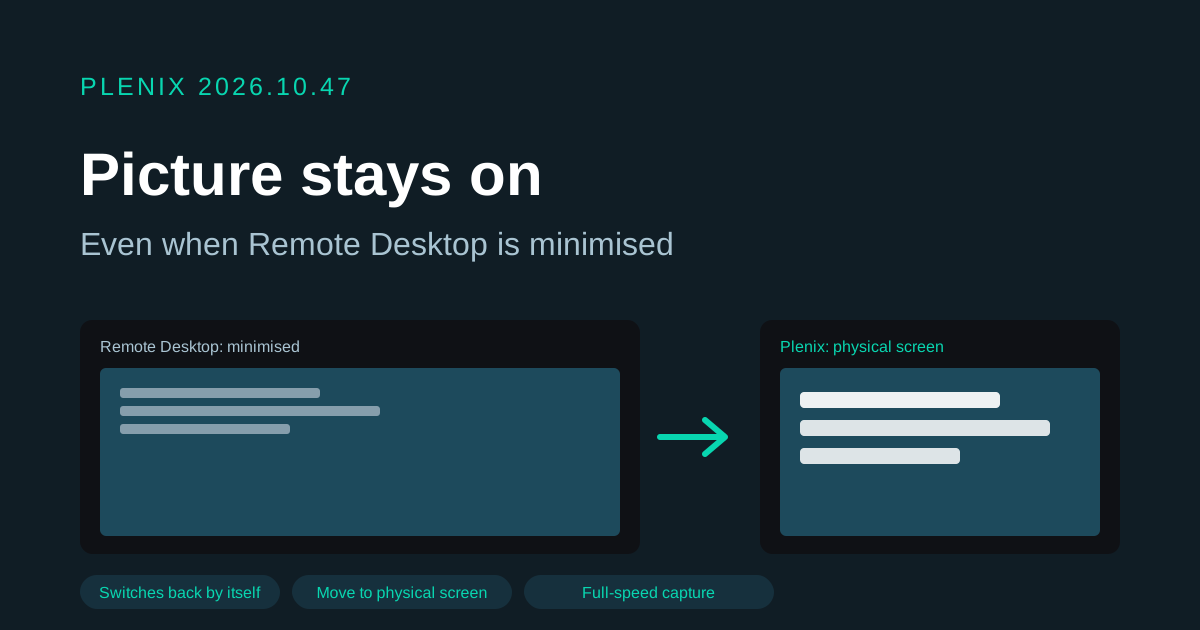
Release 2026.10.47 improves remote control in RMM for computers that are also used through Windows Remote Desktop. It ships in agent 3.79.6, which reaches your devices through the usual staged rollout. Plans and prices have not changed.
New features
- Move desktop to physical screen. A new option under View moves the signed-in Remote Desktop session onto the computer's own monitor, so the desktop shows there and Plenix keeps showing it no matter what happens to the Remote Desktop window. It asks before it runs, because it disconnects Remote Desktop on that computer. It never happens on its own.
Improvements
- No more blank picture when Remote Desktop is minimised. When someone minimises the Remote Desktop window that is connected to a computer, Windows stops drawing that desktop. Plenix used to keep the session open but lose the picture until the window was restored. Now Plenix notices within about a second and shows the computer's physical screen in the meantime, usually the Windows sign-in screen, with a notice in the viewer explaining why. As soon as the Remote Desktop window is restored, the picture switches back to the desktop by itself.
Fixes
- After the Remote Desktop window was restored, remote control could stay on a slower, choppier capture method for the rest of the session. It now returns to full-speed capture.
- Fixed a rare case where a frame of the picture was mistaken for a control message and dropped.