Plenix 2026.10.50 — Agents always show up in RMM, even when a network scan saw the machine first
A newly installed agent could connect successfully but stay hidden from your RMM device list if another agent's network scan had already found that machine. Agents now always take over the scanned entry properly and appear straight away.
T
The Plenix Team·16 October 2026·1 min read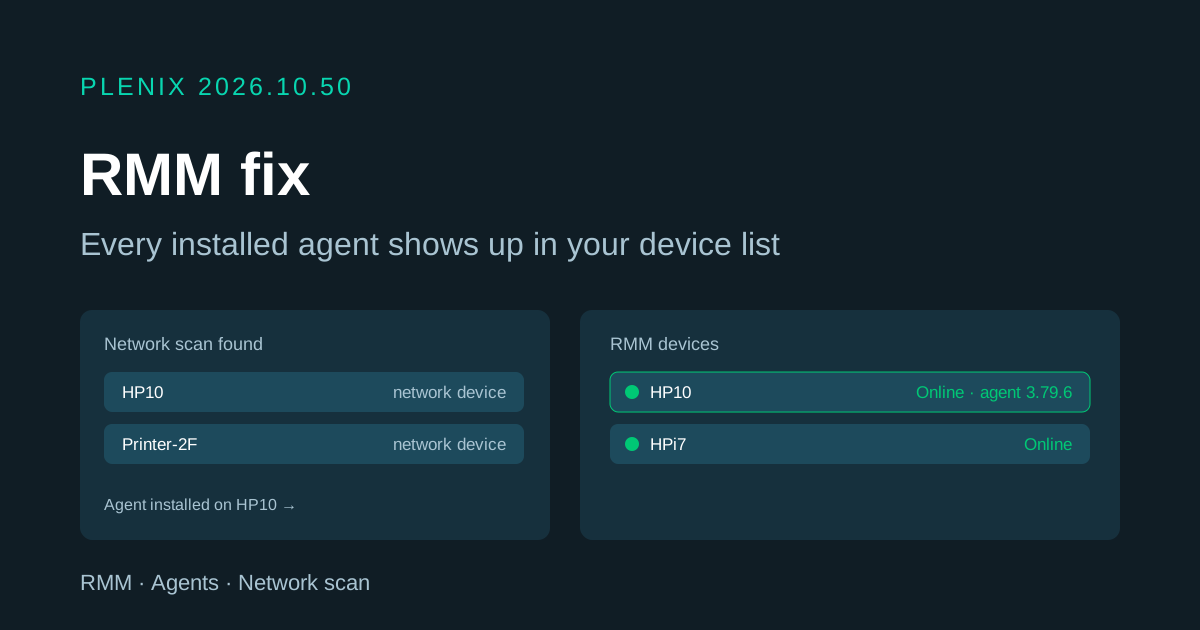
Release 2026.10.50 is a fix release for RMM. Plans and prices have not changed.
Fixes
- Newly installed agents always appear in RMM. When one of your agents runs a network scan, the machines it finds are listed as network devices. If you then installed an agent on one of those machines, the agent could report that it was connected while the machine stayed missing from your RMM device list, because it inherited the scanned entry's "network device" label. A machine with an agent installed is now always listed as a managed device, and any machine this had already affected has been corrected.
Improvements
- Clearer installer management for Plenix support. When our team generates agent installers for you, they now see your company name, who created each installer and which machines enrolled from it, which makes it quicker to help when an agent won't connect.