Plenix 2026.10.45 — Remote control: no more black flashes, smoother picture at 60 frames a second
Remote control sessions no longer go black for a moment every few seconds. The picture now adjusts its quality smoothly to your connection, so it stays at full frame rate without stalls, and VNC sessions draw large screen changes faster.
T
The Plenix Team·15 October 2026·2 min read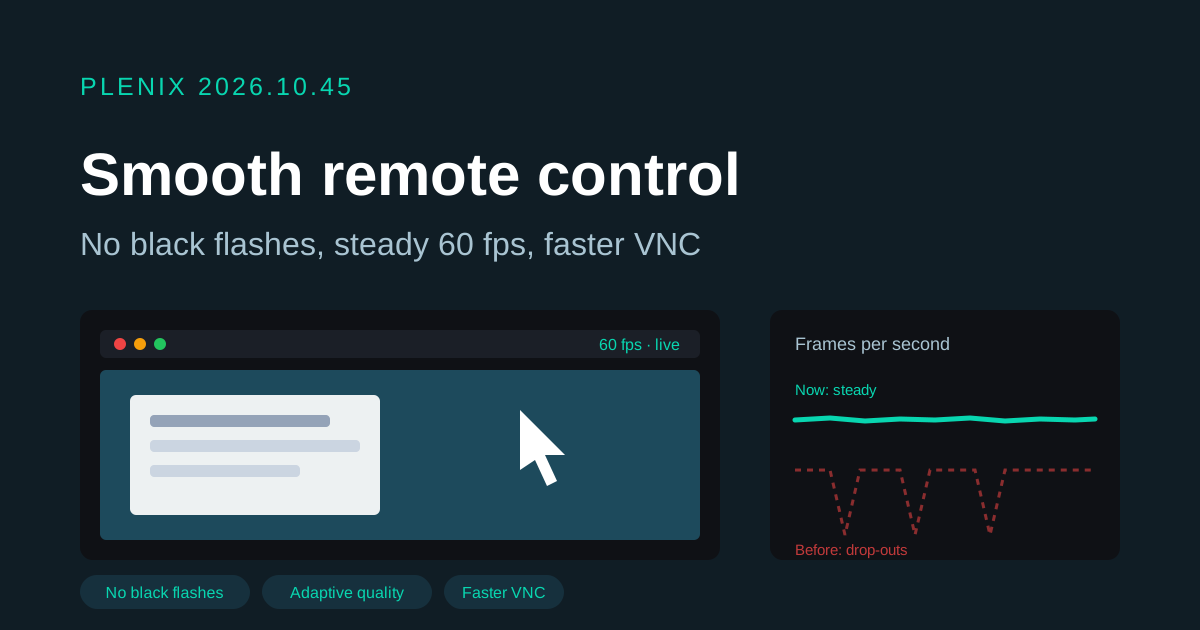
Release 2026.10.45 is a quality release for remote control in RMM. It ships in agent 3.79.4, which reaches your devices through the usual staged rollout. Plans and prices have not changed.
Fixes
- No more black flashes during remote control. On some Windows machines the picture went black or froze for a second or two every 15 to 80 seconds, then came back. A fault in the agent's screen capture made the capture process stop and restart. It is fixed: in our tests the old agent stopped within 10 seconds every time, and the new one ran for 10 minutes at an average of 60 frames a second without stopping once.
Improvements
- Smoother picture on slower connections. The picture quality now follows what your connection can carry and changes in small steps. Before, it jumped between sharp and blurry every few seconds and stalled on each jump. The session now settles on the best quality your connection can show at full frame rate.
- Less delay. The agent keeps less of the picture waiting to be sent. What you see is closer to what is on the remote screen right now, and the mouse and keyboard feel quicker on busy connections.
- The picture keeps its quality after a hiccup. If the capture restarts, it carries on at the quality it had reached instead of starting over.
- Faster VNC. Large screen changes in VNC sessions are sent in fewer, bigger pieces, so they appear at once instead of in strips.
- Better fault reports. If the screen-capture process ever does stop, the agent log now says why, so we can fix it faster.
Security
- The remote-control relay now checks that screen data comes from the device the session was opened on.