Plenix 2026.10.46 — Remote control: Match My Screen, and fewer chat notifications
Remote control has a new Match My Screen option that makes a big remote monitor readable on a laptop at 1:1. Users in a live chat now get one Windows notification per session instead of one for every message.
T
The Plenix Team·15 October 2026·2 min read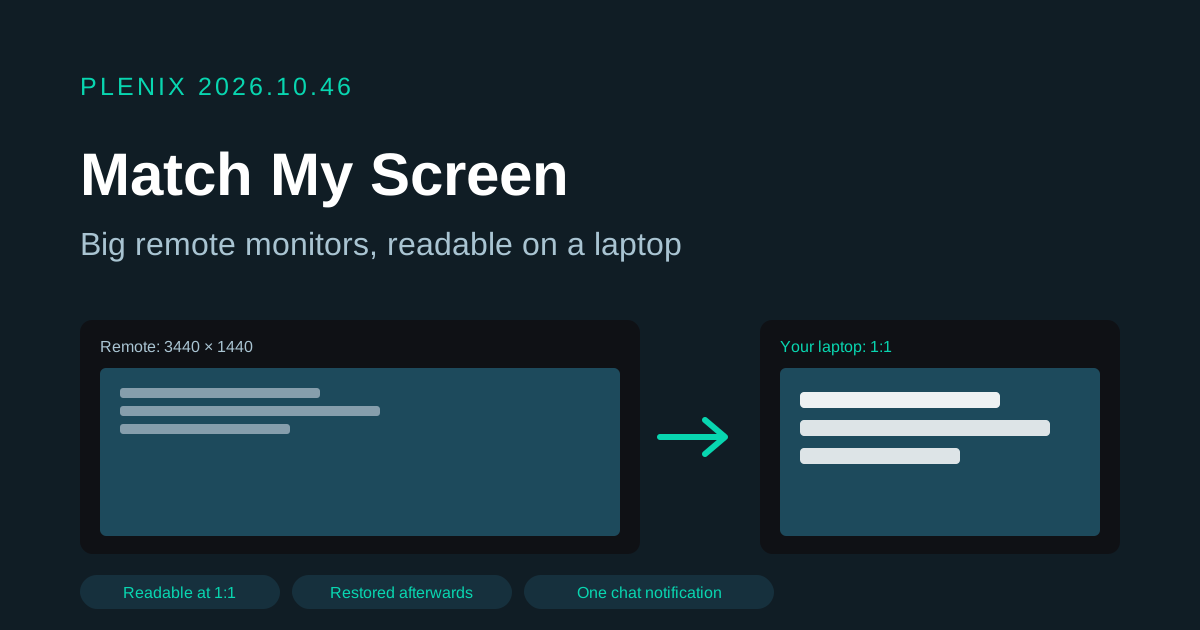
Release 2026.10.46 improves remote control in RMM. It ships in agent 3.79.5, which reaches your devices through the usual staged rollout. Plans and prices have not changed.
New features
- Match My Screen. When the remote computer has a much bigger monitor than yours, for example a 34-inch ultrawide viewed from a laptop, the picture had to be shrunk until the text was too small to read. Choose View → Match My Screen and, for the length of the session, the remote monitor switches to the resolution that best fits your window. You see the whole screen, pixel for pixel, at a size you can work with. The monitor goes back to its own resolution when you turn the option off, switch monitors or end the session. Your choice is remembered for your next session, and going full screen fits the screen again. It cannot change a screen that belongs to a Remote Desktop session, whose size is set by the Remote Desktop client; the viewer tells you when that is the case.
Improvements
- One notification per chat, not one per message. During a live session, the person at the remote computer used to get a Windows notification for every message the technician sent. Now only the first message raises a notification. The Plenix chat window still opens and shows every message.