Plenix 2026.10.35 — Clearer security alerts and widget date ranges that add up
Security alert tickets now carry the right priority, failed background jobs explain themselves, file changes can be reviewed line by line before they are approved, and dashboard widgets follow their date range everywhere.
T
The Plenix Team·13 October 2026·3 min read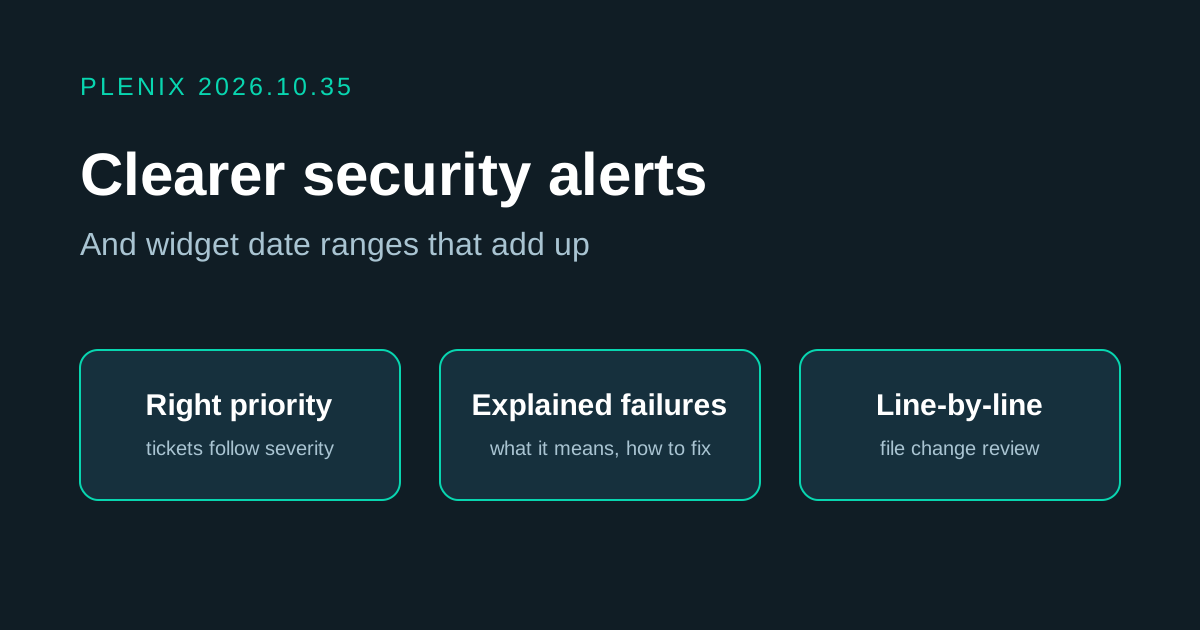
Release 2026.10.35 makes our own security monitoring easier to act on and finishes the per-widget date ranges introduced in 2026.10.34.
Improvements
- Security alert tickets get the right priority. A ticket raised by a security alert now takes the alert's severity (critical, high, medium or low) instead of always being medium, so the most serious alerts reach the top of the queue and get the matching SLA.
- Failed background jobs explain themselves. When a scheduled job fails, the platform team now sees what the error means, how to fix it and a link to the affected account. A failure that has been dealt with can be acknowledged with a note, which stops the alert until the job fails again.
- Server file changes can be reviewed before approval. When a watched server file changes, the team can now see which files changed and exactly which lines were added or removed, along with a history of every version and who approved it. Viewing this is recorded in the audit log.
- Security alerts can be resolved. A new alert log lists every alert raised, how often and where it was sent. Alerts can be resolved one at a time with a note, or in bulk. An alert whose problem has gone away now resolves itself and clears from the notification bell. Acknowledging a failed job or muting a condition clears its alert too.
- The remote-control relay is watched for misuse, not for being open. The relay that carries remote sessions and calls has to be reachable from the internet, so it no longer raises a constant "unexpected port" alert. Instead the platform team is alerted if any of its protections are removed, or if someone tries to misuse it: repeated rejected credentials, attempts to reach the server's own internals through it, or an unusual number of sessions. A second relay port that was not needed publicly has been closed.
- Fewer false alarms. The "agents offline" alert now counts only real agents that were online and dropped, not printers and phones found by network scans or machines that were already switched off. The two-factor check accepts an enrolled push-approval phone. Internal tools now send a baseline content-security policy.
Fixes
- Widget titles and descriptions follow the date range you pick, and the widget builder opens on that range.
- "Open now" tiles count the selected period, and the date range menu scrolls on small screens.
- "All time" on a Resolved widget counts only resolved tickets.