BLOG
News from the platform.
Product updates, engineering stories and where Plenix is heading — written by the team building it.
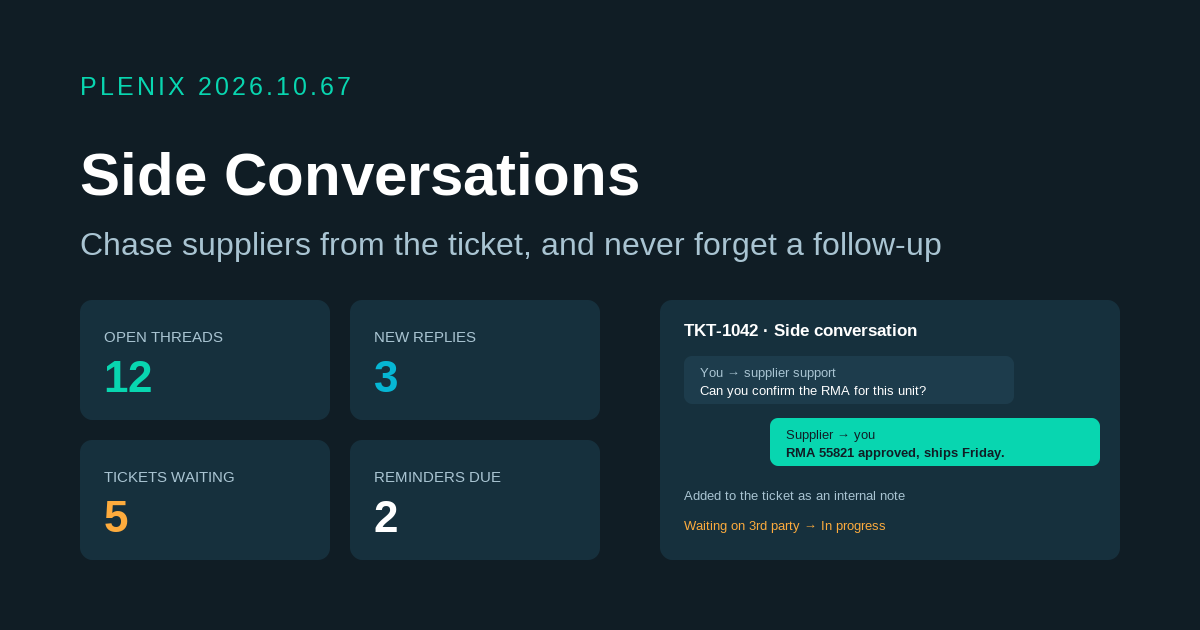
Plenix 2026.10.67 — Side conversations and ticket reminders
Email a supplier or another team straight from a ticket without the customer seeing it. Replies thread back onto the ticket, the ticket can wait for their answer and pick up where it left off, and private reminders bring a ticket back to you at the time you pick or sooner when someone replies.
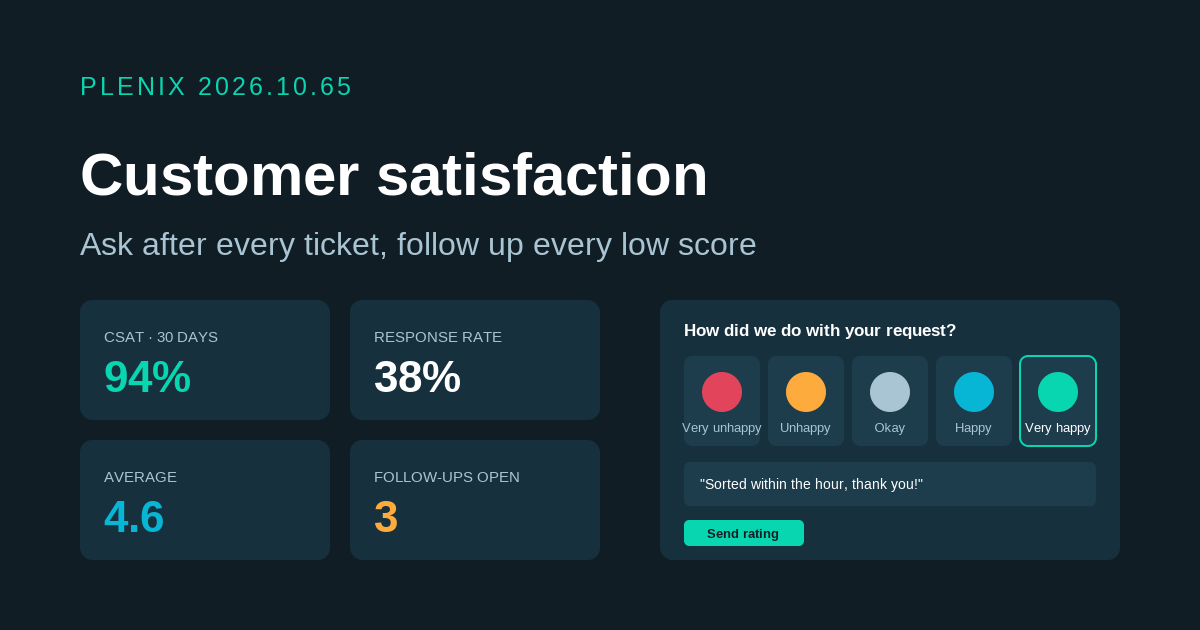
Plenix 2026.10.65 — Customer satisfaction surveys
Ask the people who raise tickets how you did. A short branded email goes out after a delay you choose, ratings from the client portal count too, every low score opens a follow-up and alerts the right people, and a new Satisfaction hub shows CSAT by engineer, queue and client.
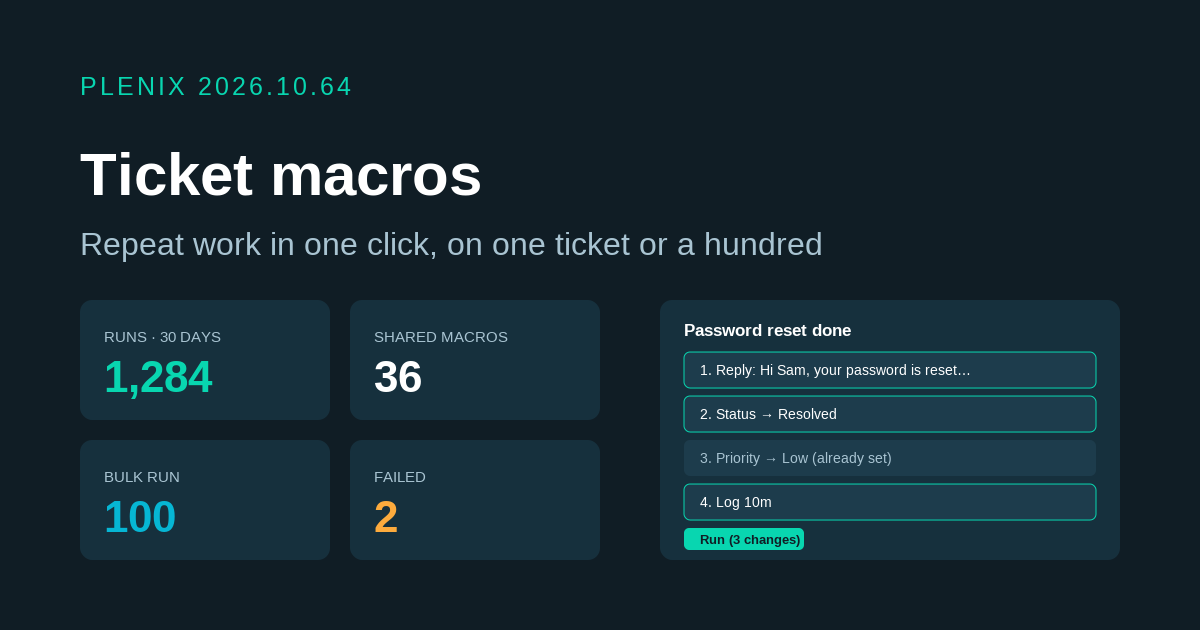
Plenix 2026.10.64 — Ticket macros
Save the steps you repeat on tickets as one-click macros: a reply or note with the ticket's details filled in, status, priority, queue and other fields, assignment, following, time and a due date. See exactly what a macro will change before it runs, run it on up to 100 tickets at once, and see which macros your team really uses.
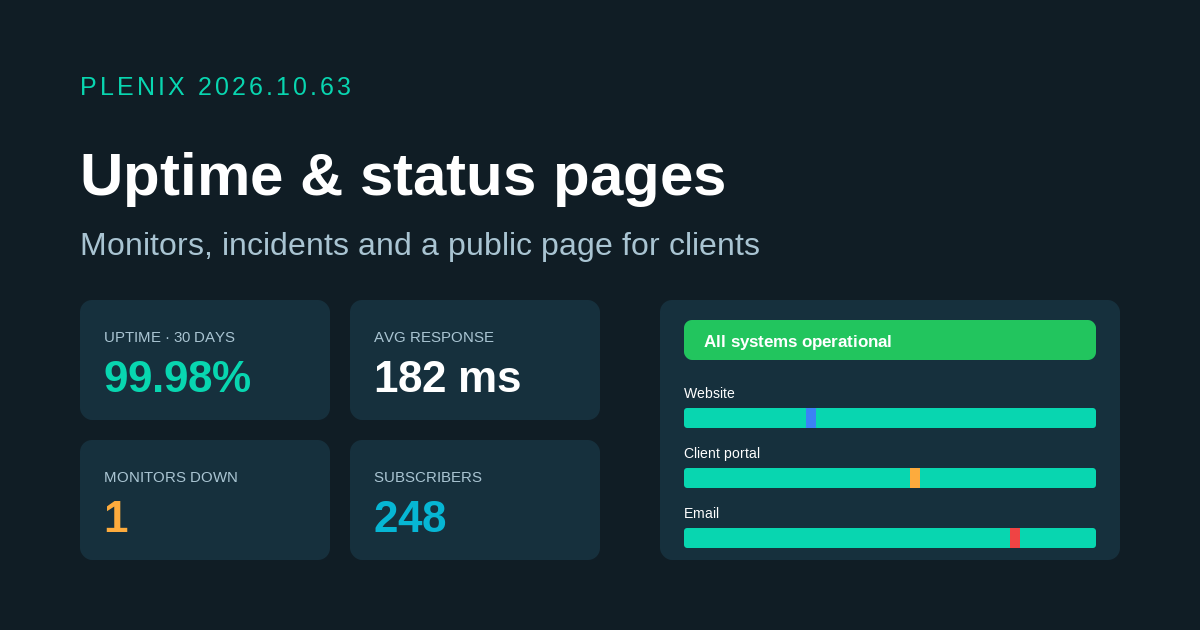
Plenix 2026.10.63 — Uptime monitors and public status pages
Check your websites, APIs and servers every minute from Plenix, get alerted and open a ticket when one goes down, and show clients a branded public status page that updates itself from your monitors, with incidents, planned maintenance and email updates.
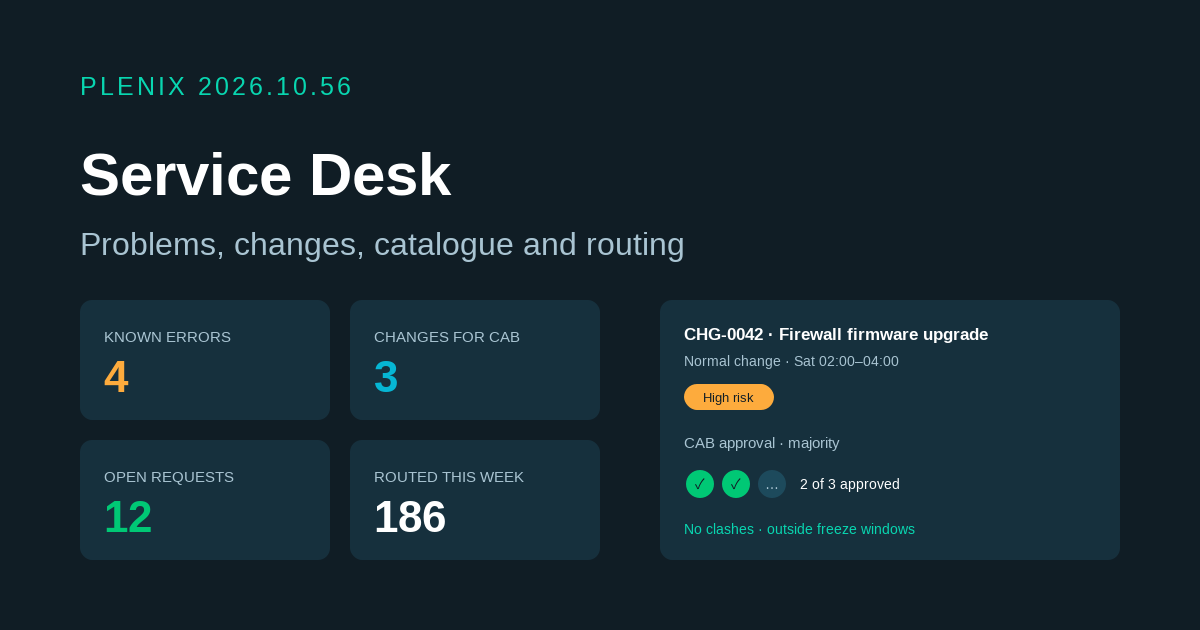
Plenix 2026.10.56 — Service desk: problems, changes with CAB approval, a service catalogue and automatic ticket routing
Ticketing grows into a full service desk. Find and fix the cause behind repeated tickets with problem management and known errors, plan changes with risk ratings, CAB approval, a change calendar and freeze windows, publish a service catalogue your staff and clients can order from, and let routing rules assign new tickets by rota, workload or skill.
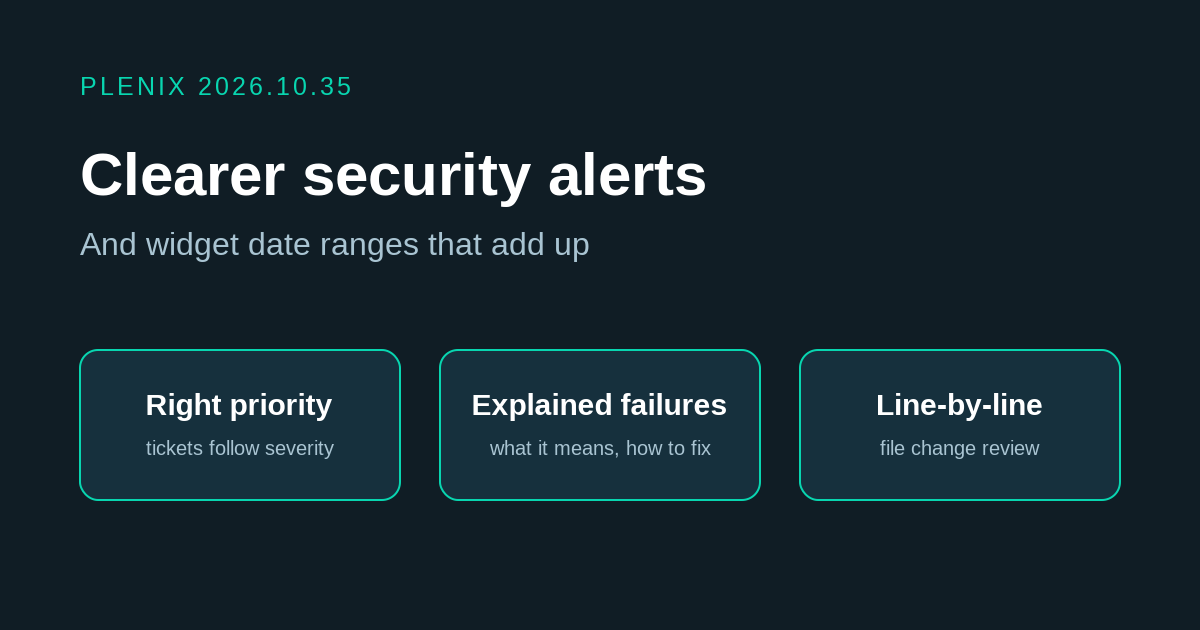
Plenix 2026.10.35 — Clearer security alerts and widget date ranges that add up
Security alert tickets now carry the right priority, failed background jobs explain themselves, file changes can be reviewed line by line before they are approved, and dashboard widgets follow their date range everywhere.
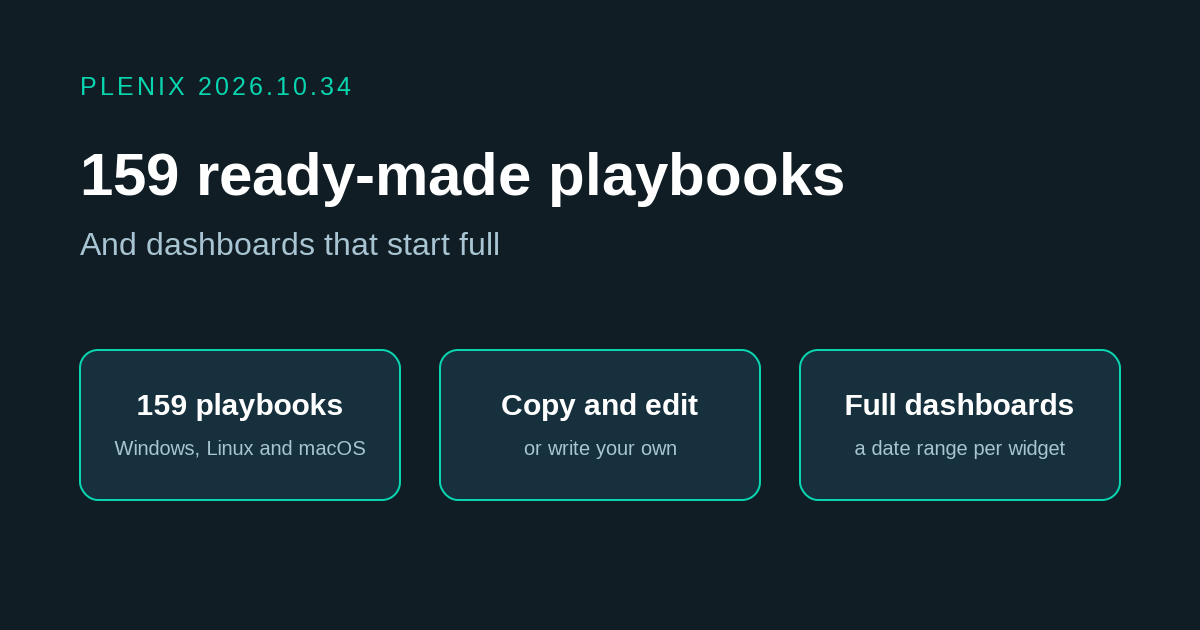
Plenix 2026.10.34 — 159 ready-made playbooks and dashboards that start full
AI Autonomy now comes with 159 ready-made device playbooks for Windows, Linux and macOS that you can copy and change, new workspaces open with full dashboards on every module, and every chart has its own date range.
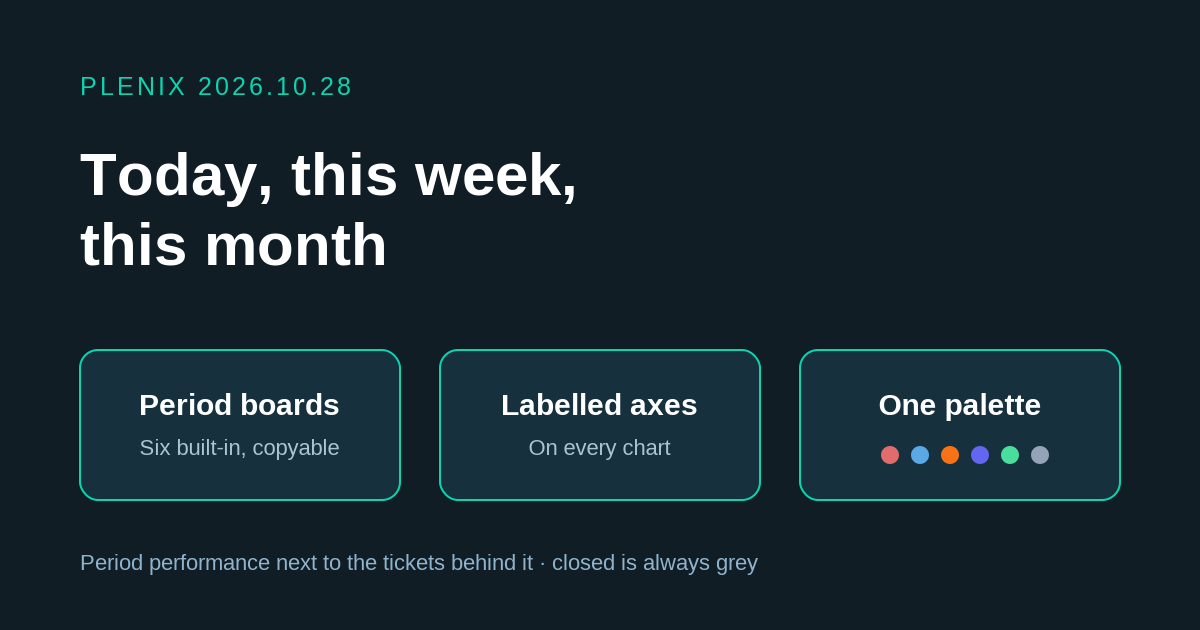
Plenix 2026.10.28 — Period boards for ticketing, clearer charts and one set of status colours
The Ticketing Hub has six new boards — Today, Yesterday, This Week, Last Week, This Month and Last Month — each showing that period's performance next to the tickets behind it. Charts across every dashboard now label their axes, and ticket statuses and priorities use the same colours everywhere.
Plenix 2026.10.3 — SLA clocks that pause, resume and reopen the way your desk works
Tickets waiting on a customer or a supplier now stop their SLA clock automatically, and the time on hold is given back as working time when work resumes. Reopened tickets reopen their resolution target, and the countdown freezes while a ticket is on hold.
Plenix 2026.10.2 — Account managers, automatic ticket requesters and clearer SLAs
Give every client a named account manager and see each person's book of clients. Tickets from email, the portal, the device agent and the chatbot now add their requester and CRM contact automatically. SLA timers on business-hours policies are easier to read, and security alert routing is easier to set up.

Tickets by Email, Done Right
Point your own support domain at Plenix and get every reply landing back in the right ticket, automatically — plus the threading bug we found and fixed along the way.