Plenix 2026.10.28 — Period boards for ticketing, clearer charts and one set of status colours
The Ticketing Hub has six new boards — Today, Yesterday, This Week, Last Week, This Month and Last Month — each showing that period's performance next to the tickets behind it. Charts across every dashboard now label their axes, and ticket statuses and priorities use the same colours everywhere.
T
The Plenix Team·8 October 2026·3 min read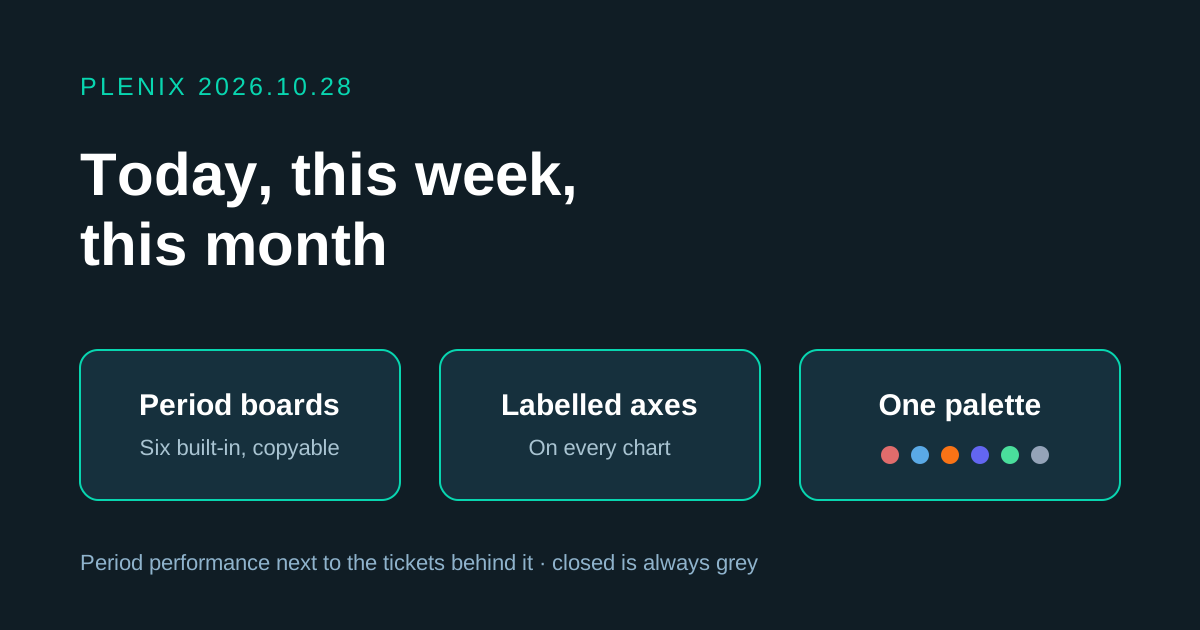
Release 2026.10.28 adds period boards to the Ticketing Hub and makes charts easier to read across Plenix.
New features
- Period boards in the Ticketing Hub. Six new tabs, Today, Yesterday, This Week, Last Week, This Month and Last Month, show how the service desk did in that period:
- Headline figures with comparisons. Tickets raised and resolved, average first response and resolution time, SLA compliance and breaches, tickets still waiting for a first reply, CSAT and hours logged. Each figure is compared with the previous period. Today, This Week and This Month are compared at the same point in the previous period, so a Tuesday morning is measured against last Tuesday morning.
- The backlog right now. Open, unassigned, critical, high, overdue, SLA breached, no first response, waiting on the customer and waiting on a third party.
- Charts of the period. Raised against resolved by hour or by day, when tickets arrive, and the mix by status, priority, queue and source.
- Who did what. An engineer leaderboard and the companies raising the most tickets.
- Insights that point out what changed, such as whether the backlog grew or shrank and how intake compares with the previous period.
- The tickets behind the numbers. Switch between tickets raised, resolved, SLA breached, still open and the oldest in the backlog. You can open any ticket from the list.
- Every number opens its tickets. Click a figure, a chart bar or a slice and the ticket list opens with the same filter, so the count you see is the count you get.
- Make your own boards. The six built-in boards can't be changed, so everyone sees the same figures. Administrators can click Copy board to make their own version, for example This Week — my tickets or Today — critical only, or create one under Manage Tabs → Add Tab → Period board. Copies can show all tickets or only your own, and can be limited to one priority or queue.
Improvements
- Charts name their axes. Bar and line charts on every dashboard now label what each axis shows, such as Tasks by Project or Revenue by Month, so it is clear what you are looking at. This covers the main dashboard, CRM, Projects, HCM, Field Service, Accounting, Monitoring, Insights, ticket reports and the report builder.
- The same status colours everywhere. Ticket statuses and priorities now use one set of colours on every chart, list and badge, including the client portal:
- Open is red, In progress is blue and Waiting is amber.
- Waiting on customer is orange and Waiting on third party is indigo.
- Resolved is green and Closed is grey.
- Critical is deep red, High is orange, Medium is amber and Low is blue.
- Tooltips explain more. Chart tooltips show the full label and value, and the share of the total where it applies.
- New ticket list filters. The ticket list can now show only your tickets, or only tickets still waiting for a first reply, when you open it from a board.