Plenix 2026.10.56 — Service desk: problems, changes with CAB approval, a service catalogue and automatic ticket routing
Ticketing grows into a full service desk. Find and fix the cause behind repeated tickets with problem management and known errors, plan changes with risk ratings, CAB approval, a change calendar and freeze windows, publish a service catalogue your staff and clients can order from, and let routing rules assign new tickets by rota, workload or skill.
T
The Plenix Team·20 October 2026·4 min read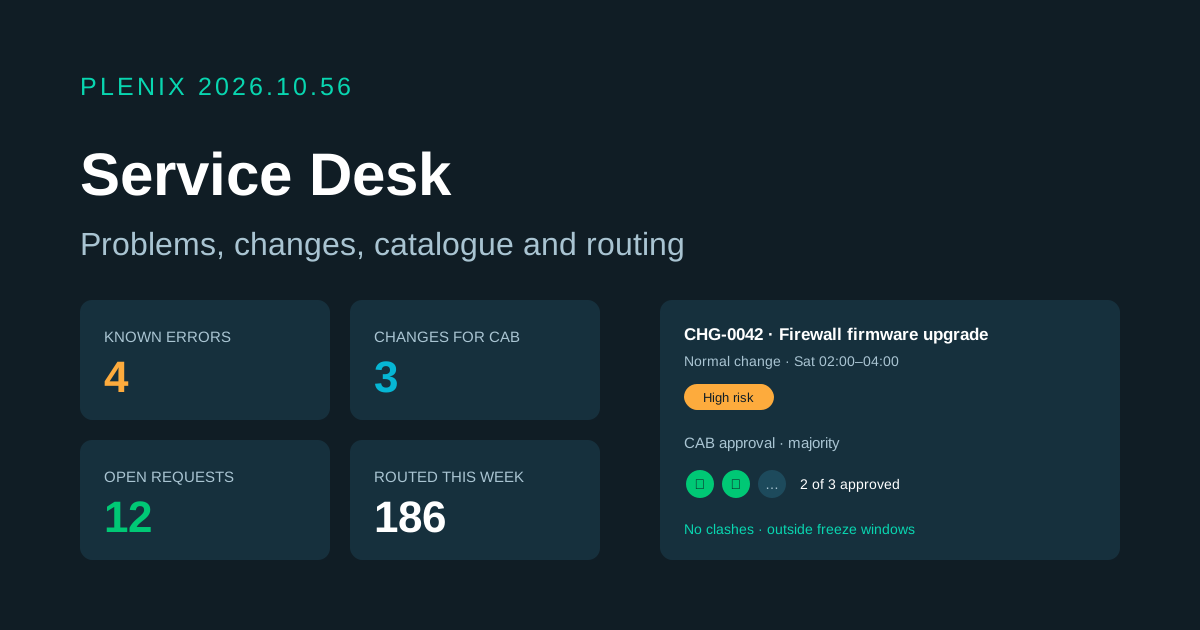
Release 2026.10.56 turns Plenix ticketing into a full service desk (Ticketing → Service Desk in the sidebar). It is part of the ticketing module, so it is on every plan. Plans and prices have not changed.
New features
- Problem management. Record the cause behind repeated tickets, investigate it with a task list, record a workaround (a "known error") and the fix. Resolving a problem can resolve all of its open tickets in one go, each with a note saying how it was fixed, and you can publish the workaround or fix to your knowledge base.
- Suggested problems. Plenix spots groups of recent tickets with the same issue type, the same device, or the same issue at one client, and offers to log them as one problem. You choose how many tickets and how many days count.
- Known errors on every ticket. When a known error matches a ticket's issue type, its workaround shows on the ticket, so whoever picks it up can apply it straight away.
- Change management. Plan standard, normal and emergency changes with an implementation plan, a back-out plan and the tickets, problems and devices they affect. Six simple questions give each change a low, medium, high or critical risk rating.
- Change approval board (CAB). Normal changes go to your CAB, which approves by all, a majority or any one member. Emergency changes go to the emergency CAB and need only one yes. Nobody approves their own change when someone else can.
- Change calendar and freeze windows. See every planned change on a calendar, get a warning when two changes clash, and block changes during freeze windows such as month-end. An admin can override with a reason, and a freeze window can let emergencies through.
- Standard change templates. Keep a library of low-risk, repeatable changes that are scheduled without waiting for approval.
- Service catalogue. Publish the things people can ask for, such as a new laptop, a mailbox or access to a system, each with its own form, approval by the line manager or named approvers, a fulfilment checklist and a ticket that opens once it is approved.
- Request a service from the portal. Your clients can order catalogue items from the client portal, follow their requests, see why one was not approved and withdraw a request that is still waiting.
- Automatic ticket routing. Ordered rules assign new tickets by priority, queue, type, issue type, source, client or keywords, sharing them out in turn, to whoever is least loaded, or to whoever has the right skills. Routing skips people on leave or marked away, respects a maximum number of open tickets each, and falls back to a named person. Every decision is logged.
Improvements
- Service desk overview. One page shows open problems and known errors, changes waiting for approval or coming up, open and overdue requests and routing activity, with everything waiting for your approval. Every figure opens the list behind it.
- Ticket side panel. Tickets now show their linked problems, changes and service request, recent changes for the same client or device, and who routing assigned them to and why. You can log a problem or raise a change straight from a ticket.
- See who else is on a ticket. A banner tells you when a colleague has the same ticket open, and when they are writing a reply, so two people do not answer the same customer.
- Away status. Agents can mark themselves away, optionally until a set time, so routing passes them by. Managers can do this for their team.
- Change reminders. Owners and implementers are reminded a day before a change starts, and change managers are told when one fails.
- Automations. Workflow rules can now react to problems, changes and service requests.