Plenix 2026.10.63 — Uptime monitors and public status pages
Check your websites, APIs and servers every minute from Plenix, get alerted and open a ticket when one goes down, and show clients a branded public status page that updates itself from your monitors, with incidents, planned maintenance and email updates.
T
The Plenix Team·22 October 2026·3 min read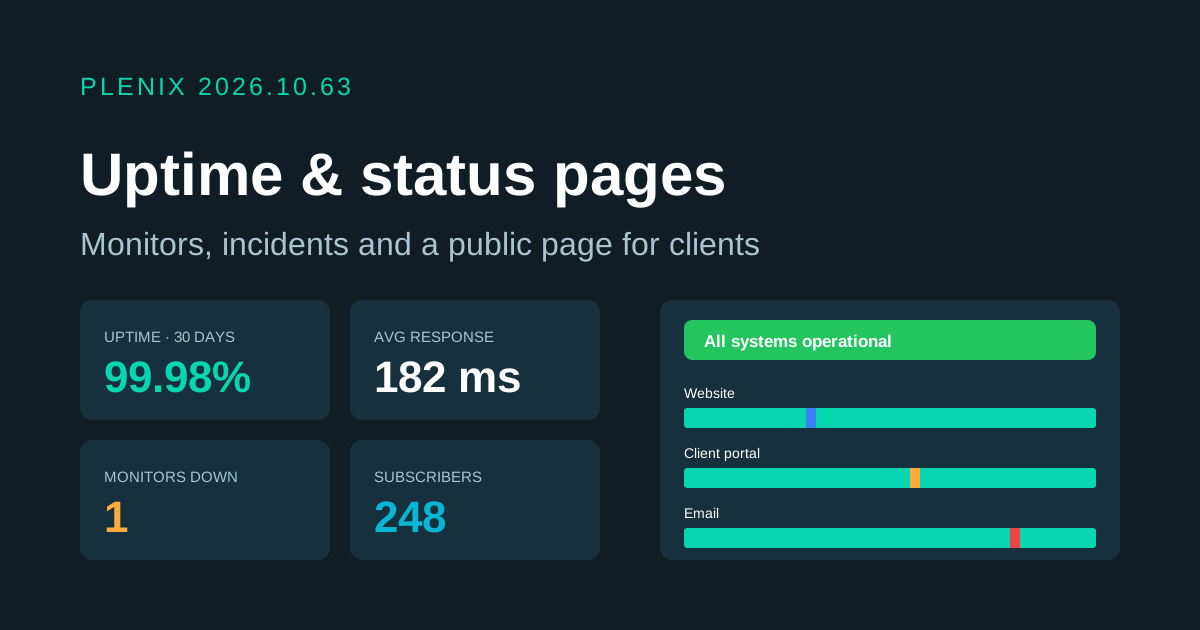
Release 2026.10.63 adds Uptime monitors (Monitoring → Uptime Monitors) and Status pages (Ticketing → Status Pages). Uptime monitors come with the Monitoring module and status pages with Ticketing. Plans and prices have not changed.
New features
- Uptime monitors. Check a website or API (HTTP), look for a word on a page or make sure it is gone (keyword), or check that a server port answers (TCP). Pick how often to check, from every minute to every hour, the timeout, the response codes that count as up, and a response time above which the monitor counts as slow.
- No false alarms. A failed check is tried again a minute later. A monitor is only called down after the number of failures in a row you set, and it recovers as soon as a check passes.
- Alerts and tickets. When a monitor goes down or comes back, the right people are told in the app and by email. You can also have a ticket opened at the priority you choose, linked to the client the monitor belongs to.
- Outage history. Each monitor shows uptime for the last 24 hours, 7, 30 and 90 days, a bar for each of the last 90 days, a response time chart for the last 24 hours, every outage with how long it lasted, and the latest checks. Acknowledge an ongoing outage so the team knows someone is on it.
- Certificate expiry. HTTPS monitors record when the site's certificate expires and flag it when it is two weeks or less away.
- Status pages. Build a public page for your own services or for each client. Add components (your services), put them in groups and order them, and link a component to a monitor so it changes colour by itself. Visitors see the overall status, current incidents, planned maintenance, uptime bars and the last 14 days.
- Automatic incidents. When a linked monitor goes down, an incident opens on the page, and it is resolved when the monitor recovers. Your team posts updates as it moves from investigating to identified, monitoring and resolved.
- Planned maintenance. Schedule maintenance ahead. It starts and finishes on time by itself, and subscribers get a reminder a day before. Outages during maintenance are marked as such.
- Email updates. Visitors can subscribe by email. They confirm first, and every email has a link to stop.
Improvements
- Branding. Each status page can have its own name, logo, colour, description and support link, and shows your company branding if you leave them blank.
- Manual control. Set any component's status by hand while you deal with something the monitors cannot see. A component you set by hand is left alone by automatic incidents.
- Linked records. Monitors show which status pages they appear on, outages link to their tickets, and every tile on both screens opens the list behind it.
Security
- Safe checks. Monitors cannot be pointed at private or internal network addresses.
- Subscribers kept private. Subscriber email addresses are encrypted. The subscribe form gives the same answer whether or not an address is already signed up, so nobody can find out who is subscribed, and automated sign-ups are filtered out. Confirmation and unsubscribe links are single-purpose and stored only in scrambled form. Sign-ups that are never confirmed are deleted.