Plenix 2026.10.8 — Fair print billing for accent colour, a print job log and engineer controls for every printer
HP accent-colour pages are now tracked separately, and you choose whether they are billed as colour, mono or at their own rate. Every printer gets a print job log, a clear customer, counting that starts exactly when the printer is claimed, and one-click engineer controls for the printer's web admin, spooler and queues.
T
The Plenix Team·2 October 2026·2 min read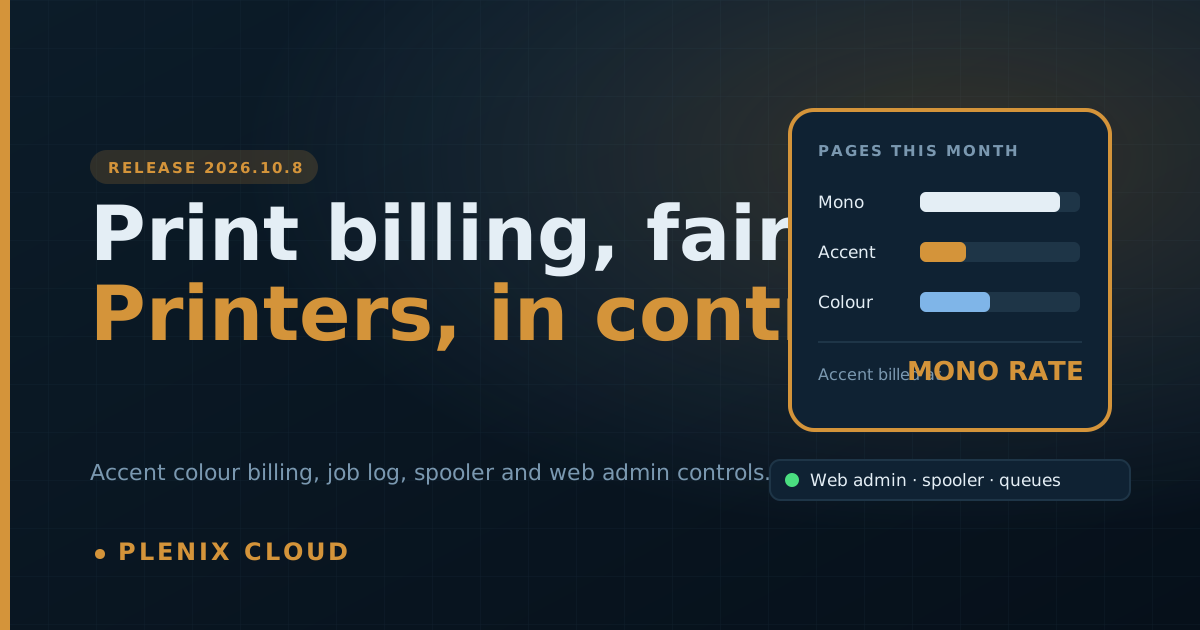
Release 2026.10.8 makes managed print billing fairer and easier to explain, and gives engineers the controls they need to fix printer problems without leaving Plenix.
New features
- Accent colour billing. Many HP printers count a mostly black page with a little colour (a logo, a blue link, a coloured signature) as "accent colour". Plenix now tracks these pages separately, and on each printer's Billing tab you choose how they are charged: at the colour rate (the default), at the mono rate, or at their own accent rate. Bills and invoices show the accent charge on its own line.
- Print job log. A printer's overview now lists the jobs the printer reports: time, document, user, pages and whether the printer counted each job as mono, accent or full colour. Filter to colour jobs only to answer a billing query in seconds.
- Open the printer's web admin. If the customer has a Network Devices gateway online, open the printer's own admin page in one click through the secure Plenix proxy, with no VPN needed.
- Spooler and queue controls. Find the Windows PCs that print to a printer, then restart, stop or start the print spooler, clear the printer's queue, flush stuck spool files, print a test page or make black and white the default, all from the printer page.
Improvements
- Customer shown everywhere. The printer page now shows which customer the printer belongs to, with a link to the company, and when Plenix started managing it.
- Richer page counts. The overview shows total, black and white, colour (split into full and accent), scans and paper jams. Every tile opens the Usage tab.
Fixes
- Counting starts at claim. Pages are counted only from the moment a printer is claimed. Moving a printer to another customer, or claiming it again, starts counting afresh, so pages printed for a previous customer are never billed to the new one. Month-end billing, the overview and the Usage tab now use the same measurement.
Changes
- The Plenix agent updates automatically to 3.71.0 to report accent colour, paper jams and the printer's job log.