Plenix 2026.10.10 — Your logo, your letterhead: branded invoices, credit notes and bills
Put your own logo, letterhead, accent colour and footer on every invoice, credit note and bill: on screen, printed, saved as PDF, in the invoice email and in your customer portal. Credit notes and bills can now be printed, and Plenix has a new logo.
T
The Plenix Team·3 October 2026·3 min read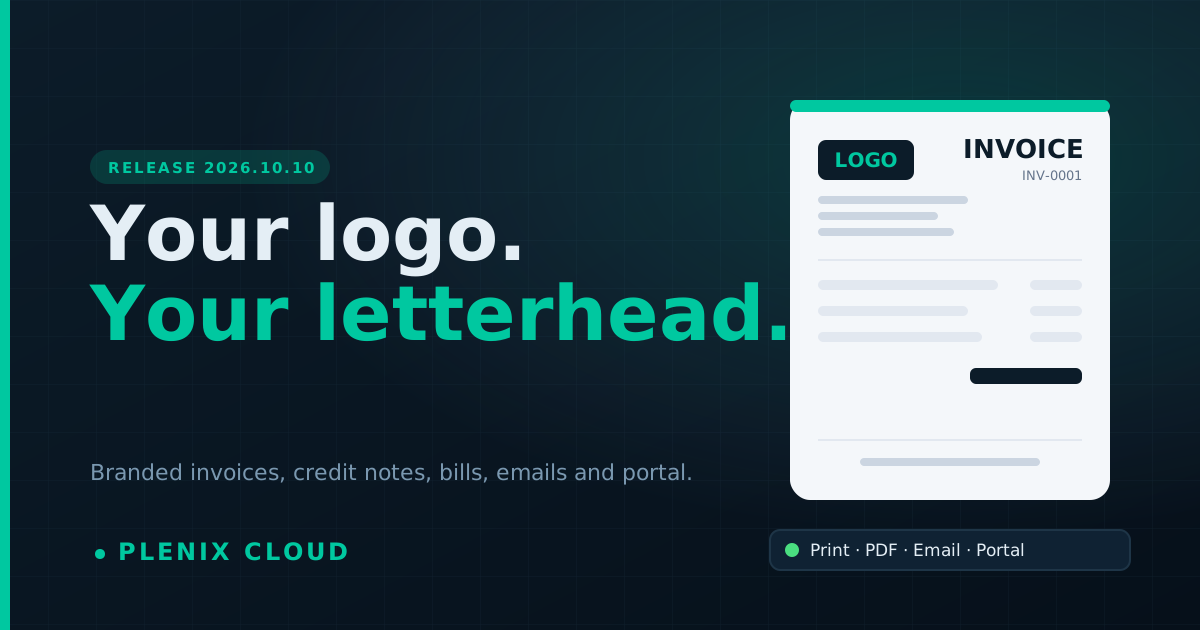
Release 2026.10.10 makes the documents you send look like they come from your company, because they do.
New features
- Invoice & document branding. Under Accounting → Settings, a new Invoice & Document Branding section lets you upload your logo (PNG, JPEG, GIF or WebP, up to 2 MB) and set an accent colour, a trading name, a letterhead (address, phone, email, company and VAT numbers, one per line) and a footer. A live preview shows the top of an invoice as you type.
- Your branding everywhere a document goes. Invoices show your letterhead on screen, when printed and when saved as a PDF. Invoice emails are sent from your trading name and carry your logo, letterhead, accent colour and footer.
- Print credit notes and bills. Each credit note and bill now has a print button that opens a copy on your letterhead, with its lines and totals, ready to print or save as a PDF.
- Branded invoices in the customer portal. When your customers open an invoice in the portal, they see the same letterhead and footer as on the printed copy.
Improvements
- Branding updates straight away. Change your logo or letterhead and every invoice, credit note and bill you open or print from then on uses it, including older documents.
- Cleaner invoice page. The invoice page no longer repeats your company details in a separate "From" box; the letterhead covers it, and help tips no longer appear on the printed copy.
- Colours print correctly. Accent colours and the letterhead stripe now print as they look on screen.
Changes
- New Plenix logo. Plenix has a new logo across the app, the customer portal, emails, the website, the help centre and the RMM agent tray icon. Your own documents show your branding, not ours.
- Plenix subscription invoices now use the same clear, branded invoice email as the invoices you send your own customers, with payment details included.
- The invoice footer setting has moved from Invoice Defaults into the new branding section.
- The BACS Bank Details section now says clearly that bank details go in the invoice email and are not printed on the invoice. Use Payment Instructions for wording you want on the printed copy.
Fixes
- Invoice emails sent by your workspace no longer show Plenix branding in the header.
- Credit notes now show the customer name and the invoice they relate to.