Plenix 2026.10.23 — Remote control that fills your screen
A new Fill view with no bars and no stretching, edge panning instead of scrollbars, a one-click monitor map, and a steady remote pointer. The same controls now work in both remote viewers.
T
The Plenix Team·6 October 2026·3 min read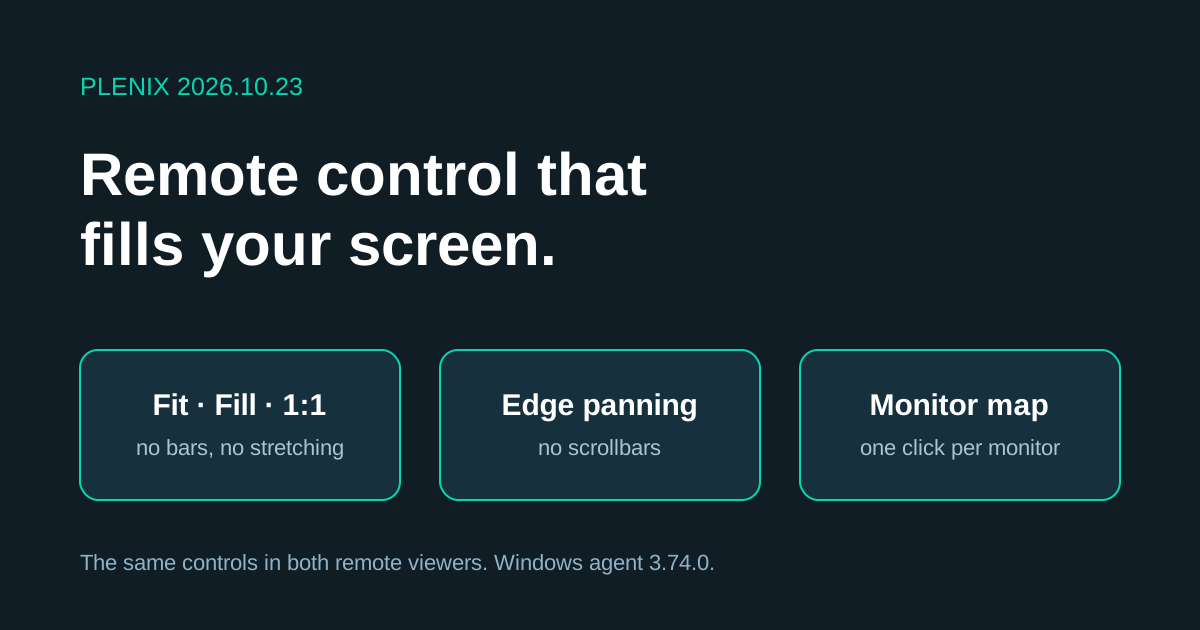
Release 2026.10.23 rebuilds how a remote session is shown on your screen, in both remote viewers.
New features
- Fill view. A new Fill mode grows the remote screen until it covers your window edge to edge. The picture keeps its shape, so nothing is stretched and there are no black bars at the sides.
- Edge panning. When the remote screen is larger than your window (Fill, 1:1 or zoomed in), move the pointer to an edge and the view glides that way. The taskbar, the top of the screen or the next monitor slides in. There are no scrollbars to drag.
- Monitor map. On a machine with more than one monitor, the toolbar shows the monitors as small numbered boxes laid out the way they sit on the desk. Click a box to switch to that monitor, or All for the whole desktop.
- Fit, Fill and 1:1 in the toolbar. The three view modes are always visible in the toolbar, next to a full-screen button. One click changes mode; you don't have to open a menu.
Improvements
- All Monitors is usable. Choosing All now opens the whole desktop at full height and lets you pan across it with the pointer, instead of squeezing every monitor into a thin strip. Going back to a single monitor restores the view mode you had before.
- Sharper Fill and 1:1. In Fill and 1:1 the viewer asks the device for the monitor's real resolution, so text stays crisp.
- Same controls in both viewers. The standard remote viewer and the VNC viewer now have the same view modes, monitor map, panning and full-screen button, and they behave the same way.
Changes
- Stretch is replaced by Fill. Stretch distorted the picture to remove the bars. Fill removes them without distortion.
- Resize Remote is removed from the VNC viewer. It tried to change the resolution of the customer's own screen. The viewer now never changes the remote display's settings.
- Windows agent 3.74.0. Devices update automatically. The steady remote pointer needs this version; everything else works with older agents.
Fixes
- Flickering remote pointer. When you watch a session without controlling it, the remote user's pointer is now drawn steadily and follows their movement, instead of blinking on and off.
- Plenix Mobile for Android 0.3.14. Pages fill the whole screen on dark-mode phones. An expired session signs the app out with a clear message. Approving a sign-in asks for your fingerprint, face or phone PIN whenever the phone has a screen lock.
- Android sign-out. Signing out of the Android app stops sign-in approvals on that phone, and the signed-out screen tells you if the phone can still approve.
- Device dates. Settings → Security shows when each approval device was registered and when it was last active.