Plenix 2026.10.51 — Network devices and managed machines are now kept strictly apart
Devices found by a network scan are no longer counted alongside the machines running the Plenix agent. Dashboards, device totals, the client portal, the API, search and the security add-on's device count now show only your managed machines unless a page is meant to show network devices.
T
The Plenix Team·16 October 2026·2 min read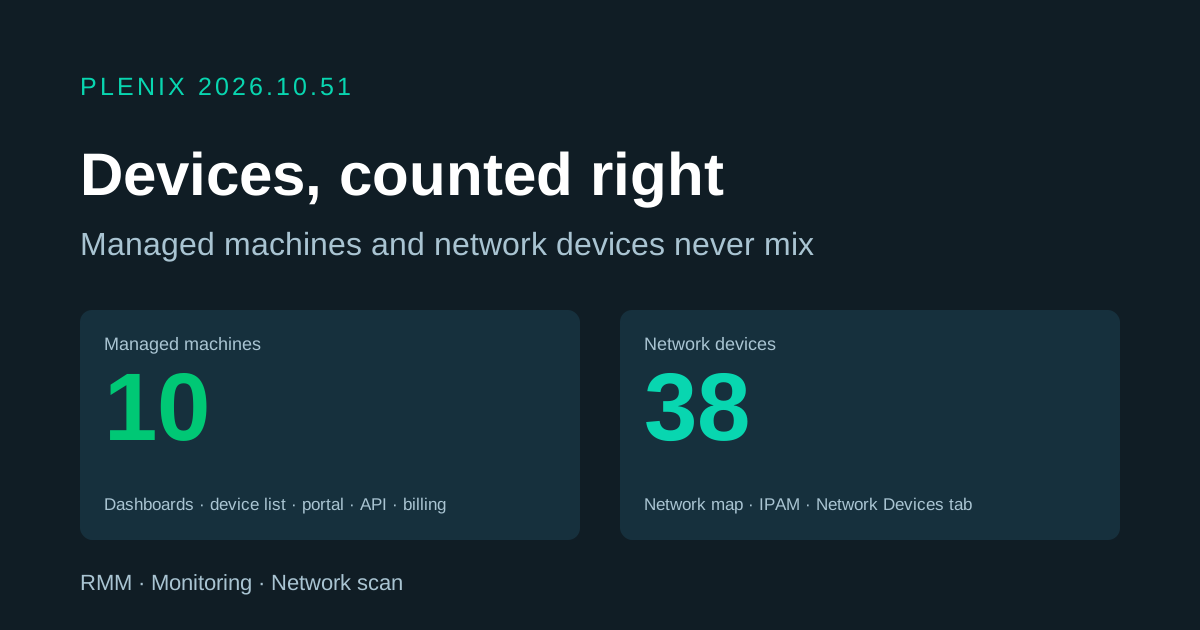
Release 2026.10.51 is a fix release for device monitoring. Plans and prices have not changed.
Fixes
- Device totals count only the machines you manage. When an agent runs a network scan, everything it finds on the network (printers, switches, phones, other PCs) is listed as a network device. Some totals were counting those alongside the machines that run the Plenix agent. A site with 10 managed machines could show 48 devices. Totals now count only managed machines. This applies to the main dashboard, the device list and its statistics, the customer 360 view, the client portal's device page, global search, and the device endpoints in the public API.
- Network devices only appear where they belong. You see them on the Network Devices tab, the network map, IPAM, the RMM overview's network figures and in network-device alerts. RMM jobs, scripts, patching, policies and automations already ran on managed machines only, and still do.
- Security add-on counts only managed machines. The per-device security add-on now counts only machines running the agent, and you can't enrol a network device on its own, since there is nothing on it to protect. No customer was ever charged for a network device.
- A machine's type can't change by accident. A device row is either a managed machine or a network device from the moment it is created, and Plenix now enforces this directly in your database. Installing an agent on a machine that a scan already found always gives it its own managed entry. The manual device form can no longer change a device's type either.