Plenix 2026.10.52 — Remote sessions show which machine and which user you're on
WebRTC and VNC sessions now show the computer's name and who is signed in, in the toolbar and the browser tab, so you can tell several open sessions apart. VNC also connects first time on machines that were slow to prepare, and Ctrl+Alt+Del works again over VNC.
T
The Plenix Team·17 October 2026·2 min read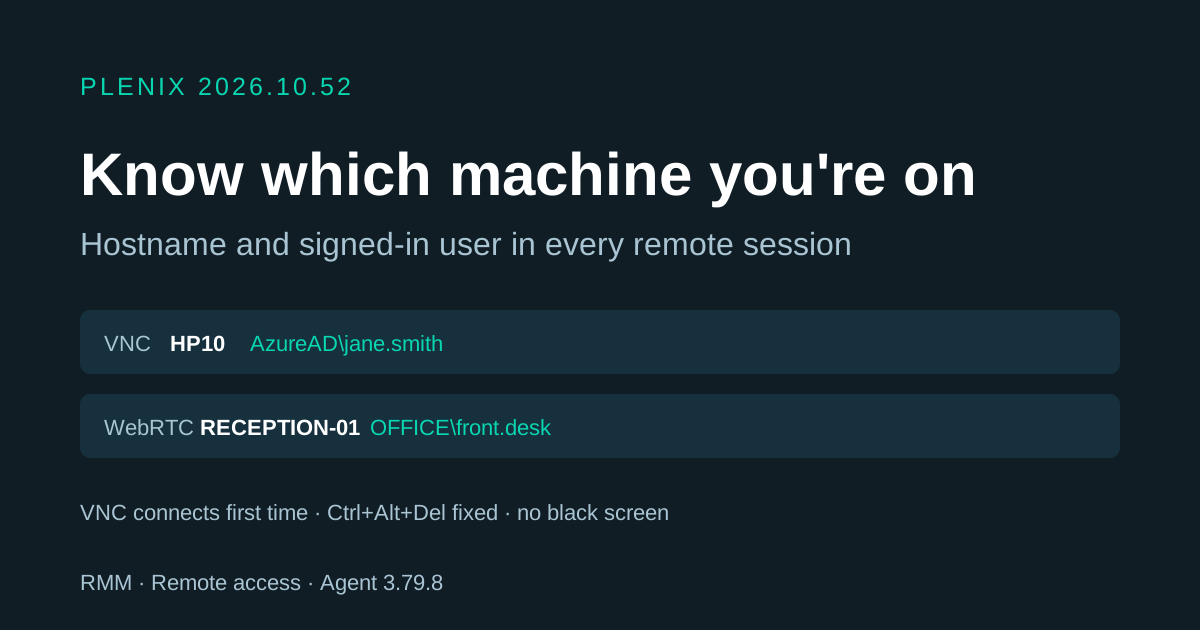
Release 2026.10.52 improves remote control. It needs Plenix agent 3.79.8, which reaches your devices automatically through the usual staged rollout. Plans and prices have not changed.
New features
- See which machine you're on. WebRTC and VNC sessions now show the computer's name and the person signed in at it. Local accounts show as
PC-NAME\user, domain accounts asDOMAIN\user, and Microsoft Entra accounts asAzureAD\name. The name appears at the top of the toolbar and in the browser tab title, so when you have several machines open in different tabs you can see which is which at a glance. A padlock shows when the machine is locked. If nobody is signed in, the toolbar says so. The details refresh every 30 seconds, so a sign-in or sign-out during the session shows up on its own.
Fixes
- VNC connects first time. On some machines the agent needed a while to prepare the screen before VNC could start, and the viewer gave up first, so it only worked on the second try. The viewer now shows what the agent is doing ("Preparing displays…", "Starting the VNC server…") and keeps waiting while the agent reports progress. An attempt you cancel is now cleaned up properly rather than being left running on the machine.
- No more black screen over VNC. On machines where Plenix adjusts the display setup for the session, the VNC server is now restarted after that change so it shows the real screen.
- Ctrl+Alt+Del works over VNC. The button now asks the agent to send the real secure-attention sequence, so you can sign in or unlock the machine. Older agents fall back to the previous method.
- VNC works after reinstalling the agent. If the VNC server was already installed on a machine, the agent now re-applies the device's VNC password, so VNC sessions no longer fail with an authentication error after the agent is reinstalled or re-enrolled.