Plenix 2026.10.25 — Every screen wired up, from purchase orders to payroll
A platform-wide check of every module: purchase orders get a full lifecycle, scheduled scripts now run, preventive maintenance raises its own work orders, HR screens save properly, long dropdowns become searchable, and remote sessions get smoother.
T
The Plenix Team·7 October 2026·5 min read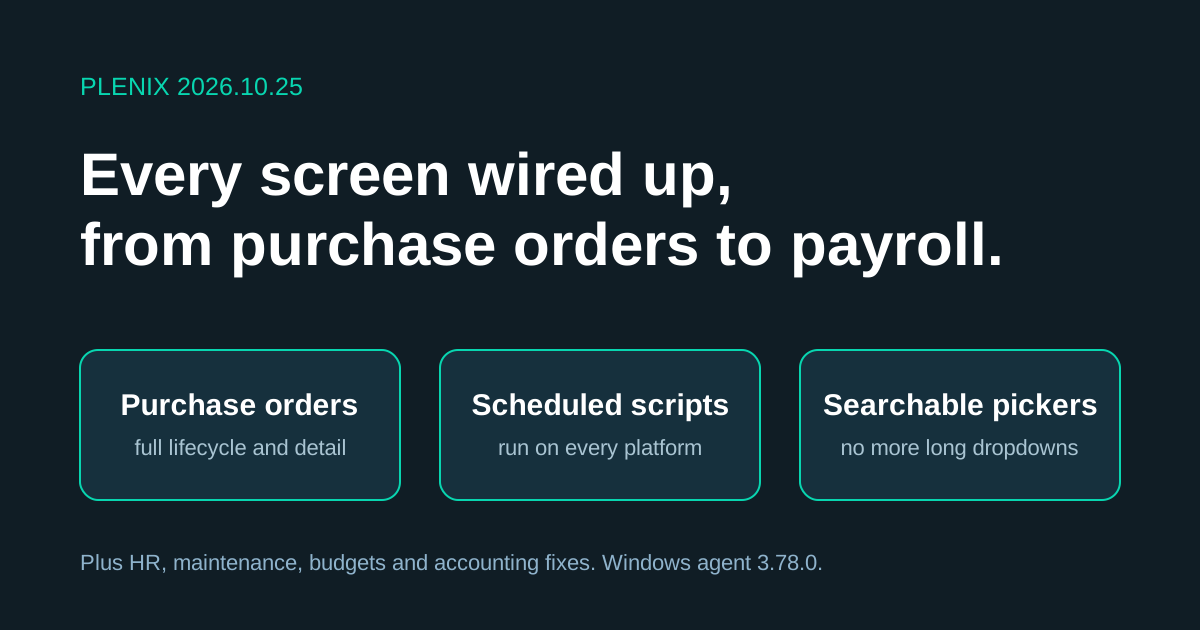
Release 2026.10.25 comes from a check of every module, screen by screen, against what the server can do. Where a screen only collected basic details, couldn't save, or had no way to reach related records, it has been rebuilt. Each screen now has search, a detail view and links to the records around it.
New features
- Purchase order detail. Open any purchase order to see its lines with quantities received so far, its goods receipts and bills, the approval history with names and comments, and the project it is charged to.
- Purchase orders linked to stock and projects. When you raise an order, pick each line from your inventory to fill in the SKU and cost, and charge the whole order to a project so it counts against that project's budget.
- Scheduled scripts run. Script jobs in the RMM script library now run on schedule on Windows, macOS and Linux devices. Target clients, device groups or single devices, use
{{variables}}, press Run now for a one-off run, and read the output from each device. Offline devices are recorded as failed, not left waiting. - Preventive maintenance raises work orders. A maintenance plan now creates its own work order a week before each due date, then moves on to the next date. Plans check that the asset and technician exist.
- Project budget categories. Split a project's budget into labour, materials, subcontractors and other categories, and see planned, committed and spent amounts for each, plus anything not yet allocated.
- Full hubs for legal, property, production, compliance, procurement and purchasing. These screens now have search, summary figures, detail views, actions and links straight to a record.
- Older ticket rules screen. Rules from the previous ticket automation engine are listed with their run history, so you can switch them off once you have imported them into Automations.
Improvements
- Searchable pickers everywhere. Long dropdowns are now search boxes: accounts on journal lines, bank reconciliation and parent accounts; items on stock transfers (only items in stock at the source warehouse); employees on disciplinary cases; companies on support contracts, calendar items and printer installers; devices when adding to a device group; orders and stock locations on goods receipts.
- Purchase order search and filters. Search by number, vendor or notes, and filter by vendor, project or several statuses at once. The Requested by column now shows names.
- Shifts. Dates and times are checked, overnight shifts work, and you are warned before booking an employee onto two shifts at once. Shifts can be confirmed, cancelled and reinstated.
- Benefits and recruitment. Employees see their own benefits. HR manage everyone's. Job postings can be opened, closed and marked filled, applicants move through stages, and hiring an applicant creates their employee record.
- Customer success. Health scores show the signals behind them, can be adjusted and held, and take the latest NPS answer into account. NPS surveys show results and can be edited, reopened or deleted. Onboarding checklist steps can be added, ticked off and removed.
- Bank accounts. Each account shows a balance worked out from its transactions and can be edited. Transactions can be filtered by account.
- Payment reminders. Rules can be edited and show which invoices they will email next.
- Supplier quotes. Pick an existing vendor to fill in the supplier's details. Only one quote can be accepted per request.
- Remote control. A new View → Display Diagnostics readout shows how the remote picture is being sized. Fill now covers the window for 16:10, 4:3 and 21:9 screens, and full screen switches Fit to Fill so the taskbar stays in view.
Changes
- Purchase order lifecycle. Approved orders can now be marked as ordered. Orders can be cancelled up until goods arrive, which releases any budget they held on a project. Only draft or cancelled orders with no goods received can be deleted.
- Vendors with orders are deactivated, not deleted, so order history stays intact.
- Windows agent 3.78.0 and Plenix Mobile 0.3.16 for Android. Devices and phones update automatically.
- Sign-in approvals on Android. Tapping a sign-in notification goes straight to your fingerprint, face or PIN. A phone bound to its hardware key no longer asks for the number as well.
Fixes
- Purchase orders no longer get stuck at Approved.
- Preventive maintenance plans save. Previously no plan could be saved.
- Project budgets for every project. Adding a second budget line to a project no longer fails.
- Job postings and supplier quotes save. Both failed to save before.
- Vendors save, including the VAT number. Leaving the vendor code blank no longer causes an error, and a duplicate code now gets a clear message.
- Payment reminders no longer chase draft invoices or send the same reminder every day. Each one asks for the amount still outstanding, in the invoice's currency.
- Campaign sequences can enrol contacts again.
- Support contracts now explain why a save failed.
- Remote control: arrow keys no longer type numbers on the remote machine. Switching monitors no longer leaves the session without keyboard or mouse. Video no longer floods the connection and delays keystrokes. Resting the pointer near the bottom edge no longer scrolls the taskbar out of view.
Security
- Approvals. A purchase request must be submitted before it can be approved, and nobody can approve their own request.
- HR records. Shifts can only be changed by HR, an admin or the employee's line manager. Benefits, applicants and job postings are limited to HR.
- Script results. Script results can only come from the device that ran the script.
- Vendor portal. The vendor portal's access token is never sent back to the browser.
- Android sign-in approvals are signed by a key held in the phone's secure hardware.