Changelog — 15 October 2026
Everything that changed in Plenix this week: Work Boards for any team, a Knowledge wiki, scheduled messages, polls and reminders in Team Messages, live captions, a whiteboard and breakout rooms in calls, CPQ, revenue and project operations, subscriptions and order-to-cash, manufacturing planning, RMM Jobs with 139 ready-made automations, 159 playbooks, payroll countries, one agent installer for every machine an agent that repairs itself, and smooth remote control without black flashes.
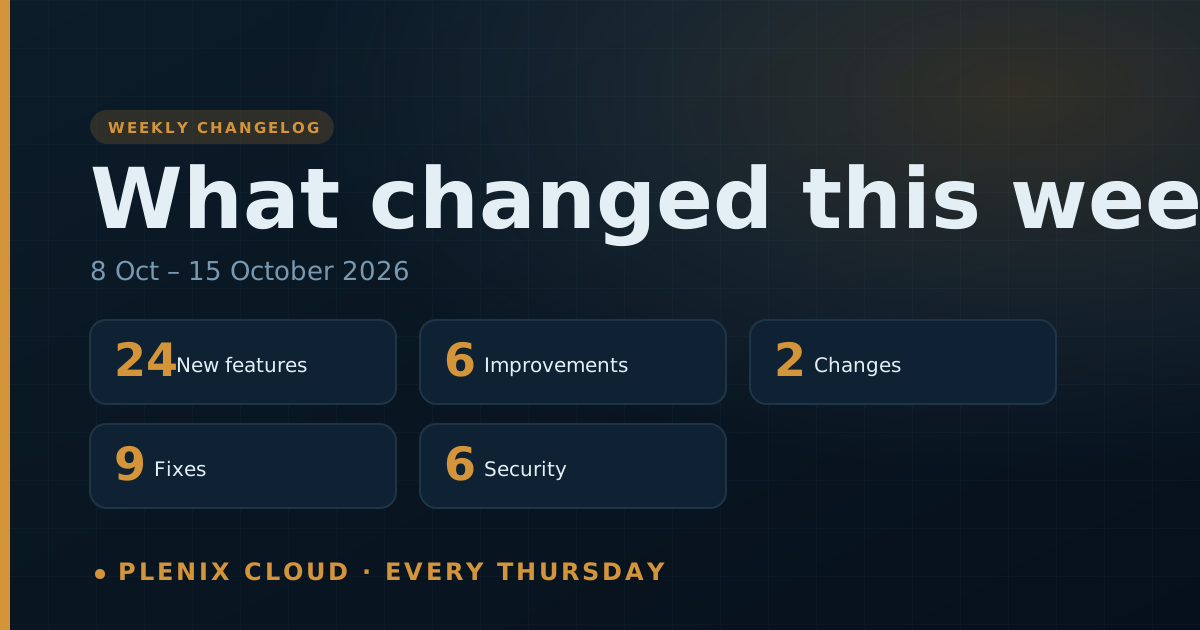
The Plenix changelog lists every change that reached customers in the past week: new features, improvements, fixes and security work. It is published every Thursday. For the longer story behind the bigger features, read the release notes linked at the end.
This changelog covers Thursday 8 October to Thursday 15 October 2026.
New features
- Work Boards (ERP → Work Boards). Flexible boards for any kind of work, with 11 templates, 25 column types and seven views: Table, Kanban, Timeline, Calendar, Workload, Chart and Cards. Boards also have no-code automations, public intake forms, a My Work list, members and roles, and CSV import and export.
- CPQ (CRM → CPQ). Product configurators with option rules, bundle pricing and live prices. Use them from a deal or a quote. Discount and margin approval rules apply to quotes.
- Revenue Operations (CRM → Revenue). Price books, products on deals, deal teams and credit splits, competitors and win/loss, territories, quotas and forecast, and commission.
- Project operations (ERP). Project templates, task dependencies and the critical path, earned value and a project portfolio, milestone billing, change orders, returns and a capacity planner.
- Subscriptions and accounts (CRM). Subscriptions with usage from your own systems, Customer 360, account plans, whitespace, duplicate detection and merge, and partners with deal registration.
- Order-to-cash and supply. Sales orders, three-way match, landed costs, blanket purchase agreements, lots and serial numbers, cycle counts and replenishment.
- Manufacturing planning (Production). Multi-level bills of materials, routings, standard cost roll-up, work-in-progress accounting, material planning (MRP) with exceptions and firming, capacity and make to order.
- RMM Jobs. Run work across many devices as one job, build your own jobs, and start from 139 ready-made automations with 38 searchable triggers. Patch management has been rebuilt for large fleets.
- 159 ready-made playbooks. Use them as they are, copy one, or write your own, and run a playbook on a device straight from the library.
- A date range on every dashboard widget. New workspaces also start with full dashboards in every module.
- Payroll countries. Nine ready-made countries, tax bands you can edit without code, a test salary before you save, and support for any other country. The UK stays the default.
- One agent installer for every machine. One installer enrols as many Windows, Linux or macOS machines as you need, and each machine gets its own identity.
- Knowledge (below Documents). A team wiki with spaces, nested pages, 14 templates, a fast editor with
/blocks and@links to people, pages and Plenix records, comments, full version history, page owners with review dates, and read-only share links. - Linked Knowledge pages on records. Companies, contacts, deals, projects, tickets and work orders show the Knowledge pages that link to them.
- Team Messages: schedule a message. Write it now and send it later, then edit, reschedule, send early or cancel it from Later → Scheduled.
- Team Messages: polls. Ask a question with up to 10 options, allow one or several choices, make it anonymous, and close or reopen it.
- Team Messages: Later and reminders. Save any message for later or be reminded about it, and set your own reminders with
/remind. - Team Messages: statuses and pausing notifications. Set a status that clears itself, and pause pop-ups and sounds for a while.
- Team Messages: 17 slash commands, including
/remind,/poll,/status,/dnd,/call,/meetand/invite. - Calls: live captions and transcripts. A host can turn on captions for everyone, and the transcript can be downloaded. Meetings keep the transcript, and the AI summary uses it.
- Calls: a shared whiteboard with pens, shapes, arrows and text that you can download as an image.
- Meetings: breakout rooms. Split a meeting into up to 8 rooms, move people, message every room and bring everyone back. Each room has its own chat, captions and whiteboard.
- Channels: huddles. Start a quick audio call in a channel that anyone can drop into.
- Meetings: a Transcript & whiteboards tab with everything saved from the meeting's calls.
Improvements
- Smoother remote control. Picture quality now follows your connection in small steps, so sessions hold their frame rate without stalls, with less delay. VNC draws large screen changes at once.
- The agent repairs itself. It rolls back an update that does not start properly, Windows restarts it if it stops, and new versions roll out in stages and halt themselves if something goes wrong.
- Clearer security alerts. Alert tickets follow the alert's severity, alerts can be resolved and clear themselves when the condition ends, and there are fewer false alarms.
- Clearer charts. Charts name their bars and can show value labels.
- The MRR dashboard, deals, quotes, goods receipts, supplier bills and items all show the new sales, subscription and supply information.
- All Tickets lists the newest ticket first, and Agent Installers has its own page.
Changes
- The ticketing dashboard's page-wide date filter has been removed. Each widget now has its own date range.
- We email you before we change a supplier that handles your data.
Fixes
- Remote control no longer goes black or freezes for a moment every few seconds on some Windows machines.
- Agent 3.79.1 starts correctly on Windows again.
- Two machines installed from the same installer no longer take turns being online, and devices on agent 3.79 show as online again.
- A cancelled subscription now ends when the paid term ends.
- Widget titles, descriptions and "open now" tiles follow the date range you pick, and "All time" on a Resolved widget counts only resolved tickets.
- Toner fulfilment no longer crashes.
- Replies in RMM live chat are delivered after the agent service restarts.
- Mistakes in payroll tax bands are caught when you save.
- Some highlight and label colours in Work Boards, intake forms, Team Messages and several operations screens were not showing. They now display correctly.
Security
- Addresses that are not a workspace show nothing.
- The remote-control relay is watched for misuse, and it checks that screen data comes from the device the session was opened on.
- Work Boards: private boards are visible only to their members, public intake forms accept only the fields you choose and are screened for bots, and CSV exports are protected against formula injection.
- Record pickers in Work Boards and Knowledge only list records from modules you have access to.
- Calls: captions are made in each person's browser and only the words are shared. Only hosts can turn captions on, run breakout rooms or clear the whiteboard.
- Knowledge: private spaces and restricted pages are only shown to the people allowed to see them, including in search and links.
Read more
- Plenix 2026.10.45: smooth remote control
- Plenix 2026.10.44: captions, whiteboard, breakout rooms and huddles
- Plenix 2026.10.43: Team Messages productivity
- Plenix 2026.10.42: Knowledge
- Plenix 2026.10.41: Work Boards
- Plenix 2026.10.40: CPQ
- Plenix 2026.10.39: manufacturing planning
- Plenix 2026.10.38: subscriptions, partners and order-to-cash
- Plenix 2026.10.37: revenue and project operations
- Plenix 2026.10.36: RMM Jobs
- Plenix 2026.10.34: playbooks and dashboards
- Plenix 2026.10.32: one agent installer
- Plenix 2026.10.31: payroll countries
- Plenix 2026.10.30: a self-repairing agent