Plenix 2026.10.40 — CPQ: guided product configuration, bundle pricing and quote approvals
Sales reps can build a quote from a guided configurator that only allows valid combinations, adds what each choice needs and applies bundle savings as they go. Approval rules stop deep discounts, thin margins and below-floor prices from going to customers until someone signs them off, and any price change after sign-off needs a fresh approval.
T
The Plenix Team·14 October 2026·3 min read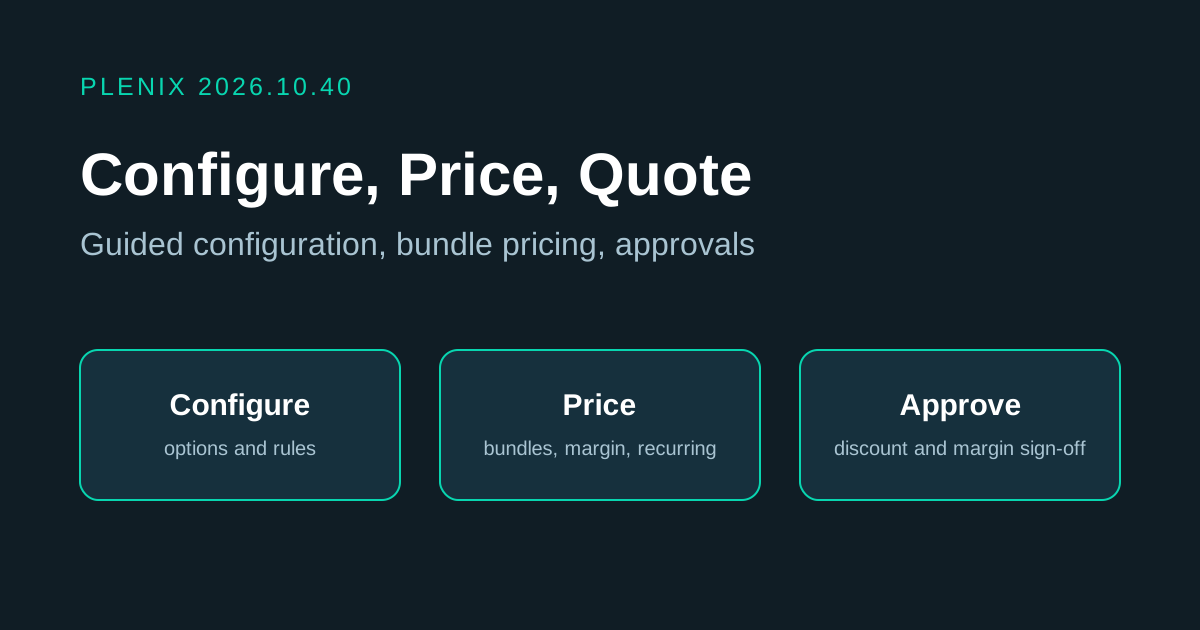
Release 2026.10.40 carries on from 2026.10.39. CRM gains Configure, Price, Quote (CPQ): product configurators for reps, and approval rules that protect your pricing from the deal through to the invoice. CPQ is part of CRM on every plan.
New features
- Product configurators (CRM → CPQ). Admins build a configurator for each product sold with options, such as a server, a laptop bundle or a managed-service tier. Set a base product and price, then add option groups where the rep picks one, picks any, or sets quantities, with minimums, maximums and required groups. Options can come from your catalogue of stock items and services, and each one carries its own price, cost, floor price and one-off or recurring billing.
- Configuration rules. Rules keep every configuration valid: an option can require other options, exclude them, or add them automatically. Bundle discounts give a percentage off when a set of options is picked together. The rep sees each rule's message as they make their choices, and can't add a configuration that breaks a rule.
- Live pricing. As the rep picks options they see the one-off total, the monthly recurring total, bundle savings and the margin. Choices that are already set by default are pre-selected.
- Configure from a deal or a quote. On a deal, Products & Pricing → Configure adds the configured lines to the deal. On a quote, Configure a product adds them to the quote, keeping list price, cost and recurring billing on each line.
- Quote approval rules (CRM → CPQ → Approval rules). Hold back a quote when its overall discount, its deepest line discount, its margin, its total or any line below its floor price crosses a limit you set. Each rule names an approver, or leaves it to any admin.
- Approvals. A quote that needs approval can't be sent, accepted, turned into a sales order or invoiced until it is approved. The rep asks for approval from the quote with a note. The approver sees the lines, list prices, floor prices, costs, discount and margin, and approves or declines with a comment. If the prices change after approval, a fresh approval is needed.
Improvements
- Quotes show how far below list price each line is sold, and whether the quote needs approval, is waiting for it, was approved or was declined, with a link to the request. The quote list marks quotes that are waiting for approval.
- The CPQ dashboard shows your configurators, active rules, requests waiting on you, pending, approved and declined requests, and the average time to a decision. Each figure opens the list behind it.