Plenix 2026.10.38 — Subscriptions, partners and order-to-cash for CRM and ERP
CRM gains recurring subscriptions with usage billing, a Customer 360 view, account plans with a whitespace matrix, duplicate merging and a partner programme with deal registration. ERP gains sales orders, three-way matching, landed costs and blanket purchase agreements, and Inventory gains lots and serials with recall tracing, cycle counts and replenishment planning.
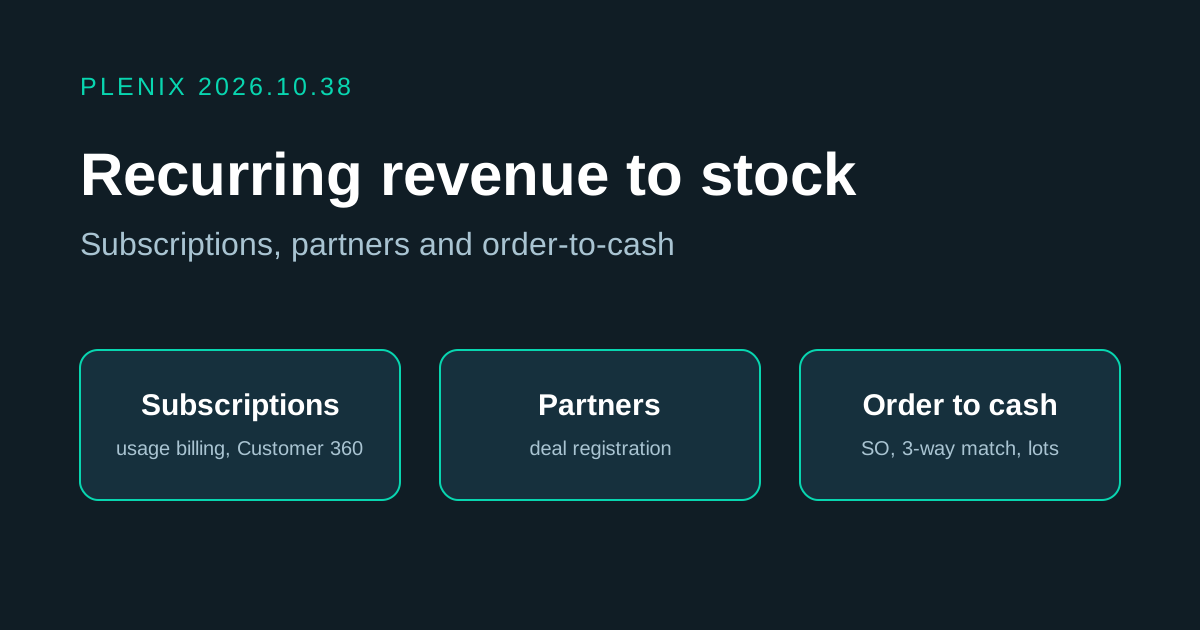
Release 2026.10.38 carries on from 2026.10.37. CRM now covers recurring revenue, key accounts and selling through partners. ERP and Inventory now cover the whole journey from customer order to supplier bill: order, buy, receive, check, pay and count. Subscriptions, Customer 360, account plans, duplicates and partners are part of CRM on every plan. Sales orders are part of ERP on every plan. Three-way match, landed costs, blanket agreements, lots and serials, cycle counts and replenishment are part of Inventory and Purchasing on Business and Enterprise. Invoicing needs the Accounting module.
New features
- Subscriptions (CRM → Subscriptions). Sell anything on a monthly, quarterly or yearly cycle. Each subscription can mix three kinds of line: a flat fee, a price per unit (for example per user) or usage billed in tiers (for example the first 1,000 messages free, then 2p each). Plenix raises the invoice on each billing date, and adds or credits the difference for part-periods when you change quantities in the middle of a cycle. Pause, resume or cancel a subscription now or at the end of its term, preview the next invoice before it goes out, and see the full history of billing runs and changes.
- Usage from your own systems. Usage can be entered by hand or sent in through the Plenix API with a key that has the new usage:write permission. Usage already sent is never billed twice.
- Customer 360. A new tab on every company shows the whole account on one screen, and every figure opens the records behind it: an account score, monthly and yearly recurring revenue, what you have billed, what is overdue, open deals, tickets and SLA breaches, satisfaction scores, devices, work orders, sales orders, projects and renewals due in the next 90 days. It also lists the signals that need attention, such as overdue invoices, no contact for 60 days or a contract that will not renew by itself.
- Account plans (CRM → Account Plans). Write a plan for each key customer, with a revenue target, goals, the people involved and their influence, risks and next actions. Progress against the target is tracked automatically from won deals, subscriptions and invoices.
- Whitespace. For any customer, see which of your products they already have, which are in an open deal, and which they could still buy, along with how many similar customers already use each one. Open a deal for any gap in one click.
- Duplicates (CRM → Duplicates). Plenix finds companies, contacts and leads that look like the same record, using similar names, the same email domain, website or phone number. Compare the two side by side, choose which value to keep for each field, and merge them. Everything linked to the duplicate (deals, tickets, invoices, contacts, activity and more) moves to the record you keep. Mark pairs that are not duplicates and they will not be suggested again. Every merge is kept in a history.
- Partners and deal registration (CRM → Partners). Run a reseller or referral programme. Give each partner a tier, a commission rate and a protection period, and send them a private registration link. They do not need an account. When a partner registers a prospect, you see straight away whether it clashes with an existing customer, an open deal or another partner's registration. Approving it creates the company if it does not exist yet and opens a deal credited to that partner, protected for the agreed period. Partners can see the status of everything they have registered from the same link.
- Sales orders (ERP → Sales Orders). Turn a won deal or an accepted quote into a sales order. Confirm it, pick and ship it (in parts if needed) and invoice what was shipped, with order lines, delivery documents and status tracking all in one place. Raise the purchase orders for an order's lines in one click, including drop-shipments that go straight from your supplier to the customer.
- Three-way match (Purchasing → 3-Way Match). Supplier bills are checked against the purchase order and what was actually received, within tolerances you set for price and quantity. Bills that do not match are held from payment until someone reviews them, and every override is recorded with the reason.
- Landed costs. Add freight, duty and other charges to a goods receipt and spread them across its lines by value, by quantity or equally, so the cost of each item includes what it cost to get it to you.
- Blanket purchase agreements (Purchasing → Blanket Agreements). Agree prices with a supplier for a period, with an overall spending cap if you want one. New purchase orders for that supplier use the agreed prices automatically, and you can see how much of the agreement has been used.
- Lots and serial numbers (Inventory → Lots & Serials). Record lot numbers, expiry dates and serial numbers when goods arrive, and see which lots and serials went out with each shipment. Put a lot in quarantine, release it, write it off, or move it to another bin. A recall trace shows, for any lot, which supplier it came from and which customers received it.
- Cycle counts (Inventory → Cycle Counts). Count a little stock often instead of everything once a year. Items are ranked A, B or C by how much value moves through them each night, and the most important ones come up for counting more often. Counts can be blind (the counter does not see the expected quantity). Differences are reviewed before they are posted to stock and to your accounts.
- Replenishment (Inventory → Replenishment). See what each item's stock will be once open sales orders and purchase orders are taken into account, with reorder points worked out from recent usage and the supplier's lead time. Raise draft purchase orders for every supplier in one click, at your agreed prices.
Improvements
- The MRR dashboard now includes subscription revenue alongside services.
- Deals and quotes can be turned into a sales order directly.
- Goods receipts take lot numbers, expiry dates, serial numbers and landed costs.
- Supplier bills show their match status and payment hold.
- Items show a stock-control panel with lots, serials, ABC class and reorder settings.
- CRM, ERP, Purchasing and Inventory menus include the new pages.