Plenix 2026.10.37 — Revenue operations for CRM and project operations for ERP
CRM gains price books, deal products, deal teams with credit splits, territories, quotas, a commit/best-case forecast and commission that flows into payroll. ERP gains project templates, task dependencies that reschedule themselves, earned value and a portfolio view, milestone billing, change orders, returns and a capacity planner.
T
The Plenix Team·14 October 2026·4 min read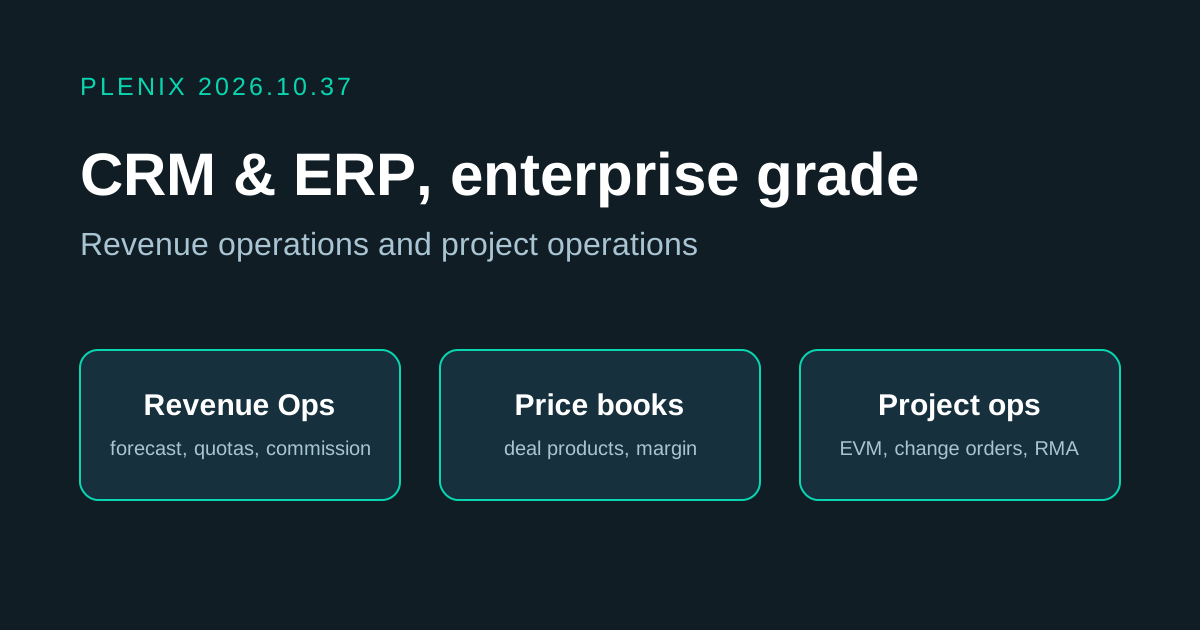
Release 2026.10.37 is the biggest step yet for CRM and ERP. Sales teams can now price, forecast, route and pay commission without leaving Plenix, and project teams can plan, re-plan, bill and resource their work in one place. Both modules are on every plan; invoicing, credit notes and payroll steps need the Accounting and HCM modules.
New features
- Revenue Operations (CRM → Revenue). One hub for running the sales number, with clickable figures for closed business, quota attainment, commit, open MRR and commission waiting for approval.
- Price books. Build price lists with list price, cost, a floor price and volume tiers (for example, 10 or more at £90, 50 or more at £80), for one-off or recurring items. Give a customer its own price book, and everyone else gets your default book.
- Products on deals. Add products to a deal from the customer's price book or as a custom line, and adjust quantity, price and discount in place. The deal value, monthly recurring revenue, cost and margin update as you go, and a line priced below its floor is flagged for approval.
- Deal teams and credit splits. Add the people who worked a deal, give each a role and a share of the credit, and see the commission each will earn.
- Competitors and win/loss. Record who you were up against on each deal and see your win rate, won and lost value, and the most common reasons for losing against each competitor.
- Territories. Define territories by country, region, postcode prefix, industry, company size or headcount. New companies, leads and deals are assigned to the territory owner or shared between its members in turn. Preview which companies a territory will match, and run the rules across your existing records whenever you like.
- Quotas and forecast. Set monthly, quarterly or yearly targets for a person or a territory, on bookings or new MRR. The forecast splits open deals into commit, best case and pipeline, shows each rep's projected attainment and gap, and keeps a snapshot every Monday so you can see how the forecast changed over the period.
- Commission. Create plans that pay a percentage of deal value, gross margin or MRR for a set number of months, with higher rates once a rep passes a share of their quota. Commission is worked out automatically when a deal is won and split by the deal team's shares. When you approve it, it is added to payroll as a bonus, and it is marked paid once that payroll run is paid.
- Project templates (ERP → Templates). Save any project as a template, with its phases, tasks, timings and estimates, or build one from scratch, then start new projects from it in a couple of clicks.
- Task dependencies and the critical path. Link tasks so one starts when another finishes. When a task slips, the tasks that depend on it move with it, and the project's Schedule tab highlights the chain of tasks that sets the finish date.
- Earned value and the project portfolio (ERP → Portfolio). Every active project is scored on cost performance and schedule performance, with a forecast final cost and finish date. The portfolio lists which projects are on track, at risk or off track.
- Milestone billing. Plan a project's billing against its milestones and raise each invoice in one click when the milestone is reached.
- Change orders (ERP → Change Orders). Record changes to scope with their effect on cost, price and timing. Once approved, the project budget, end date and linked contract are updated, and the change can be billed.
- Returns (ERP → Returns). Log a return against a customer and invoice, approve it, and receive goods back, in parts if needed. Items in sellable condition go back into stock automatically; damaged or faulty items are recorded but not restocked. Finish the return with a credit note or a replacement.
- Capacity planner (ERP → Capacity). See every person's booked hours against their available hours, week by week, with approved leave taken off. Filter to one project, spot over-booked or under-used people at a glance, and click any week to see which projects fill it.
Improvements
- Deals have two new tabs: Products and Team & Commission.
- Projects have new tabs for the schedule, earned value, billing plan and change orders, and can be saved as a template.
- CRM and ERP menus include the new Revenue, Portfolio, Capacity, Change Orders, Returns and Templates pages.