Plenix 2026.10.41 — Work Boards: flexible boards for any team, with views, automations and intake forms
Work Boards give every team a flexible board for tracking anything: projects, sprints, onboarding, requests, hiring or content. Pick the columns you need, see the same work as a table, Kanban, timeline, calendar, workload or chart, let automations handle the routine steps, and collect requests through a public form that drops straight onto the board.
T
The Plenix Team·14 October 2026·4 min read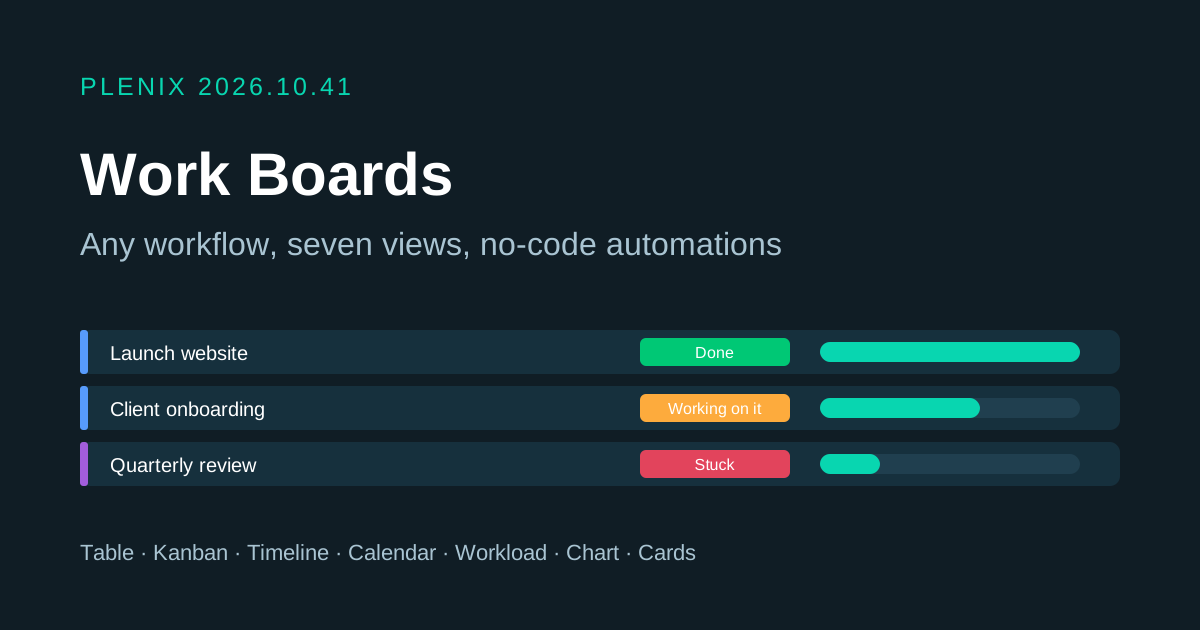
Release 2026.10.41 brings Work Boards to Plenix (ERP → Work Boards). A board is a flexible list of items, sorted into groups, with whatever columns your team needs. Boards come with your ERP access on every plan that includes ERP. Plans and prices have not changed.
New features
- Boards for any kind of work. Start from a blank board or one of 11 templates: project plan, sprint, client onboarding, content calendar, deal room, IT requests, hiring pipeline, event planning, goals, bug tracker or marketing campaign. Templates can include example items so you can see how the board works before you add your own. Boards can be organised into workspaces, linked to an ERP project, and kept public to your team or private to the people you invite.
- 25 column types. These include status and priority labels, people, date, timeline, number, checkbox, dropdown, tags, link, email, phone, rating, files and time tracking. There are also columns for votes, dependencies between items, and links to Plenix records such as a company, contact, deal, lead, project, ticket, work order, invoice or employee. Progress, formula, created, updated and item ID columns work themselves out. Formulas use the board's own columns, for example
IF({Status} = "Done", 0, DAYS({Due}, TODAY())). - Seven views of the same work. Switch between Table, Kanban, Timeline (Gantt), Calendar, Workload, Chart and Cards. Each view keeps its own filters, sort order, hidden columns and saved search. You can add, rename, copy and delete views.
- Fast editing in the table. Click any cell to edit it, and drag items between groups or groups up and down the board. Select many items to change a value, move, copy, archive or delete them in one go. Each column's footer shows a total or a colour breakdown of its labels.
- Item pages. Open any item to post updates and replies, @mention colleagues, add subitems, attach files and see a full history of every change.
- Board automations. Build "when this happens, do that" rules without code. An automation can start when an item is created, a column or status changes, someone is assigned, a date arrives, an item moves to a group, all of an item's subitems are done, or an update is posted. It can then set or clear a value, set a date, move or copy the item, assign someone, notify people, create an item or subitem, post an update or archive the item. Quick-start recipes are built from your board's own columns.
- Public intake forms. Turn any board into a form that clients, suppliers or other teams can fill in without logging in. You choose the questions, which ones are required and which group new items go to. Each submission becomes an item on the board, and the owner can be notified. You can make a new link at any time, and the old one stops working straight away.
- My Work. One list of everything assigned to you across all boards, grouped into overdue, today, this week, next week, later and no date.
- Members and roles. Invite people as co-owners, editors or viewers, or hand ownership to someone else. Viewers can see the board and post updates, but can't change items.
- Import and export. Import items from a CSV file, with columns matched automatically and new groups created when needed, or export a board to CSV at any time.
Improvements
- The Boards hub shows your favourites, boards grouped by workspace, recent activity, your work and the template gallery. Each figure at the top opens the list behind it.
- Archive and restore. Archived items, groups and whole boards can be restored from the board's settings. Archived boards are read-only and their date automations pause.
- Board activity. Each board keeps an activity log of who changed what, with a filter by person.
Security
- Private boards are only visible to their members, and @mentions only reach people who can see the board.
- Intake forms only accept the fields you choose. People, files and record-link columns are never shown on public forms. Submissions are rate-limited and screened for bots.
- Exported CSV files are protected against spreadsheet formula injection, and uploaded files are size-limited and checked for executables.