Plenix 2026.10.44 — Calls: live captions, transcripts, a shared whiteboard, breakout rooms and huddles
Calls and meetings in Team Messages now have live captions with a downloadable transcript, a whiteboard everyone can draw on, breakout rooms for workshops and training, and quick audio huddles in channels.
T
The Plenix Team·15 October 2026·3 min read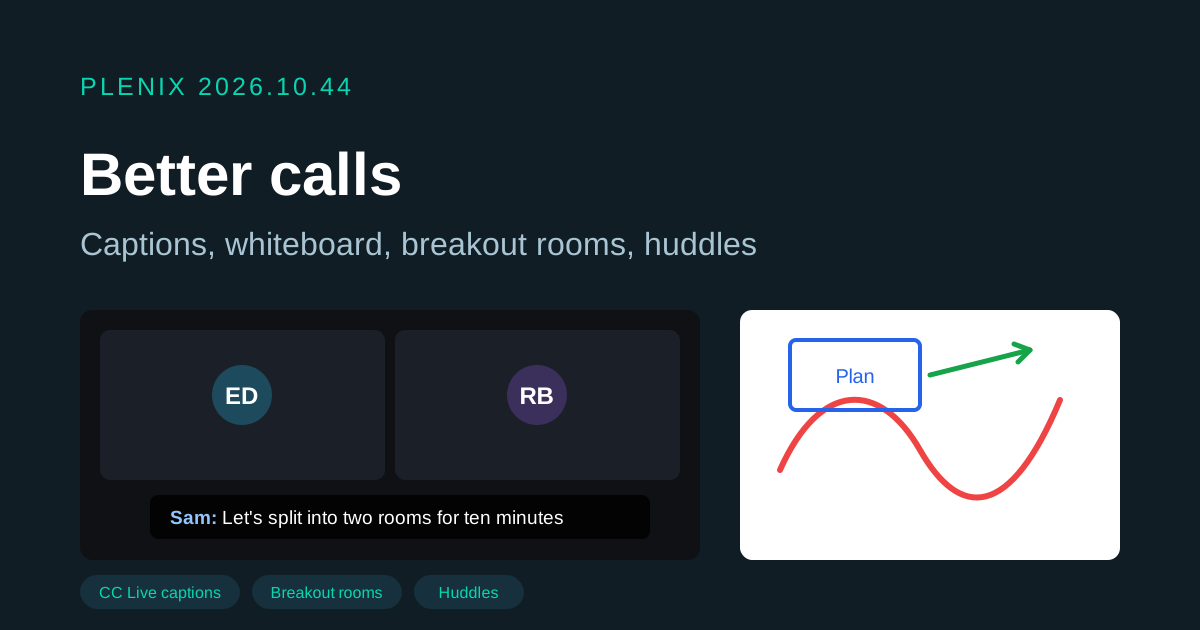
Release 2026.10.44 adds new tools to calls and meetings in Team Messages. Team Messages is part of the Enterprise plan. Plans and prices have not changed.
New features
- Live captions. A host can turn on captions for everyone from the call menu or the CC button. What each person says appears at the bottom of the call as they speak. Anyone can hide the captions on their own screen. Each person picks the language they speak (12 languages) in the transcript panel.
- Transcripts. The Transcript panel shows everything said while captions were on, with names and times. You can download it as a text file. For meetings, the transcript is saved with the meeting, and the AI summary now uses it alongside the notes and the in-call chat.
- Whiteboard. Open the whiteboard from the call toolbar and draw together with pens, a highlighter, lines, arrows, boxes, circles and text. You can erase marks, undo your own, download the board as an image, and a host can clear it. A dot on the button tells you when someone has drawn while you weren't looking.
- Breakout rooms. In a meeting, a host can split the call into up to 8 rooms. Name the rooms, place people by hand or spread them evenly, and choose whether people may pick their own room. While rooms are open the host can join any room, move people, send a message to every room and close the rooms straight away or after 30 or 60 seconds. People in a room can ask the host for help with one click. Each room has its own chat, captions and whiteboard.
- Huddles. Channels have a new Huddle button for a quick audio call anyone in the channel can drop into and out of. The channel list shows a headphones icon and how many people are in a huddle, and the channel shows who is in it with a one-click join.
- Transcript and whiteboards on the meeting page. Each meeting has a new Transcript & whiteboards tab with the saved transcript and every whiteboard from its calls, including the breakout rooms. You can download them, and hosts can delete them.
Improvements
- Chat in calls no longer shows an old unread count after the chat is cleared.
- The Team Messages guide in the help centre now covers captions, transcripts, the whiteboard, breakout rooms and huddles.
Changes
- Calls still hold up to 8 people. Large webinars with hundreds of viewers need different technology and are not part of this release.
Security
- Captions are made in each person's own browser. Only the words are shared with the call, never the audio. The browser may use its maker's speech service, and the transcript panel says when it does.
- Turning captions on asks the host to confirm and tells everyone in the call. Outside meetings the transcript is not kept after the call ends.
- Only hosts can turn captions on, open and close rooms, move other people or clear the whiteboard. Whiteboard drawings are checked and size-limited by the server. Each room's chat, captions and whiteboard can only be seen by the people in that room.
- Only meeting hosts and conversation admins can delete a saved transcript or whiteboard.