BLOG
News from the platform.
Product updates, engineering stories and where Plenix is heading — written by the team building it.
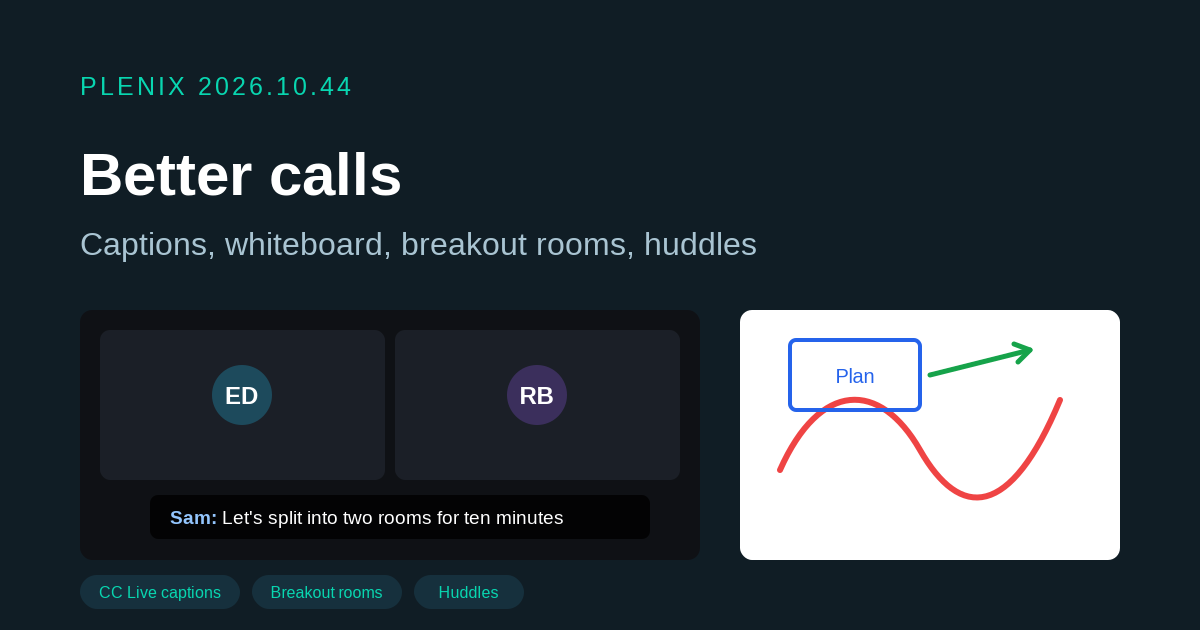
Plenix 2026.10.44 — Calls: live captions, transcripts, a shared whiteboard, breakout rooms and huddles
Calls and meetings in Team Messages now have live captions with a downloadable transcript, a whiteboard everyone can draw on, breakout rooms for workshops and training, and quick audio huddles in channels.
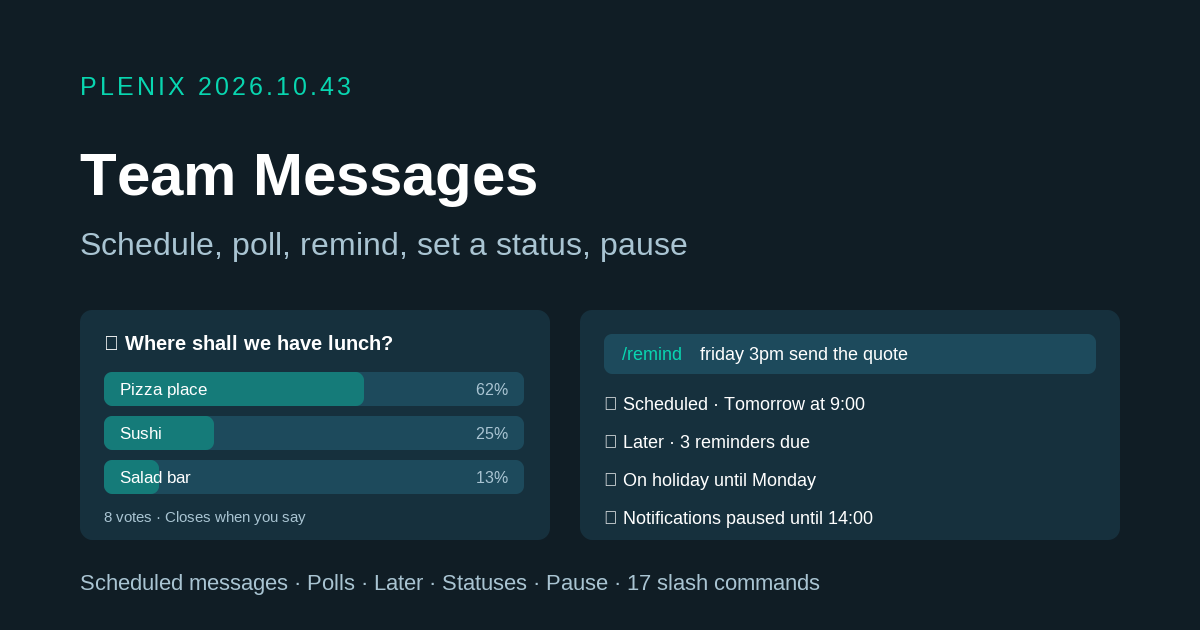
Plenix 2026.10.43 — Team Messages: scheduled messages, polls, reminders, statuses and slash commands
Team Messages now lets you write a message now and send it later, run quick polls, save messages and set reminders, tell people your status, pause notifications when you need to focus, and do all of it from the keyboard with 17 slash commands.
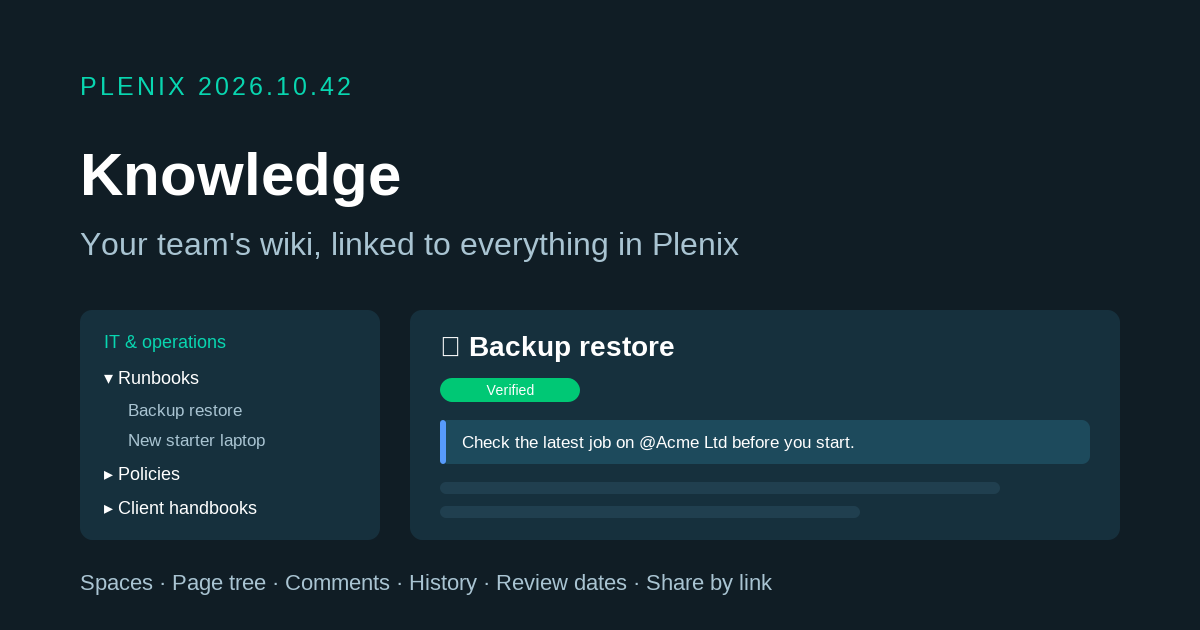
Plenix 2026.10.42 — Knowledge: a team wiki with spaces, a rich editor, comments, history and sharing
Knowledge gives your team one place to write things down: how-tos, runbooks, policies, meeting notes and client handbooks. Organise pages into spaces and nested trees, write with a fast editor that links to your Plenix records, review on a schedule so nothing goes stale, and share a read-only page with anyone by link.
Plenix 2026.09.2 — Team Comms with video meetings, real SSO and a new patching engine
Team Messages is rebuilt into Team Comms, with voice and video calls, scheduled meetings and guest links, and it now sits in Enterprise. Also: single sign-on (OIDC and SAML), background patching with a winget catalog, HR batch claims, and permission fixes. Covers 26–29 September 2026.
Team Channels, and a Pricing Page That Finally Makes Sense
Slack-style channels with @mentions for the whole team, plus a ground-up pricing reset — four plans that say exactly what they include.