Plenix 2026.10.15 — A sales pipeline you can click into
The CRM Pipeline is now a full sales hub: correct totals, every figure opens the deals behind it, a forecast by month, and insights into win rate, stage conversion and why deals are lost. Forms across Plenix now let you search by name instead of typing an ID.
T
The Plenix Team·4 October 2026·3 min read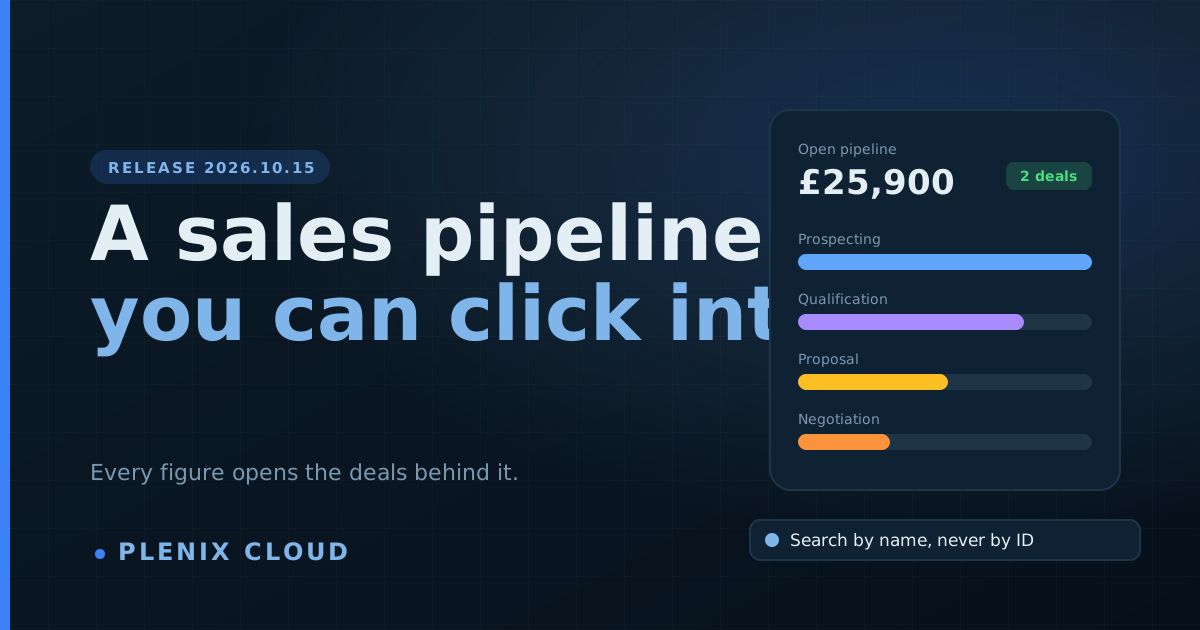
Release 2026.10.15 rebuilds CRM → Pipeline and finishes a job across the whole product: wherever a form used to ask for an ID, you now search for the record by name.
New features
- Every figure opens the deals behind it. Click Open pipeline, Weighted forecast, Won, Win rate, Closing this month or Needs attention and a panel lists the exact deals that make up the number. Click any deal to open it.
- Attention panels. Past close date, closing in the next 14 days, stalled for three weeks, and your biggest open deals, each one a click away.
- Insights view. Choose a period and see deals won and lost, win rate, average deal size, sales cycle, sales velocity and new deals. Below that: how many deals reach each stage, how long deals wait in each stage, why deals are lost, and a table of who is closing what.
- Forecast view. Open deals laid out by the month they are expected to close, split into Pipeline, Best case and Commit. Deals with no close date are listed separately so they are not forgotten.
- Stage history. Every stage move is recorded with who made it and when, so time in stage and conversion are measured from what happened.
- Lost reasons. Moving a deal to Closed Lost asks why, with an optional note. The reasons feed the Insights view.
- More on every deal. Next step and its due date, where the deal came from, a forecast category and a description.
- Change many deals at once. In the Table view, tick deals to move them to a stage, hand them to another owner, set a close date or delete them together.
- Five ways to look at the pipeline. Kanban, Table, Cards, Forecast and Insights, with search, filters for status, stage, owner, company and close date, plus sorting and grouping by stage, company or owner.
Improvements
- Search by name on every form. Forms that asked you to type or paste an ID now have a search box. Start typing a company, contact, deal, project, team member, employee, stock item, purchase order, property, tenancy or device and pick it from the list. This covers Activities, Deals, Stock Adjustments, Bills of Materials, Production Orders, Quality Checks, Machine Maintenance, Supplier Quotes, Backup Jobs, Tenancies, Rent Payments, Property Maintenance, Project Budgets, Project Resources, Customer Health, Customer Onboarding, Recurring Invoices, QHSE Training, Cost Rates and linking a purchase order to a quote.
- Log Activity lets you pick the company, contact and deal by name. Choosing a company narrows the contact and deal lists to that company.
- The deal page shows value, weighted value, probability, close date, days in the current stage and activity as cards you can click.
- The Deals list was rebuilt to match the Pipeline, with the same clickable summary cards.
- Lists now show names where they showed IDs: the device on a backup job, the tenant and property on a tenancy, the person on a project resource and on a cost rate.
Fixes
- Pipeline totals were wrong. Deal values were being joined together as text instead of added up, so two deals of £8,500 and £17,400 showed as £0850017400. Totals, weighted values and averages are now correct everywhere in the Pipeline and Deals pages.
- Several forms could not save because they sent details the system did not accept: new bills of materials, production orders, tenancies, backup jobs, project resources and quality checks now save as expected.
- Changing a backup job's status now updates it.