Plenix 2026.10.27 — Payroll that Accounting can pay, with BACS bank files
Payroll now runs end to end. HR processes a run, Accounting downloads a CSV or BACS Standard 18 bank file, marks the wages paid from a bank account and matches it to the statement. Approved expense and mileage claims are repaid through payroll or directly.
T
The Plenix Team·8 October 2026·3 min read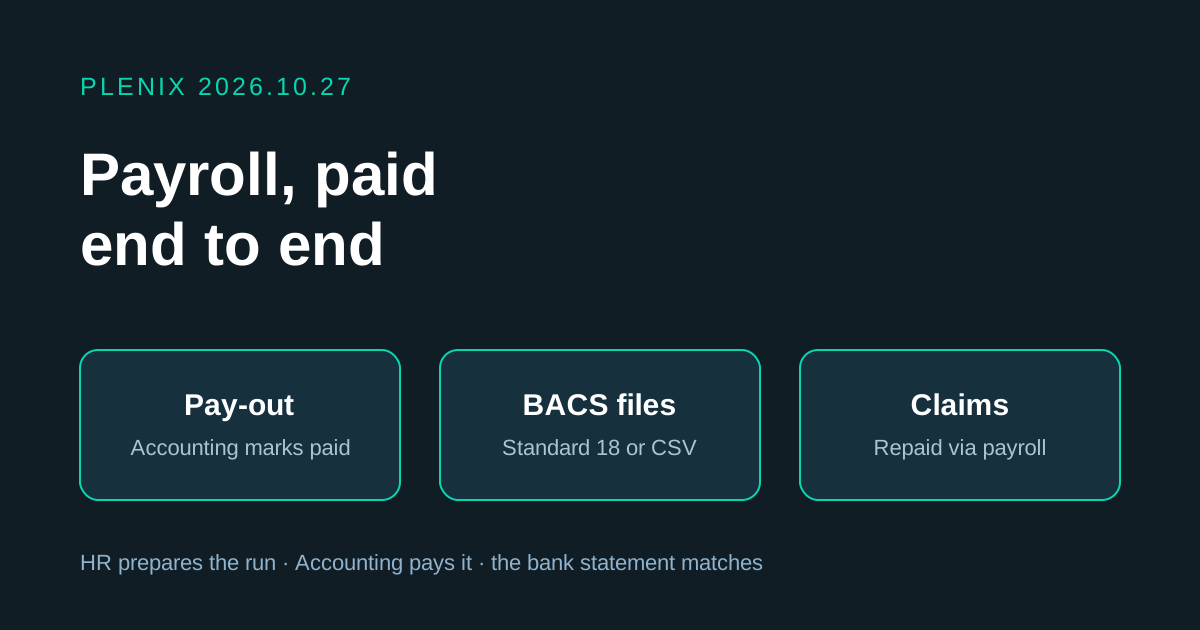
Release 2026.10.27 connects HR and Accounting so payroll runs from start to finish in Plenix. HR prepares and processes the run, and Accounting pays it, records the payment and matches it to the bank statement.
New features
- Payroll payments in Accounting. A new screen under Accounting → Payroll Payments lists every processed payroll run waiting to be paid, the approved expense and mileage claims waiting to be repaid, and every payment already made. Totals at the top show wages to pay, claims to reimburse and what was paid this month.
- Mark wages as paid. Choose the bank account the money left from, the date and the method, then mark a whole run or selected people as paid. Plenix posts the journal that clears the wages owed and takes the money out of the bank account. Employees are told their pay has been sent.
- Bank files for your bank. Download the payments as a bulk-payment CSV, or as a BACS Standard 18 file for banks and bureaux that accept direct submission. Choose which people to include.
- Repay claims through payroll or directly. Choose in Payroll settings whether approved expenses and mileage are added to the next payroll run or repaid separately by Accounting. Either way they appear on the payslip or payment and clear the amount owed to the employee.
- Employee bank details. HR can record each employee's account name, sort code and account number on their record. The details are stored encrypted, stay masked until someone with HR access chooses to show them, and are used for the bank file.
- Match payments to the bank statement. Open any payment to find the matching bank statement line and match it in one click.
- Void a payment with a reason. If a bank rejects a batch, void the payment. The journal is reversed and the people in it show as unpaid again.
Improvements
- Payroll runs show where they are. Runs now move from Draft to Awaiting payment to Part paid to Paid, with the amount paid shown on the payroll list and on each run.
- Set the pay date when you process a run. The pay date prints on payslips and shows Accounting when the money is due.
- Reopen a processed run. If nothing has been paid yet, HR can reopen a run as a draft to correct it. Its wages journal is reversed until it is processed again.
- Payslips show more. Overtime, bonuses and claims repaid are listed on their own lines, together with the date the pay was sent.
- My payslips shows when you were paid. In your profile, each payslip now shows the paid date, or when it is due.
- Payroll journals link to their payments. In Journal Entries, filter by payroll payments and open the payment behind any entry.
Fixes
- Overtime is counted once. Approved overtime was sometimes added to a run twice. Each overtime claim is now paid in exactly one run.
- Bonuses reach payroll. Approved bonuses are now added to gross pay and taxed in the next run.
Changes
- Processing a payroll run no longer means the staff have been paid. It now sends the run to Accounting, and the wages are owed until Accounting marks them as paid.